The family calendar that carries the mental load.
Famnly is the shared family calendar app that lets you see everyone's schedule at a glance - color‑coded, beautiful, and always up to date.
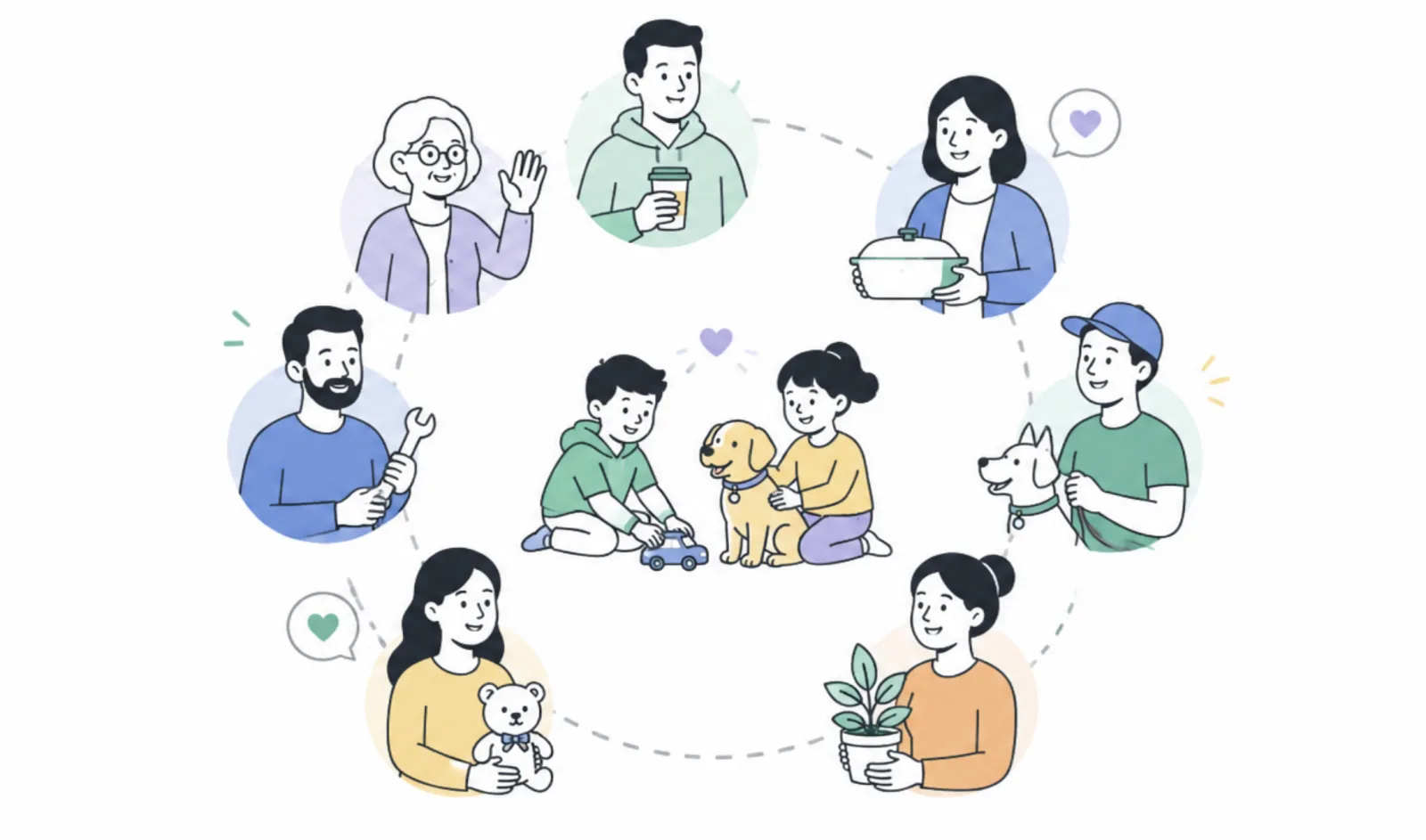
 "Who's picking up the kids today?"
 Already on the calendar.
The mental load is real. We built the family planner to fix it.
Famnly is a shared family calendar that gives every family member their own column, their own color, and a shared view of everything happening this week. Sync with Google Calendar and Outlook so work and family life live in one place.

Just talk. We'll handle the calendar.
Press and hold. Say what's coming up. Famnly creates the event - dated, assigned to the right person, reminder set. The first family calendar with push-to-talk event capture.
Your voice is transcribed on your phone. Audio never leaves your device. Read how it works
BLOGWhy we made Famnly listen instead of type →

One link. Everyone replies.
Turn any calendar event into a public RSVP page. Send invites by email, watch the yeses come in live on your phone, and let guests drop the event into Apple, Google, or Outlook with one tap. The host stays in Famnly. The guest list finally stops living in your head.
They don't even need to install Famnly.
BLOGWhy we built happenings to live outside the family →Snap the schedule. Skip the typing.
Your kid comes home from the first day of school with a paper timetable. Take a photo - Famnly's AI reads every class and puts the whole term on the family calendar, school breaks excluded. It's saved as an editable template, so when a period changes, everything regenerates.
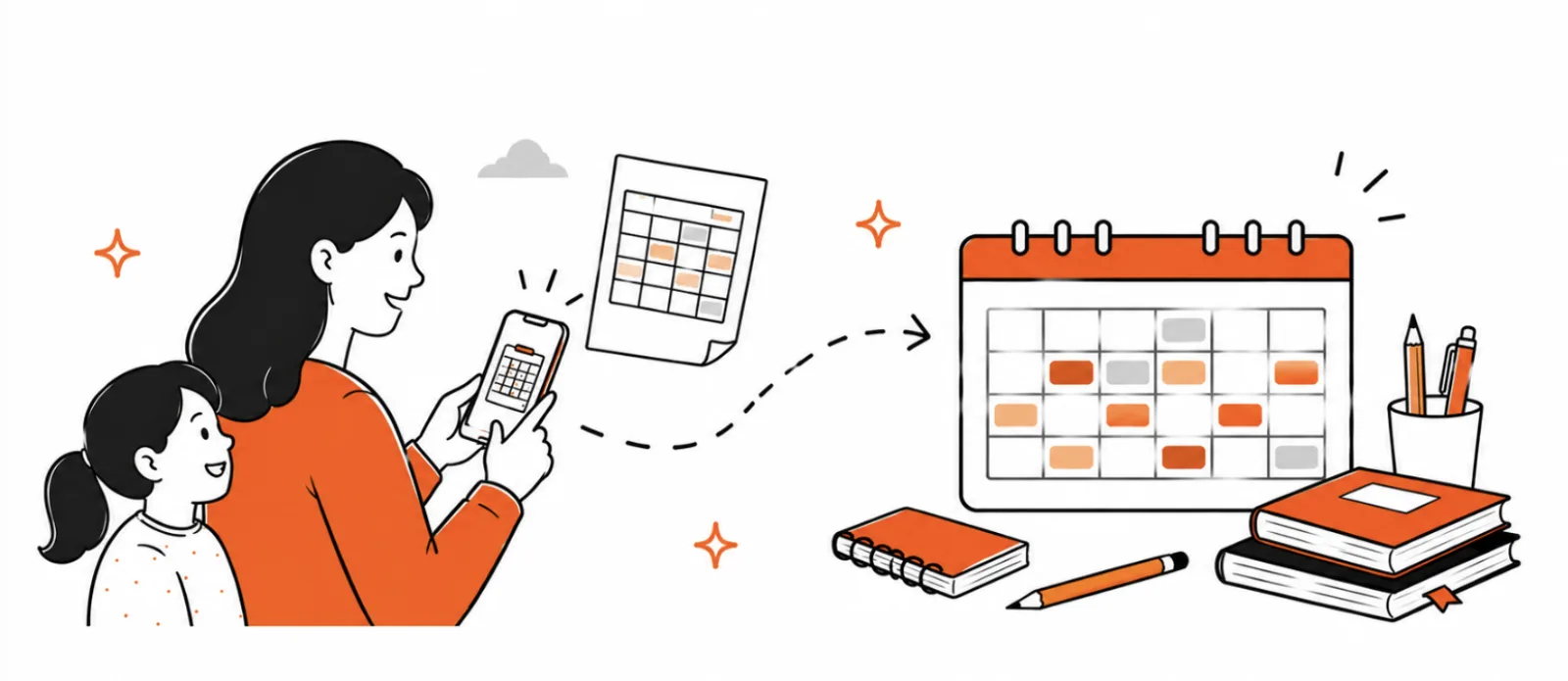
Photograph the paper schedule
Snap the timetable straight from the backpack. AI extracts every class, and you review and fix anything before a single event is created.
Add the days off
Breaks, study days, and half-terms go into the same wizard - snap the school-year calendar too and they're filled in for you.
Never caught off guard
The whole term lands on your child's calendar, and Famnly nudges you a couple of days before each day off - so a school-free Monday never surprises you at breakfast.
The whole term on your calendar in a couple of minutes.
BLOGRead: the 7-event back-to-school template →One tap. Everyone in view.
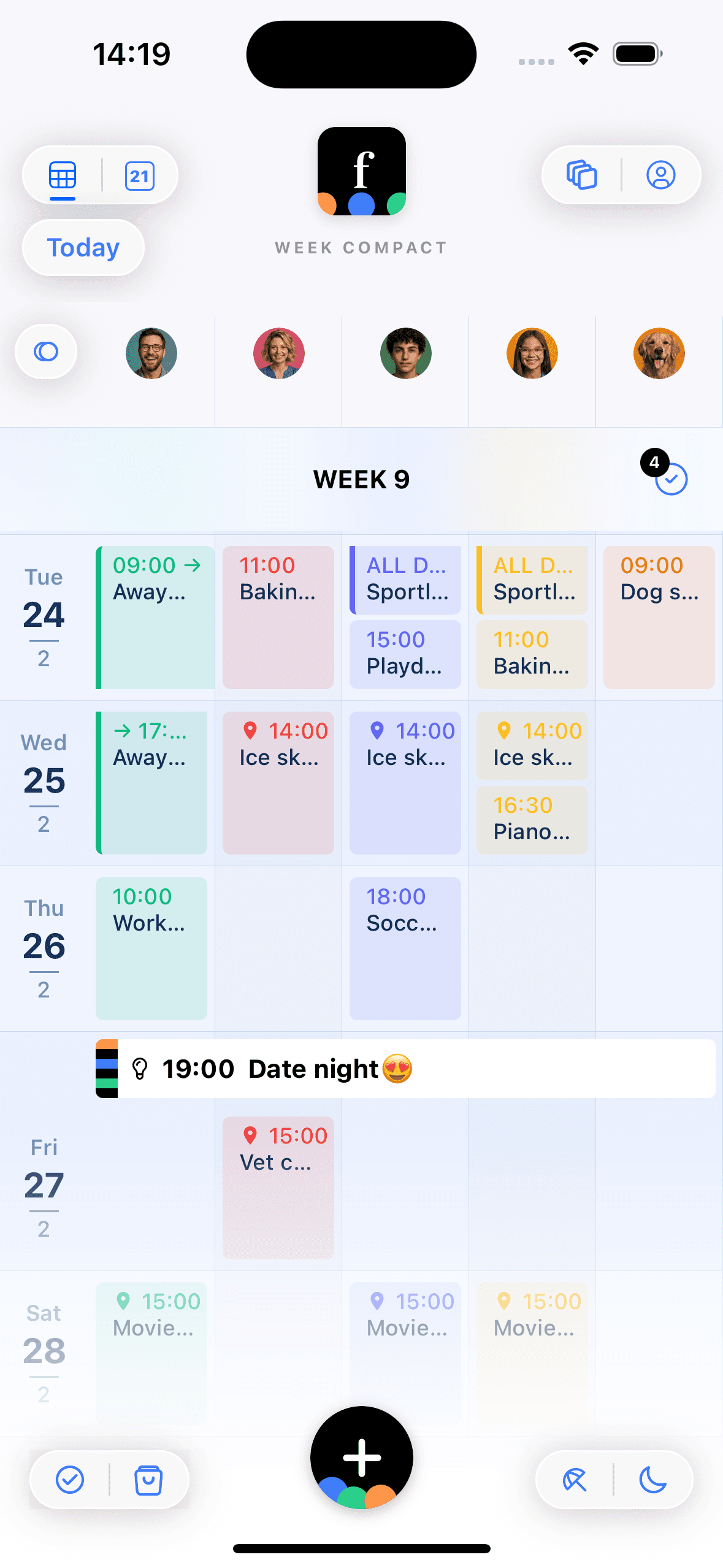
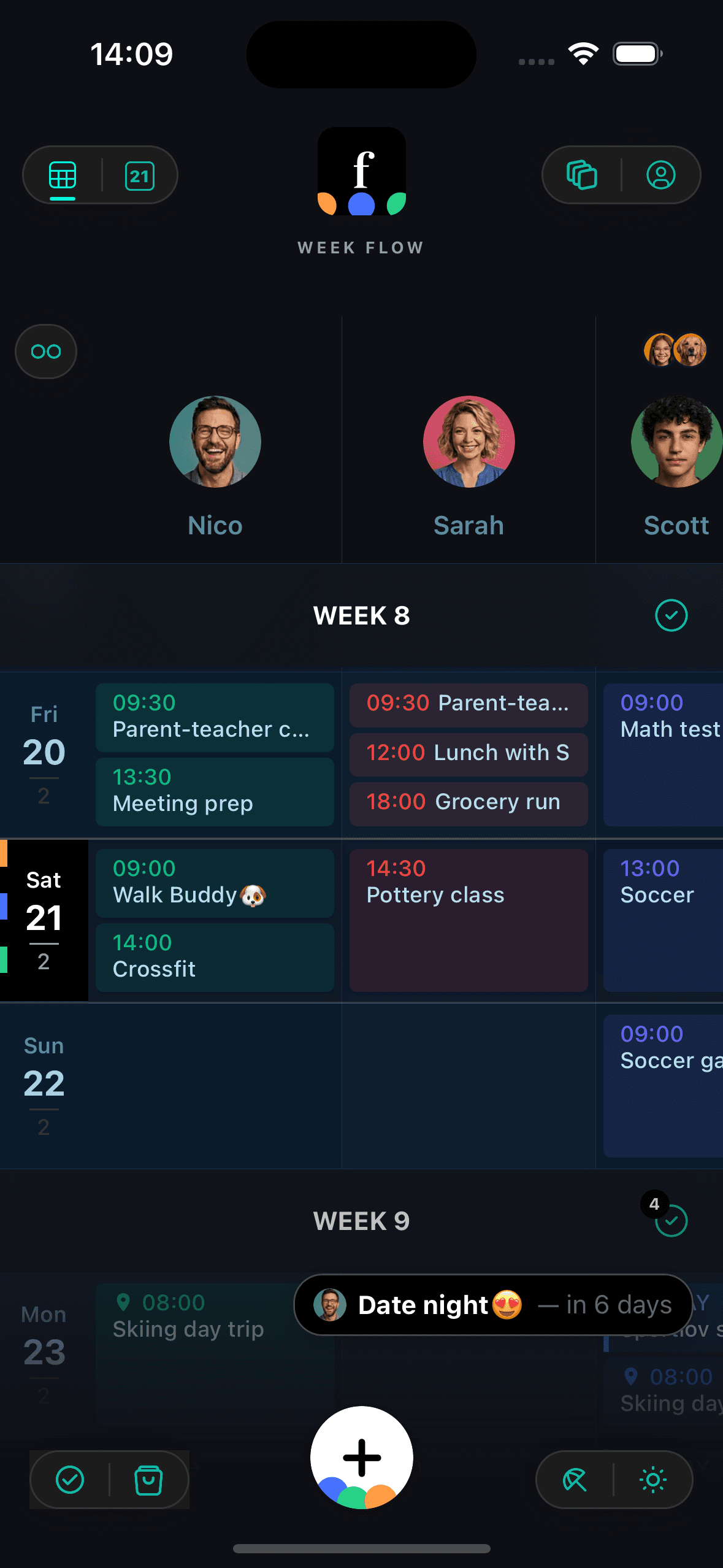
Flow view lays the week out day by day so you can read the plan. Tap once and it compacts - every family member, pet, and place in their own column, all on one screen at a glance. Toggle between them as often as you need, then swipe through day, month, and year when you want to zoom in or out.
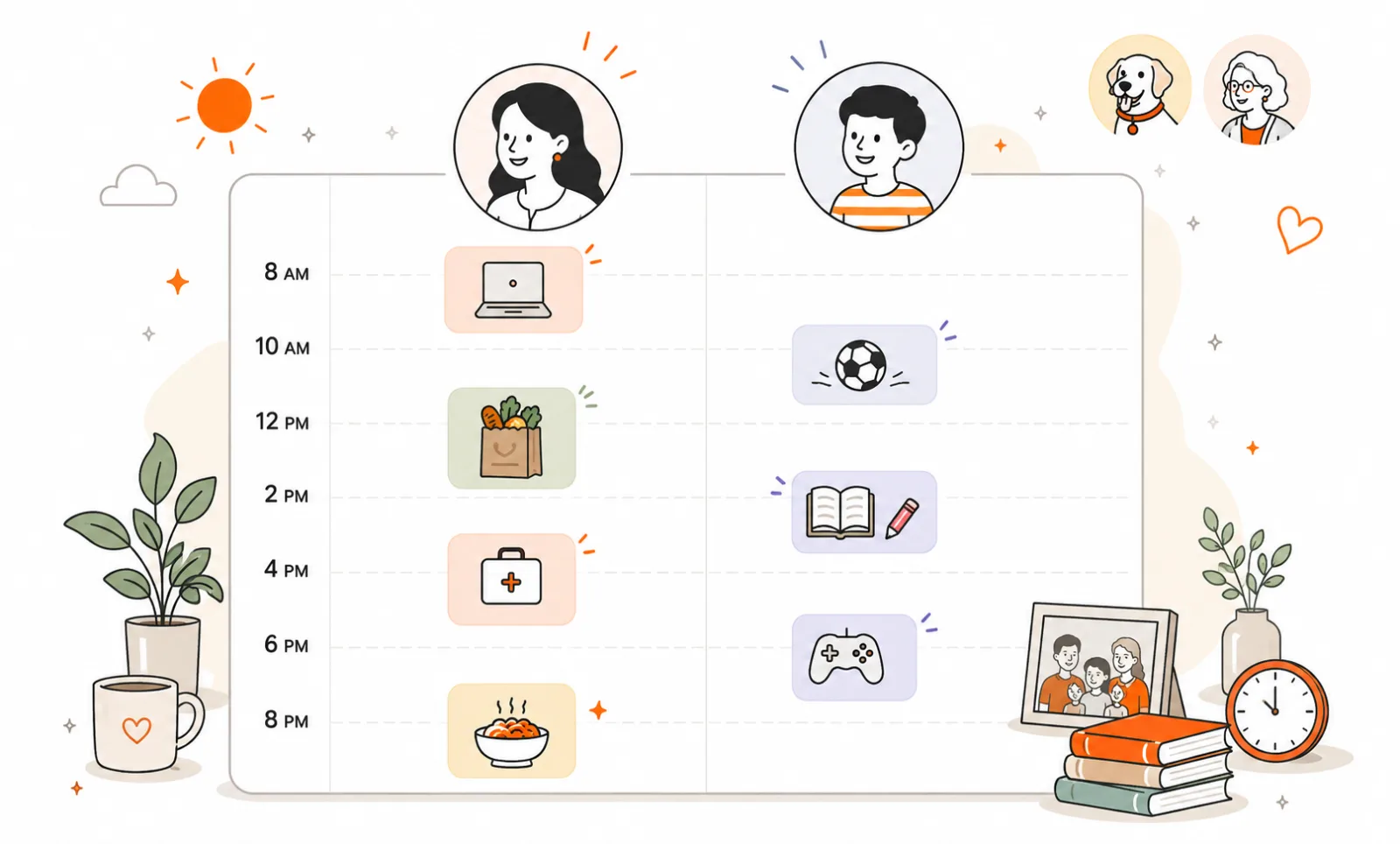
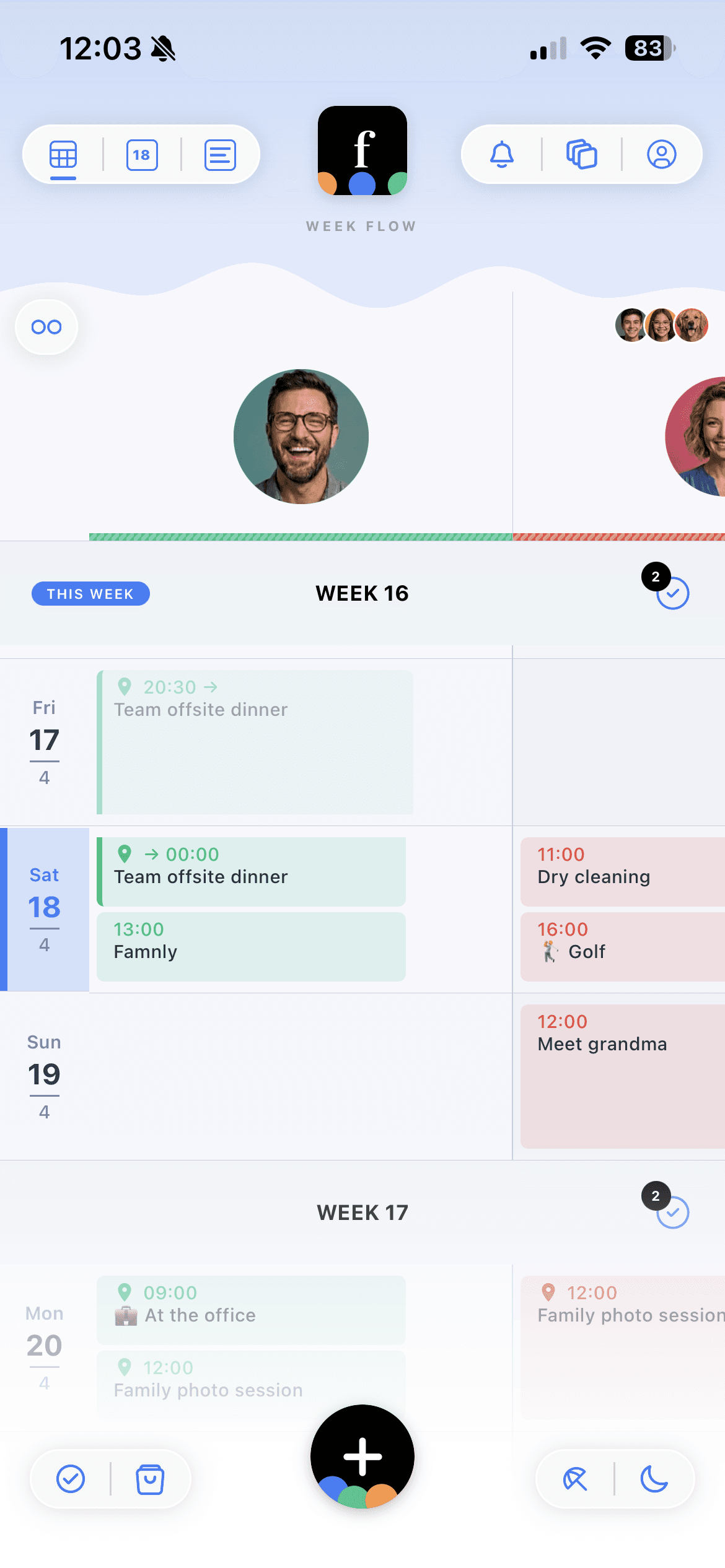
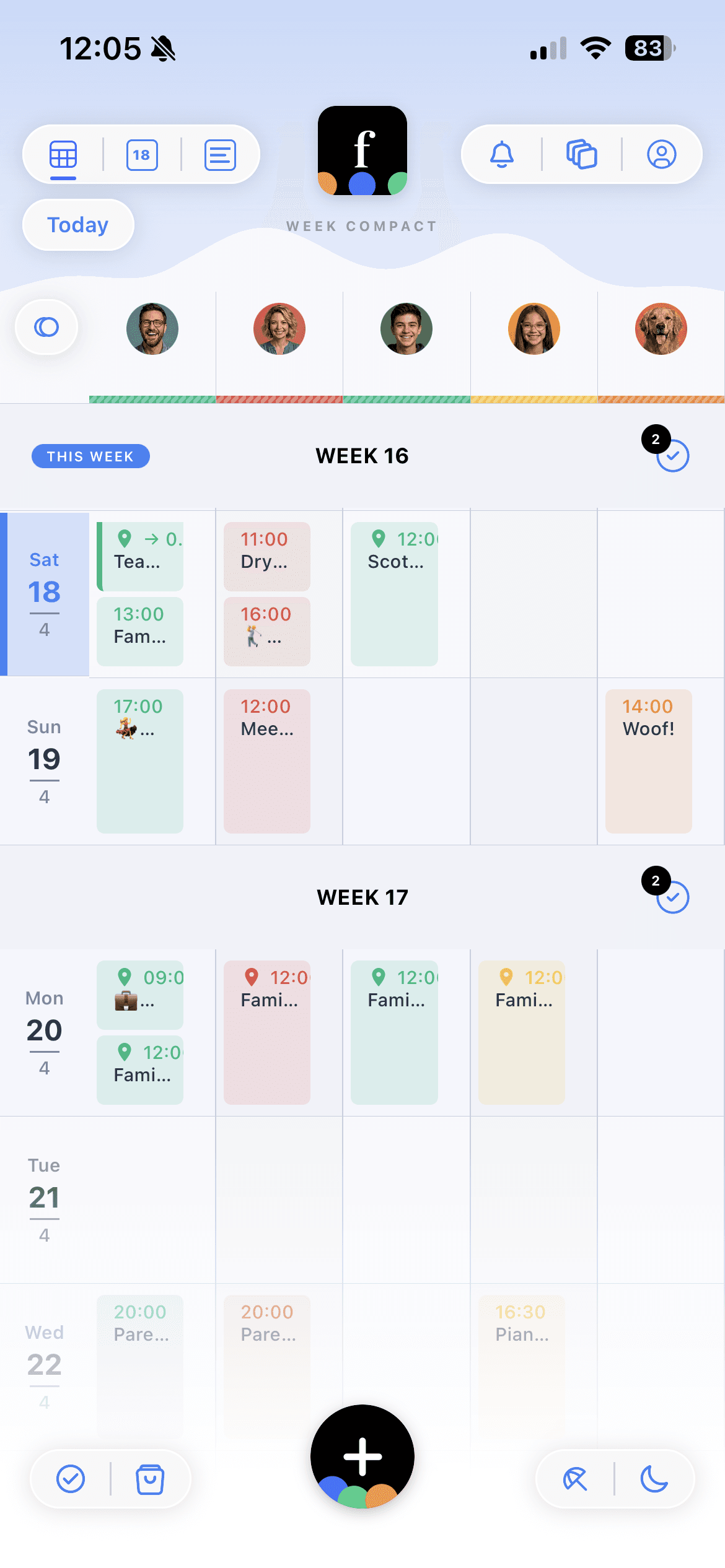
Flow & compact views
Read the week, or see all of it at once.
Choose your columns
Your view, your call - everyone else keeps theirs.
Featured events
The big one sticks to the top of every calendar.
Google & Outlook sync
Work and family life, side by side.
Lists, meal plans & focus mode
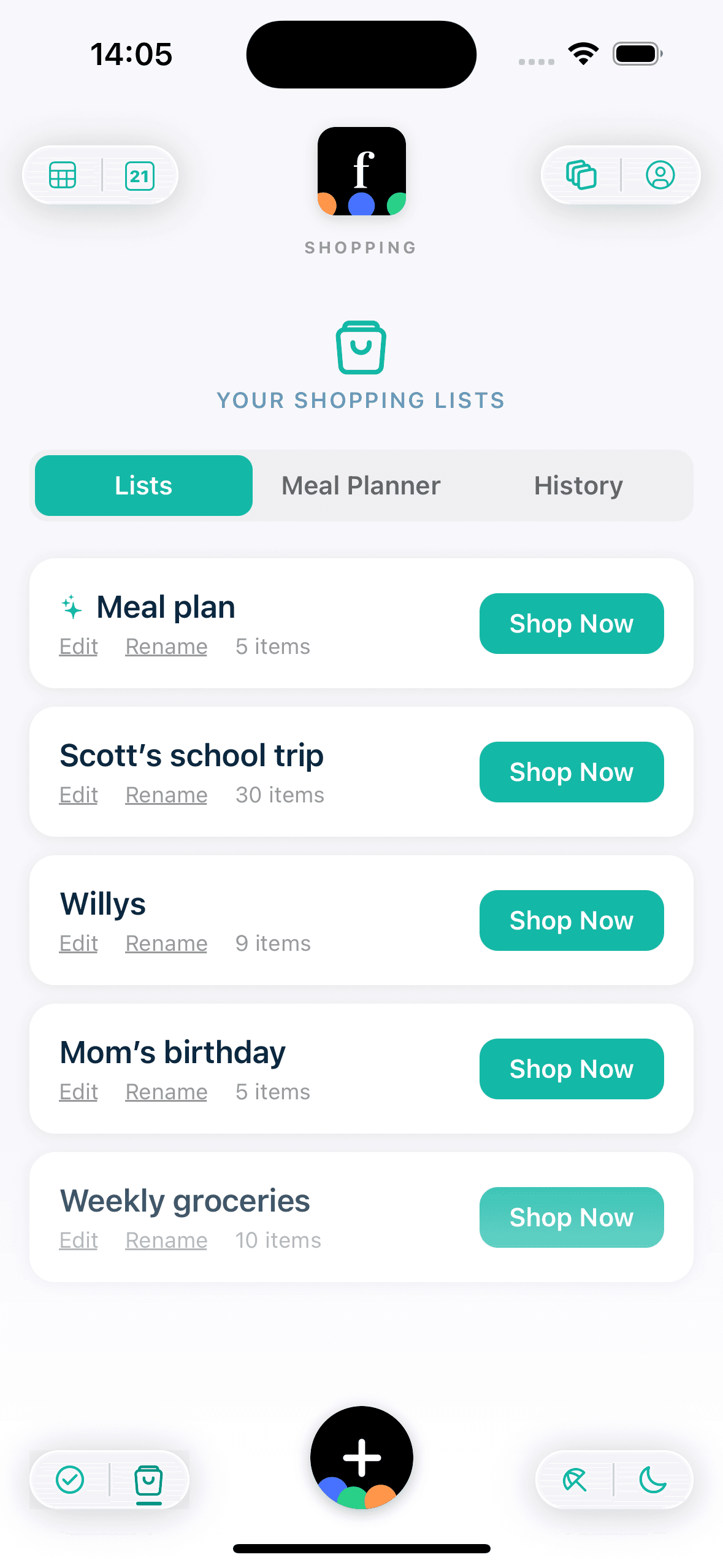
Create shared grocery lists, link them to events, and generate AI-powered meal plans with automatic shopping lists. When it's time to shop, focus mode keeps your screen on and your list organized by aisle.
BLOGWhy every other grocery app dims your screen at the worst moment →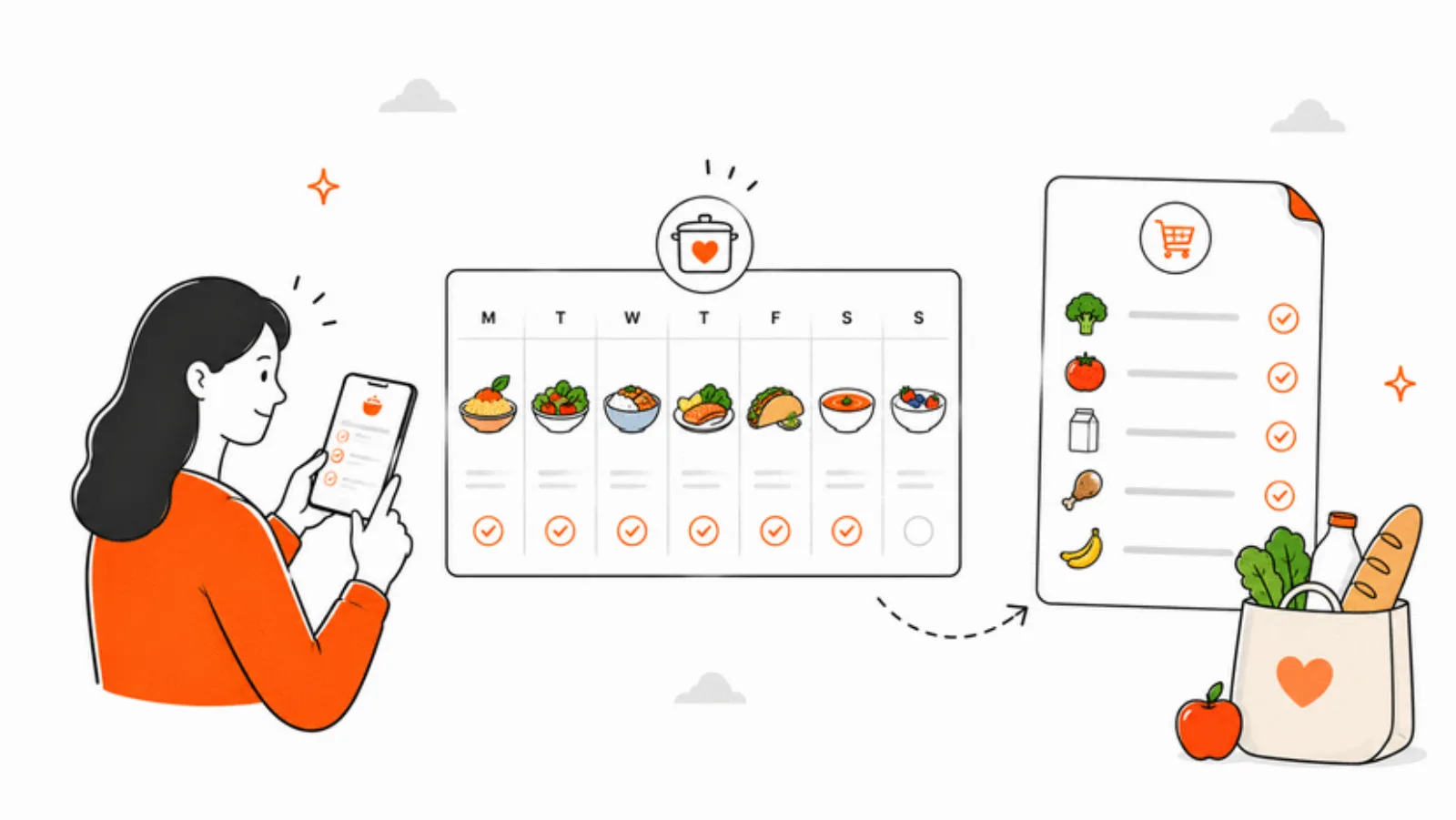
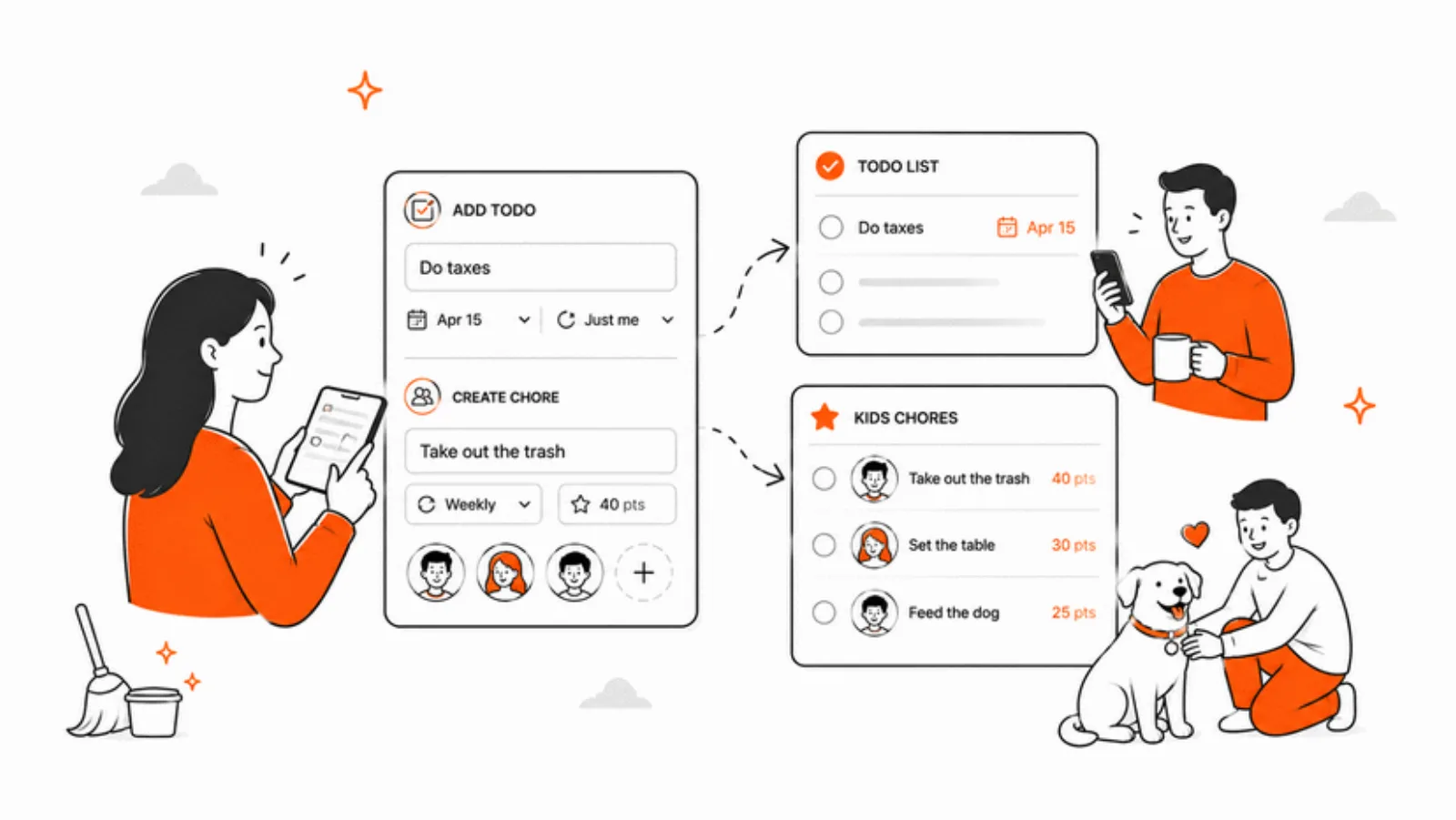
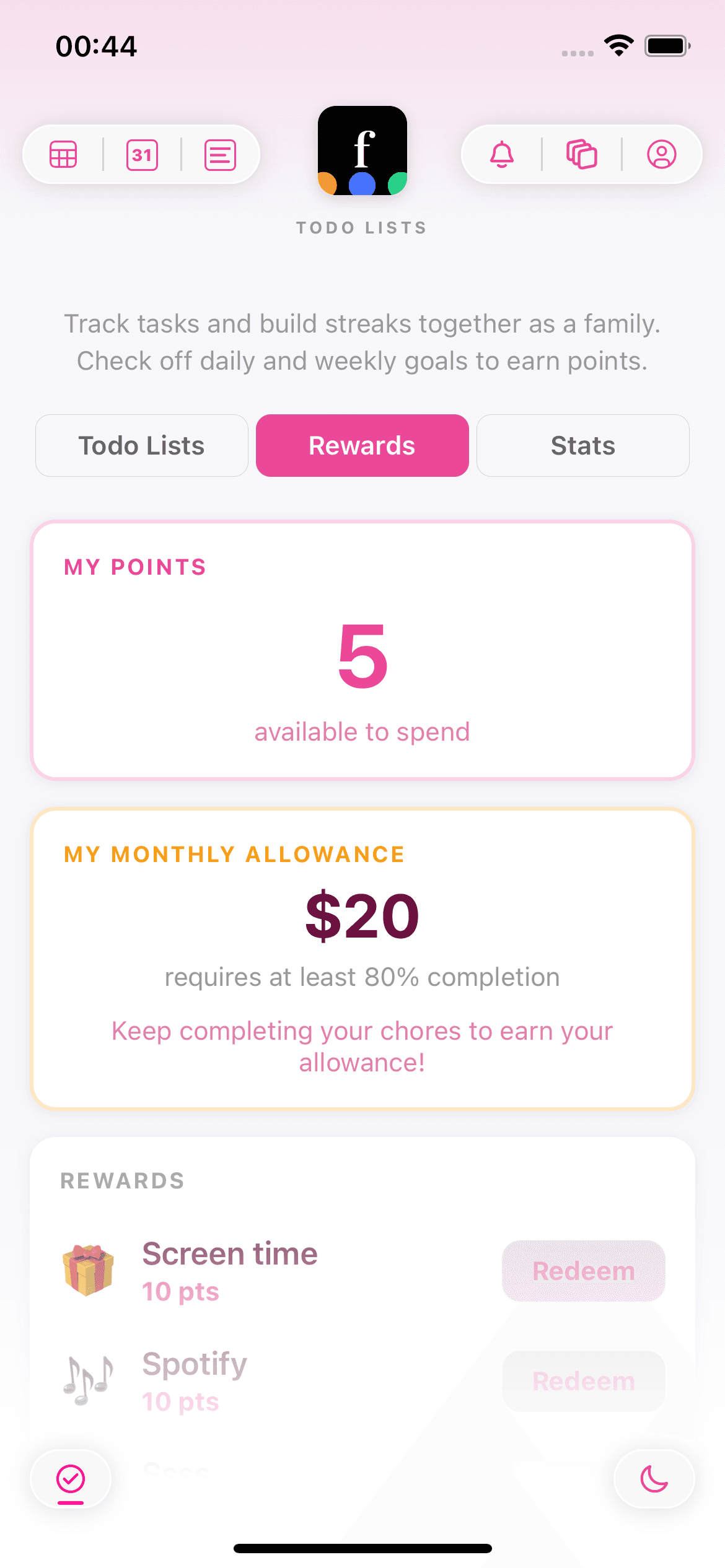
Chores, rewards & monthly allowance
Assign chores to family members with scheduled reminders and nudge notifications. Kids earn points for completing tasks and spend them in a rewards marketplace you control. Set up monthly allowance rules tied to completion rates - if your child hits 80%, they earn their allowance automatically. Track streaks, check the leaderboard, and watch the kitchen stay clean.
BLOGWhy kids stick with chores when they own the streak →Plan summer without the spreadsheet
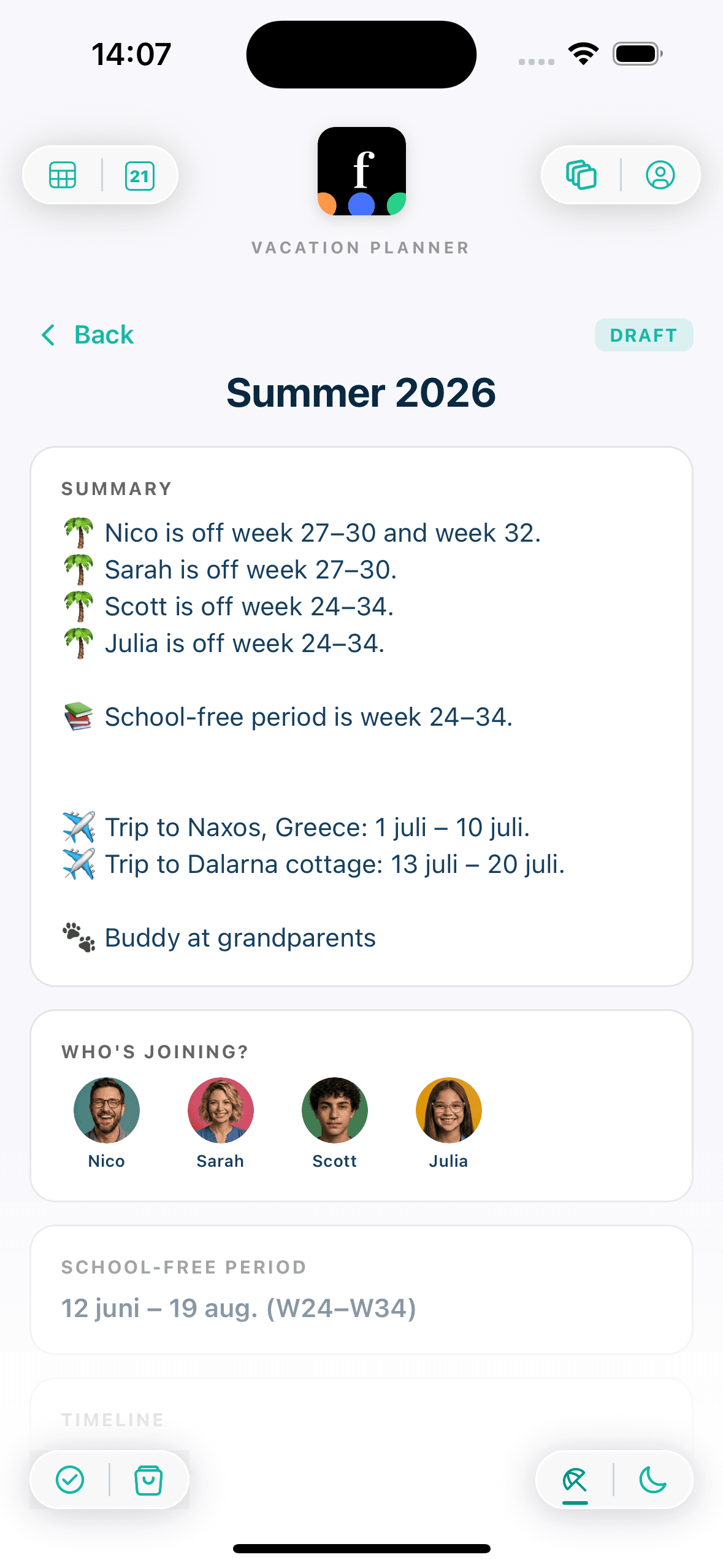
Map out school-free periods, vacation blocks, trips, and childcare coverage in one visual timeline. The family vacation planner lets you add pet care, share notes, and finalize when everyone agrees.
BLOGWhy a vacation wizard beats a shared spreadsheet →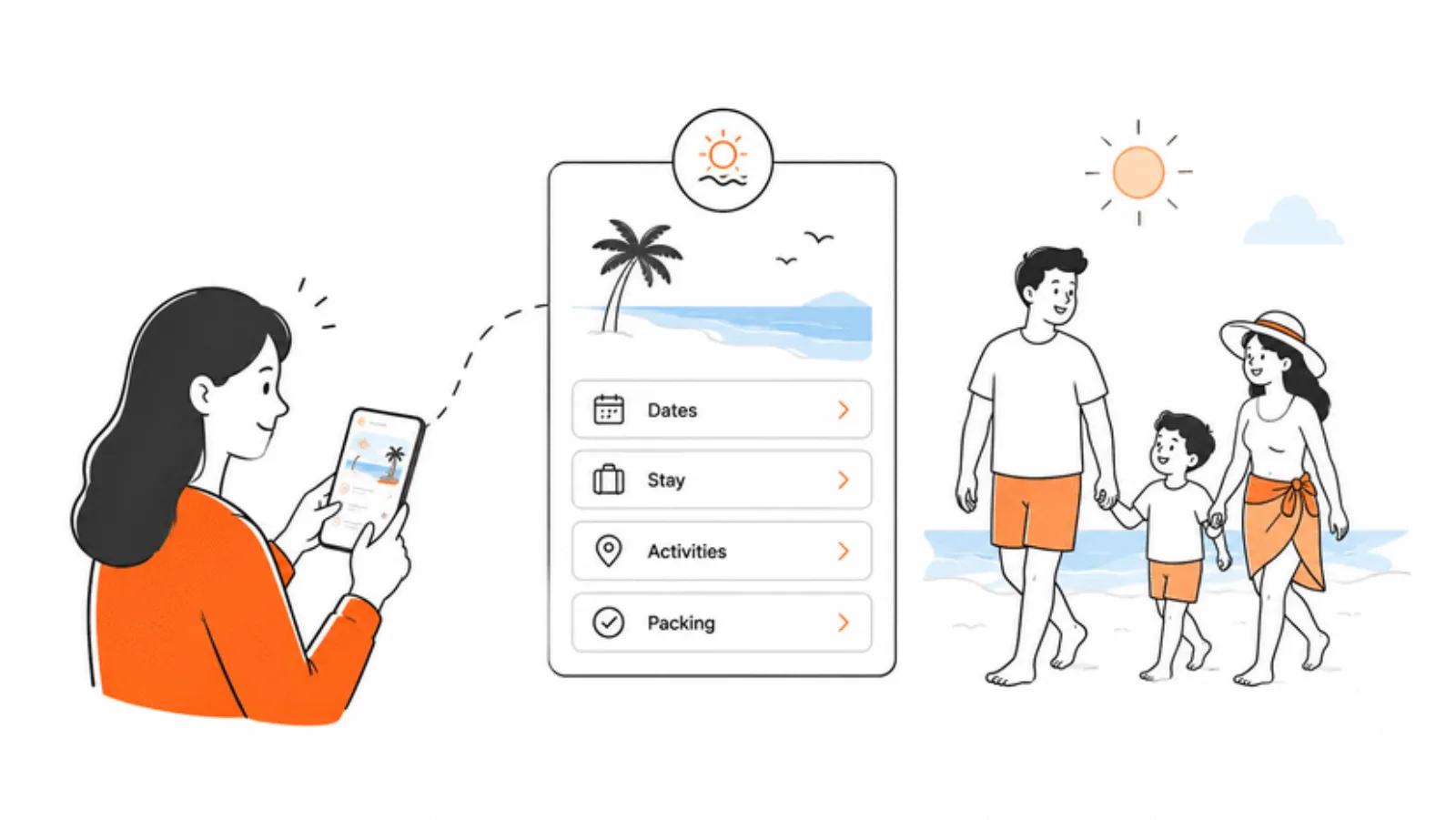
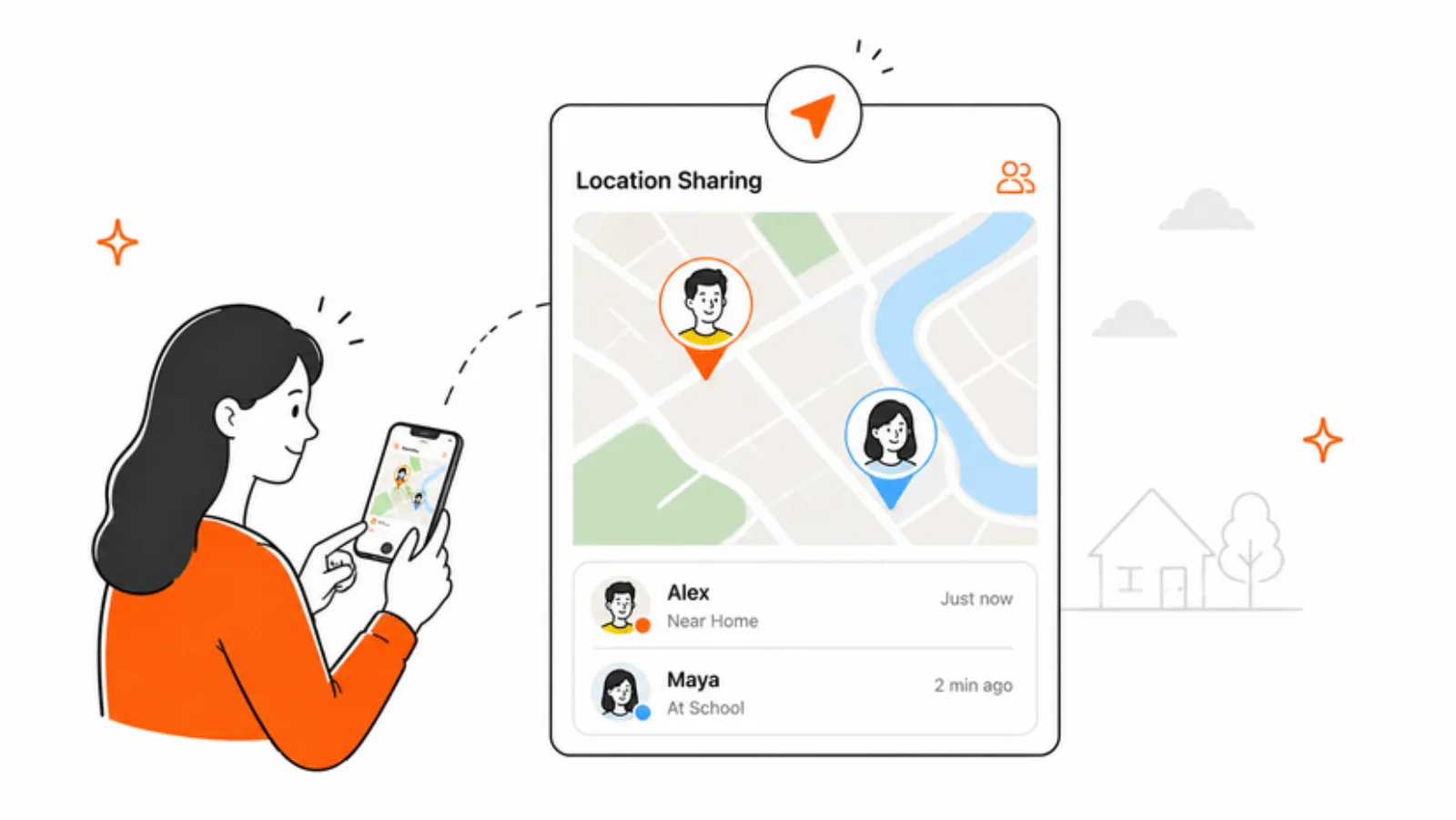
“Come get me” - with a map attached
Kids share their location on a map with one tap. Parents open it in Apple Maps and head out.
Two households. One schedule for the kids.
When the kids' week lives on a shared calendar both parents can actually see, hand-offs, pickups, and activity schedules stop needing a group text thread. Famnly is a neutral base for collaborative co-parents - not for re-litigating the past, just for keeping the kids' week on track.
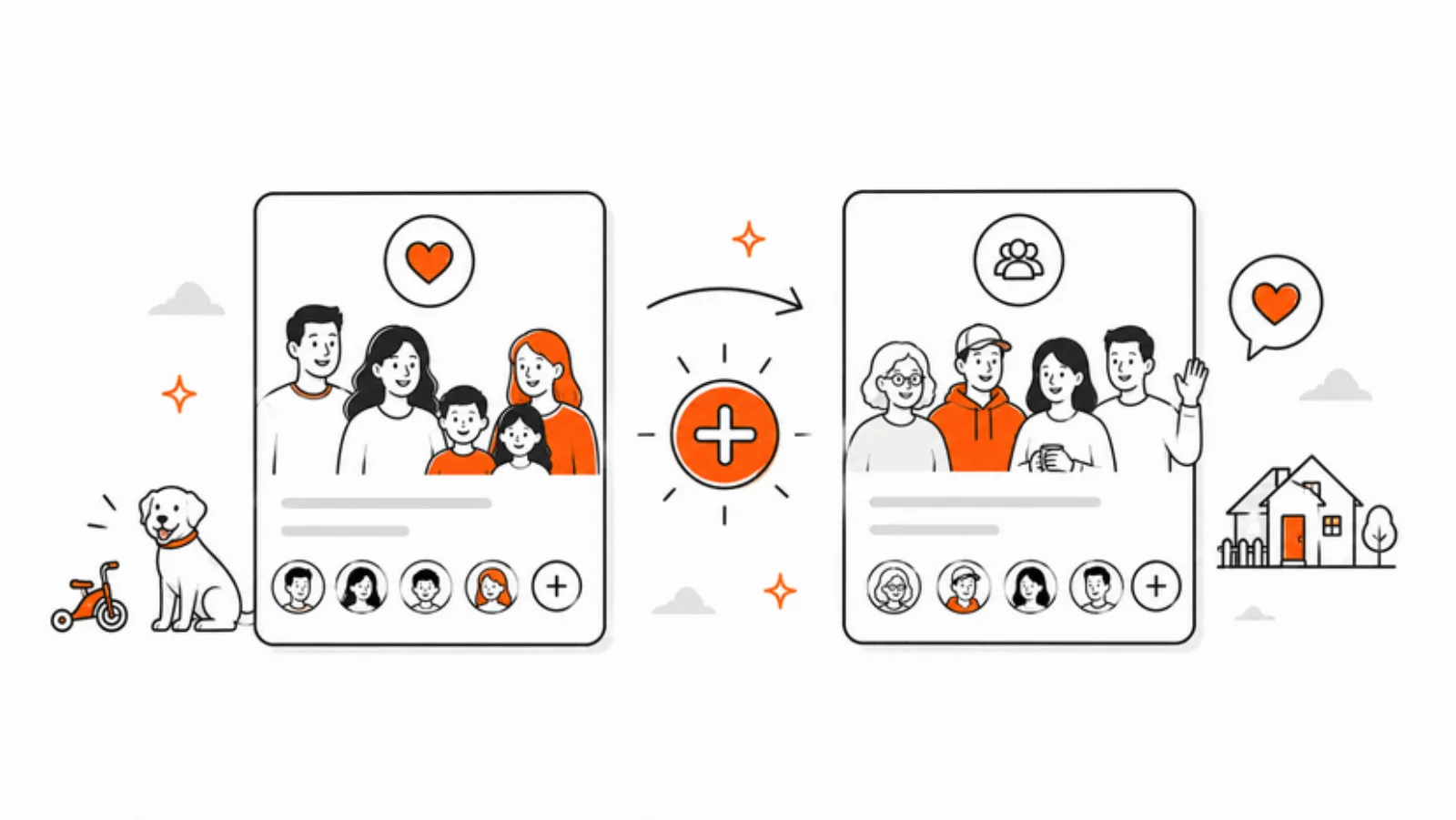
Two households, same kids
Famnly Pro lets you belong to up to 3 calendar groups - one for your household, and a shared one for the co-parenting schedule. The kids' activities live where both parents can see them.
Plan inside the event
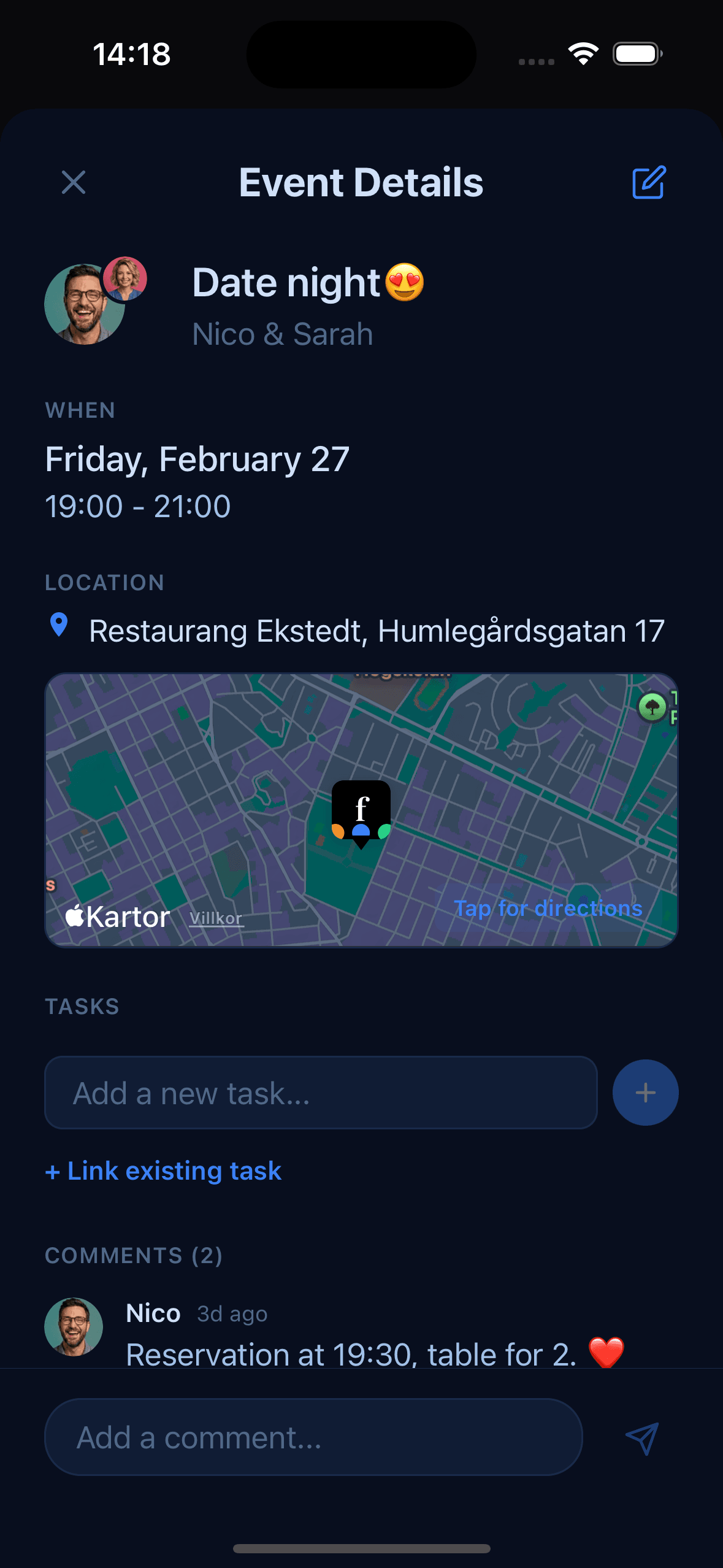
Every event has its own comment thread. Confirm the pickup time, the drop-off location, who's bringing the cleats - right where the event lives, so nothing gets lost in a DM scroll. Co-parent chat is on the way, too.
Reminders for everyone who needs them
Push notifications nudge both parents and the kids ahead of every event. You're no longer the one who has to remember the dentist, the soccer match, or the parent-teacher meeting - the calendar is.
The kids see their own week
Child accounts let kids check what's coming up, who's picking them up, and where they'll be this weekend. Fewer “Dad, what are we doing?” texts. More kids who actually know their schedule.
A family calendar a decade ahead of the rest.
We built Famnly because Cozi, TimeTree, and Google Calendar weren't built for how families actually plan in 2026. None of them let you capture an event by voice. None of them cover your whole family on one subscription. None of them give you the clarity our design language does - every family member, pet, and place in their own color-coded column, so one look at the week tells you who's where and what's next, without reading a single word. Famnly does all three.
Push-to-talk AI, nowhere else
Hold the mic, say it, done. Cozi, TimeTree, and Google Calendar still make you type it in. Famnly Sidekick is the only push-to-talk event capture in a family calendar app today.
Designed for 2026, not 2014
Animated week flow, per-member color columns, pet & place columns, multiple themes, proper dark mode. Open the alternatives and you'll see the gap immediately.
Honest pricing, whole family included
$5.99/month or $39.99/year - the same price as Cozi Gold, with more in it. One subscription covers your partner and kids for free. No per-seat fees, no upsells to see next month, no ads eating your calendar.
★★★★★ 5.0 on the App Store
Smooth as anything
“Using it with the family now, works great!”
Love it!
“So easy to use! I've setup my whole family now with the push-to-talk thing. Also I love the design.”
Set up your family calendar in minutes

Create your family group
Download Famnly and set up your shared family calendar. Add family members, pets, and places - each gets their own color-coded column so schedules are easy to read at a glance.
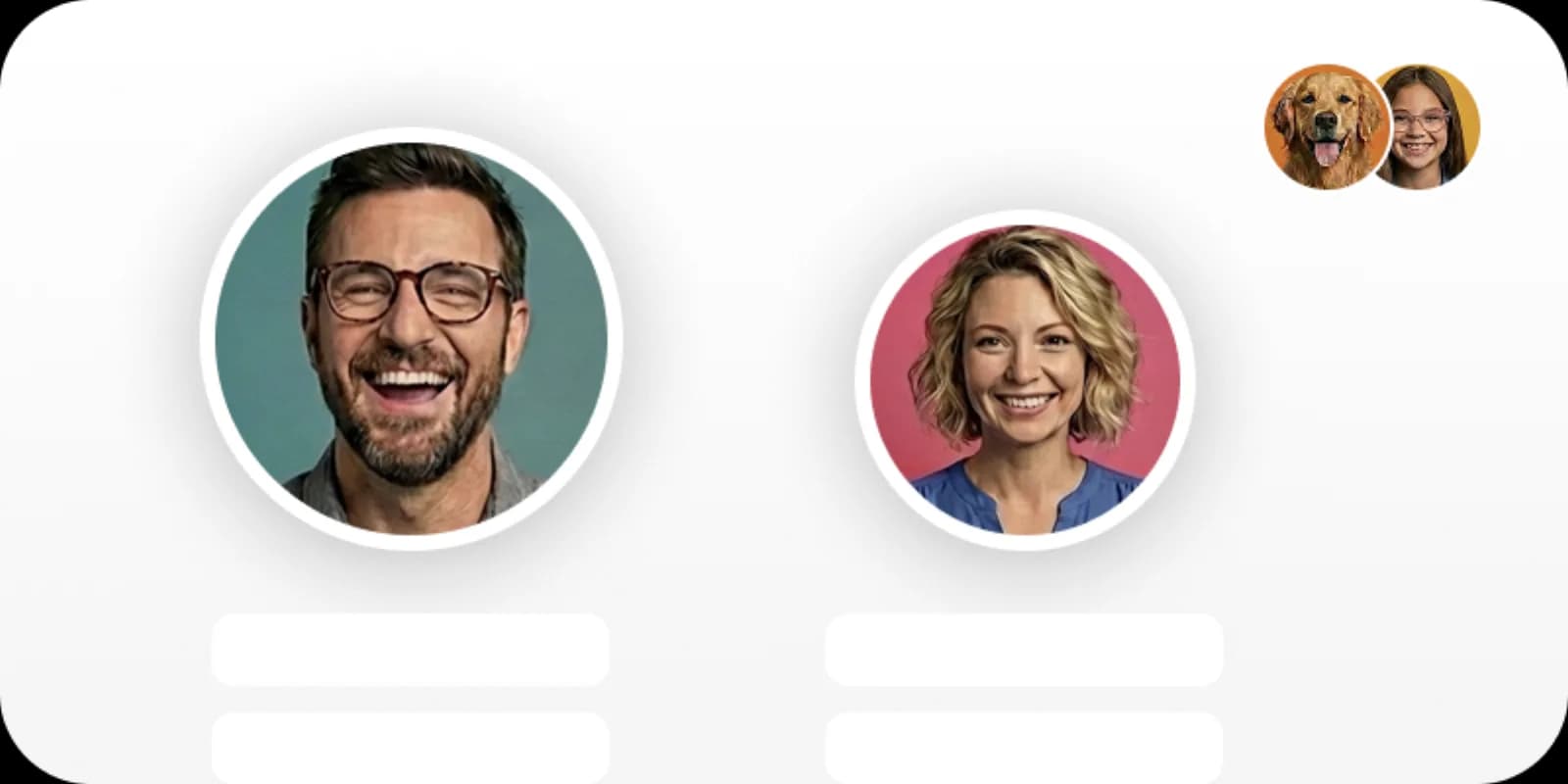
Sync your existing calendars
Connect Google Calendar, Outlook, or Apple Calendar so work and family events appear side by side. No more switching between apps to check if you have a conflict.
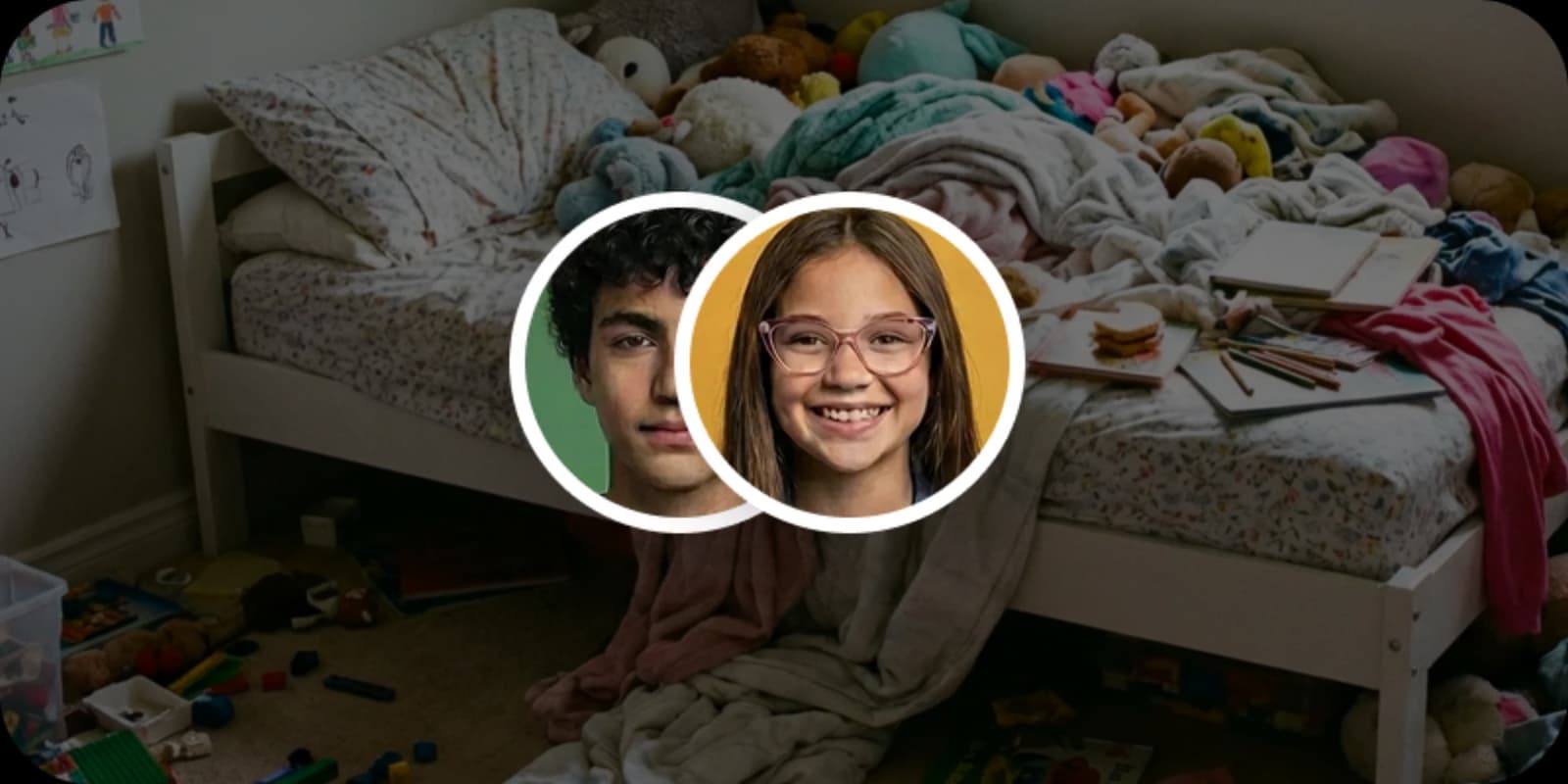
Plan together as a family
Add events, assign chores with rewards, create shared grocery lists, and plan vacations - all in one place. Kids earn points and spend them in the rewards marketplace, while parents track allowance and completion rates.
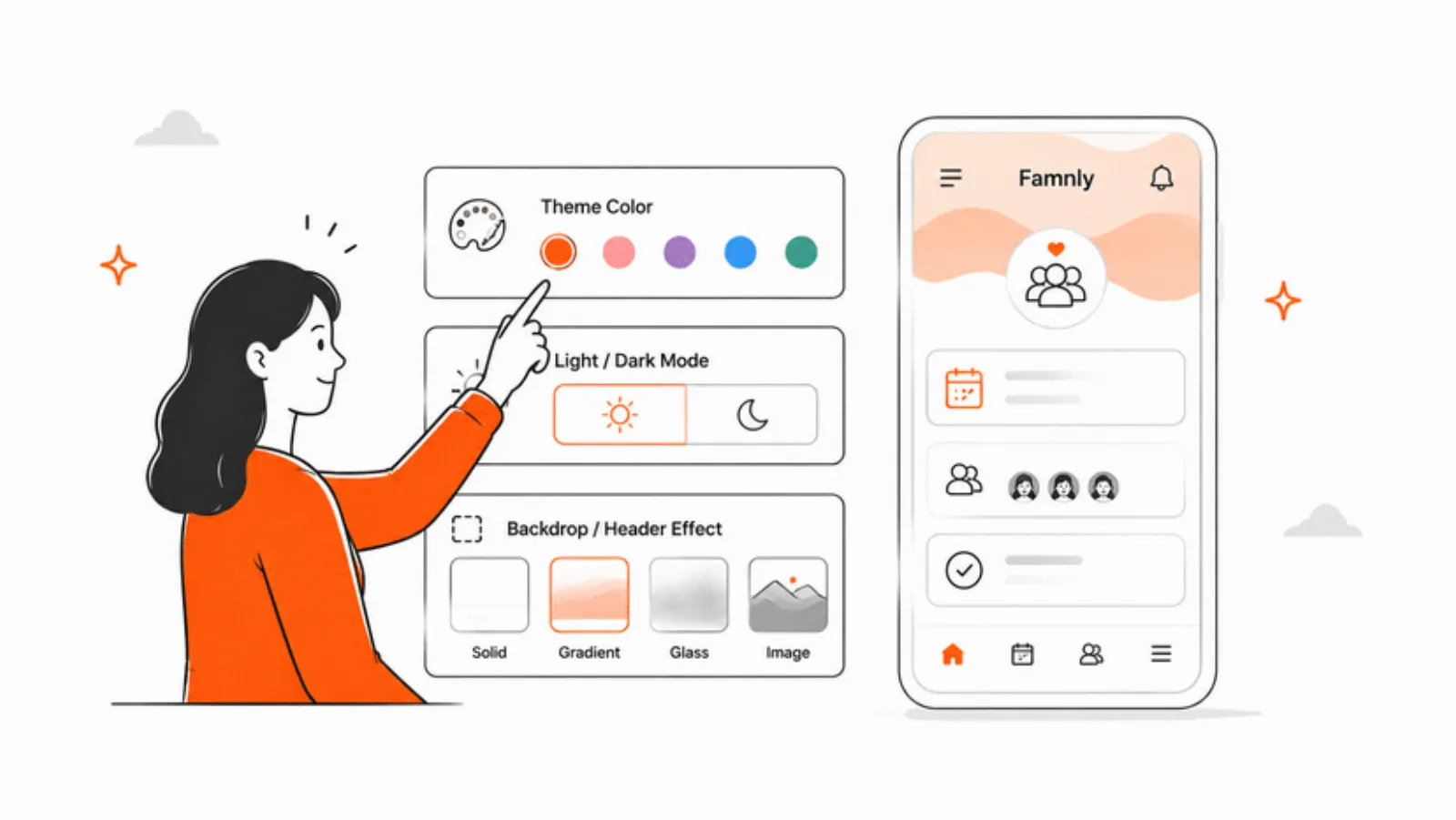
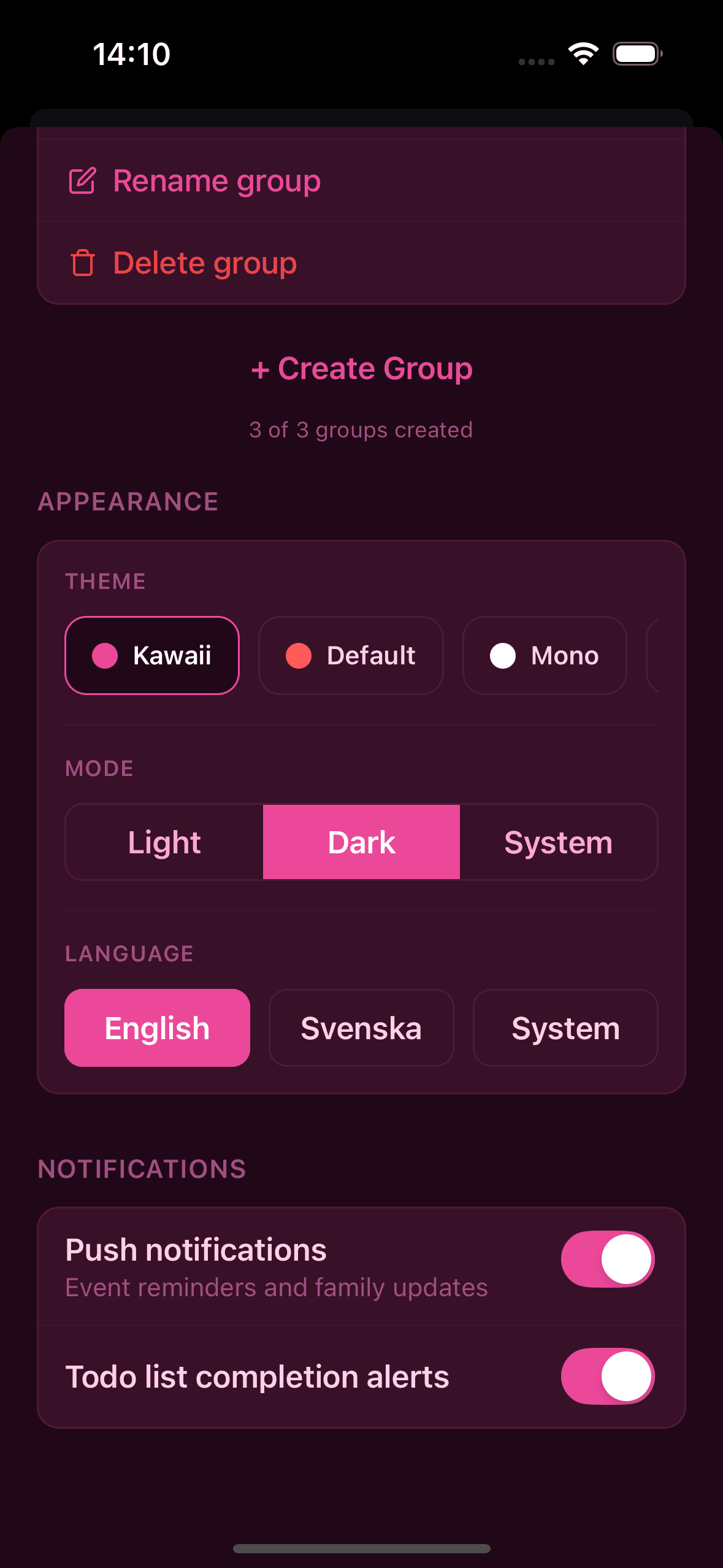
Make your family calendar yours
Choose from multiple themes and toggle between light and dark mode. Your calendar, your style.
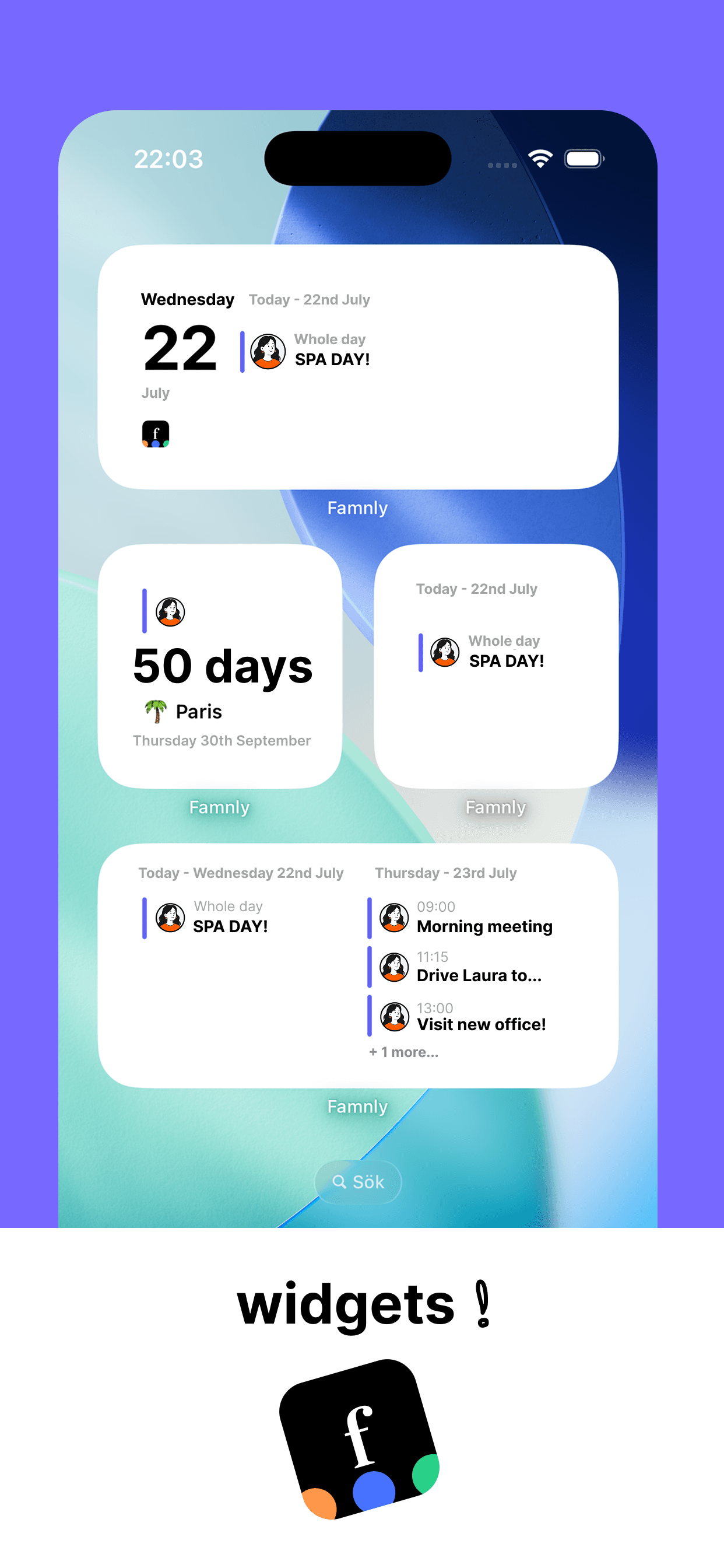
A shared calendar built for real families
Push Reminders
Get notified before events start. Never miss a pickup again.
Google & Outlook Sync
Import your work calendar. See everything in one place.
Rewards Marketplace
Kids earn points and spend them on rewards you create. You approve every redemption.
Birthday Tracker
Never forget a birthday. Auto-generated events, every year.
Event Comments
"Reservation at 19:30, table for 2" - plan together, right inside the event.
Helper Mode
Invite grandparents and neighbors to help with everyday life - without giving up the whole calendar.
Child Mode & Join Codes
Kids get their own simple view of the week - and a join code, no email needed.
Choose Your Columns
Pick which family members show in your own week and day views. Your view, your call - everyone else keeps theirs.
Your family calendar, finally in sync.
Free to start. See pricing - available on iOS.
Download for iOS