Best family calendar apps compared
Looking for the best shared family calendar? Here's how Famnly compares to Cozi, TimeTree, and Google Calendar for family scheduling, chore tracking, meal planning, and more. Famnly is also the first - and currently only - family calendar with push-to-talk AI event capture (hold the mic, say it, done) and public RSVP pages for birthdays, classroom parties, and block barbecues - guests reply by email with one tap, no app install required.
| Feature | Famnly | Cozi | TimeTree | Google Calendar |
|---|---|---|---|---|
| Price | $39.99/yr | $39/yr (Gold) | Free | Free |
| Push-to-talk AI event capture (voice → event) | ✓ | — | — | — |
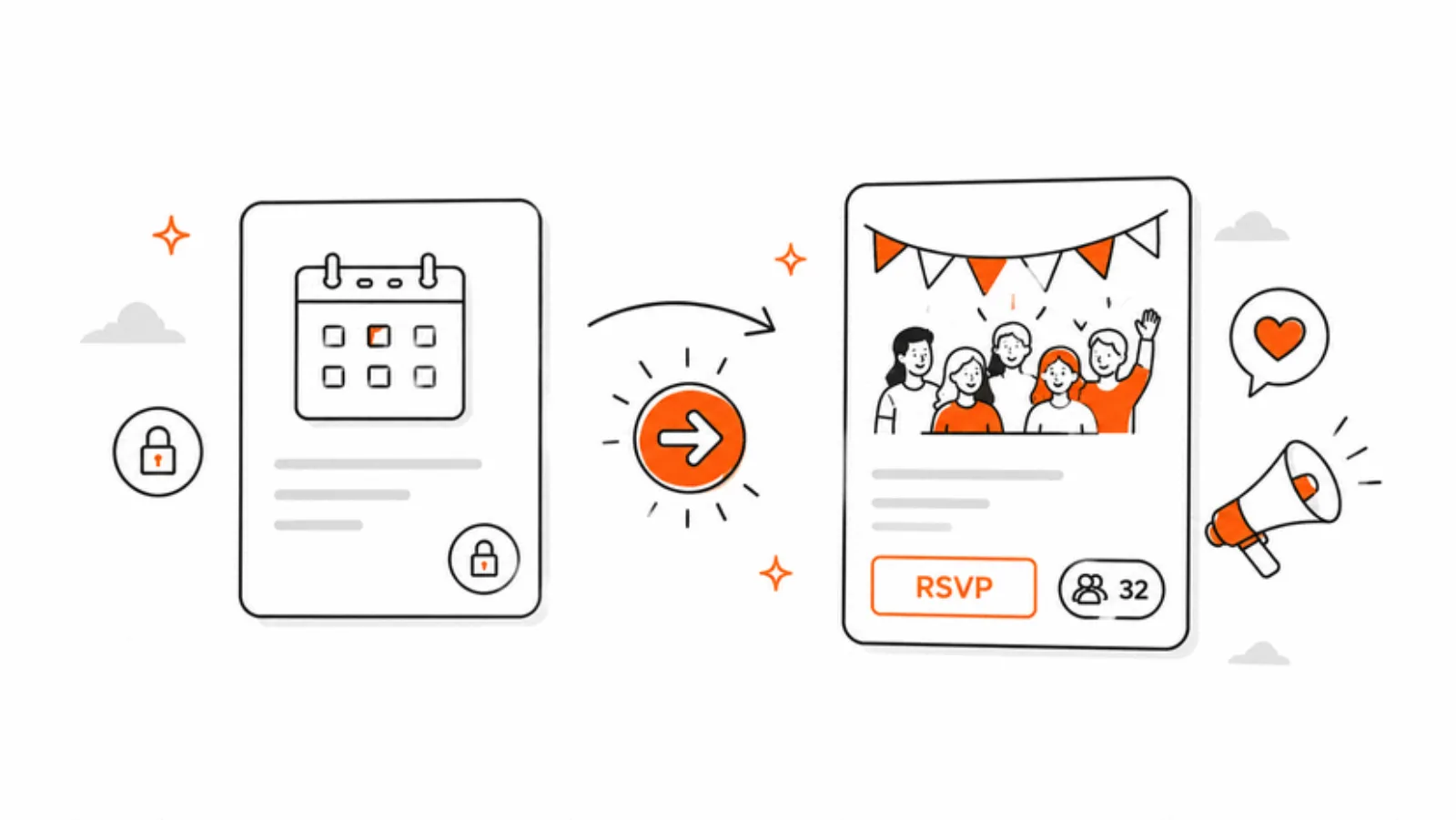
| Public RSVP pages (email invites, no app install for guests) | ✓ | — | — | — |
| School schedule scanner (photo of the paper timetable → a full term of events) | ✓ | — | — | — |
| Color-coded family members | ✓ | ✓ | ✓ | ✓ |
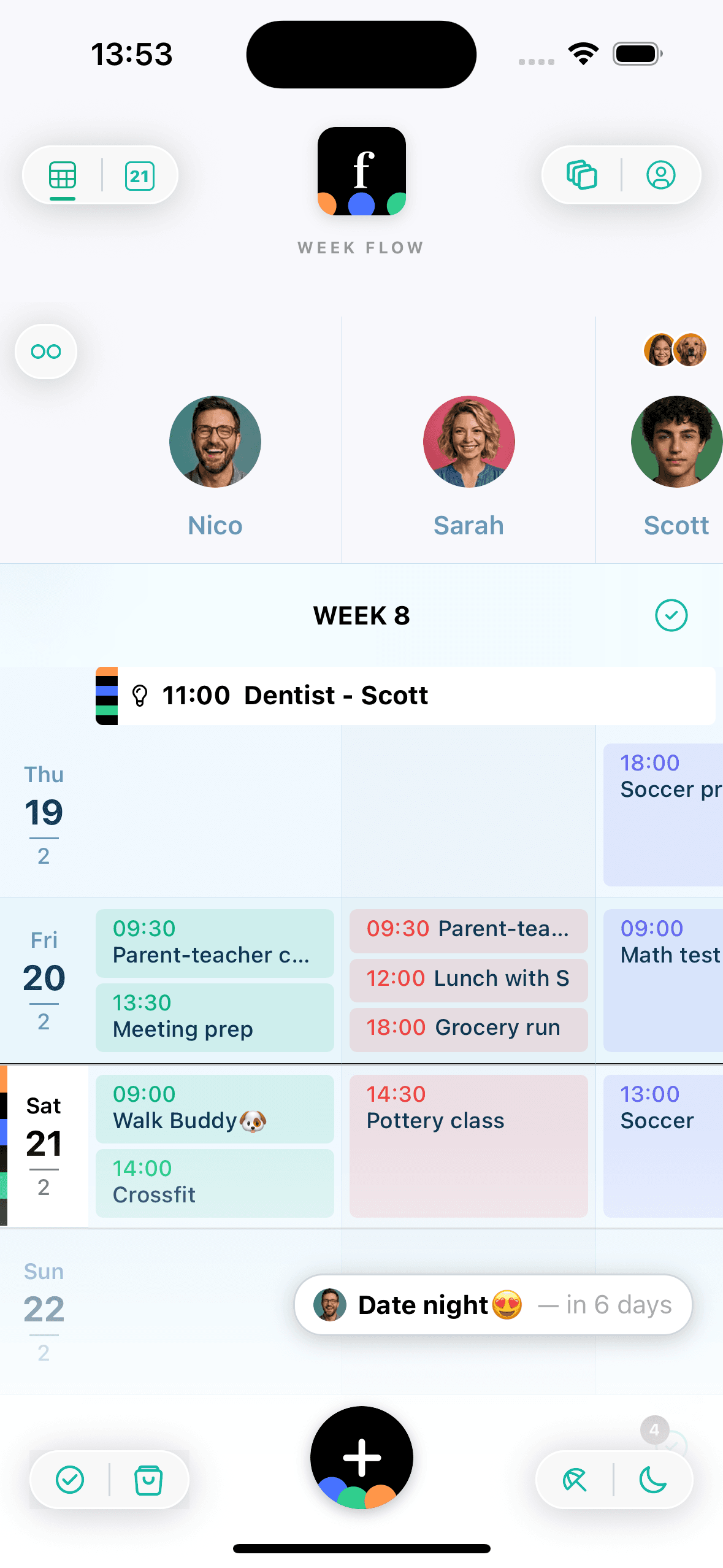
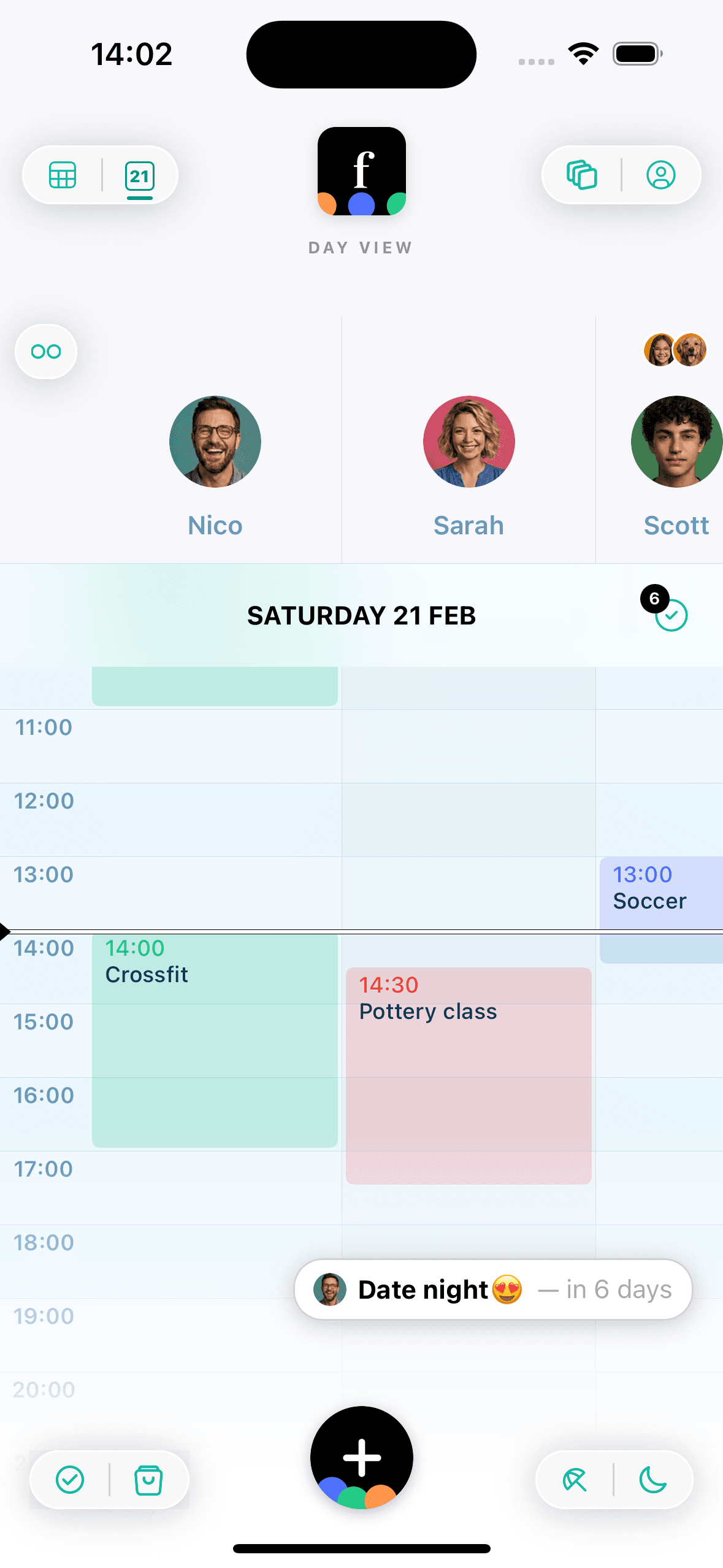
| Per-member columns in week & day view | ✓ | — | — | — |
| Week flow view | ✓ | — | ✓ | ✓ |
| Day, month & year views | ✓ | ✓ | ✓ | ✓ |
| Google Calendar sync | ✓ | — | ✓ | ✓ |
| Outlook sync | ✓ | — | — | — |
| Apple Calendar (ICS) sync | ✓ | — | — | — |
| Dedicated shared grocery lists | ✓ | ✓ | — | — |
| AI meal planning | ✓ | — | — | — |
| Shopping focus mode | ✓ | — | — | — |
| Family chore tracker | ✓ | — | — | — |
| Points & rewards marketplace | ✓ | — | — | — |
| Monthly allowance tied to chores | ✓ | — | — | — |
| Chore reminders & nudge notifications | ✓ | — | — | — |
| Chore streaks & leaderboard | ✓ | — | — | — |
| Vacation planner | ✓ | — | — | — |
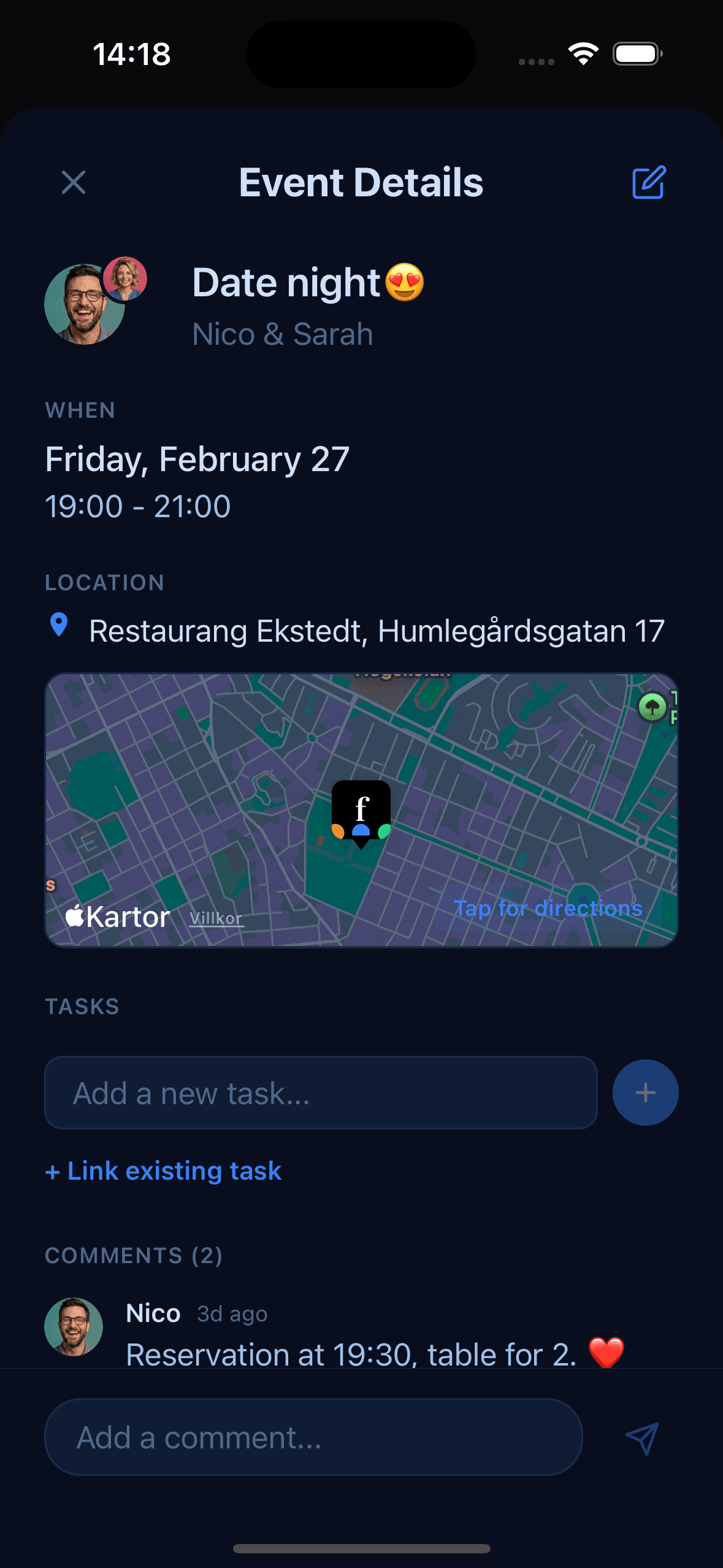
| Featured events with countdown | ✓ | — | — | — |
| Birthday tracker | ✓ | ✓ | ✓ | ✓ |
| Event comments / chat | ✓ | — | ✓ | — |
| Pet & place columns | ✓ | — | — | — |
| Push reminders | ✓ | ✓ | ✓ | ✓ |
| Multiple themes | ✓ | — | ✓ | — |
| Dark mode | ✓ | — | ✓ | ✓ |
| Child accounts | ✓ | — | — | — |
| No ads on free tier | ✓ | — | — | ✓ |
| "Pick me up" location sharing | ✓ | — | — | — |
| Chore completion notifications | ✓ | — | — | — |
| Multiple calendar groups (up to 3) | ✓ | — | — | — |
| Unlimited free calendar range | ✓ | — | ✓ | ✓ |
Famnly Pro costs the same as Cozi Gold, and adds push-to-talk AI event capture, the school schedule scanner and public RSVP pages, none of which Cozi offers.
Comparison based on publicly available feature information, 2026.
Designed for families, not just schedules
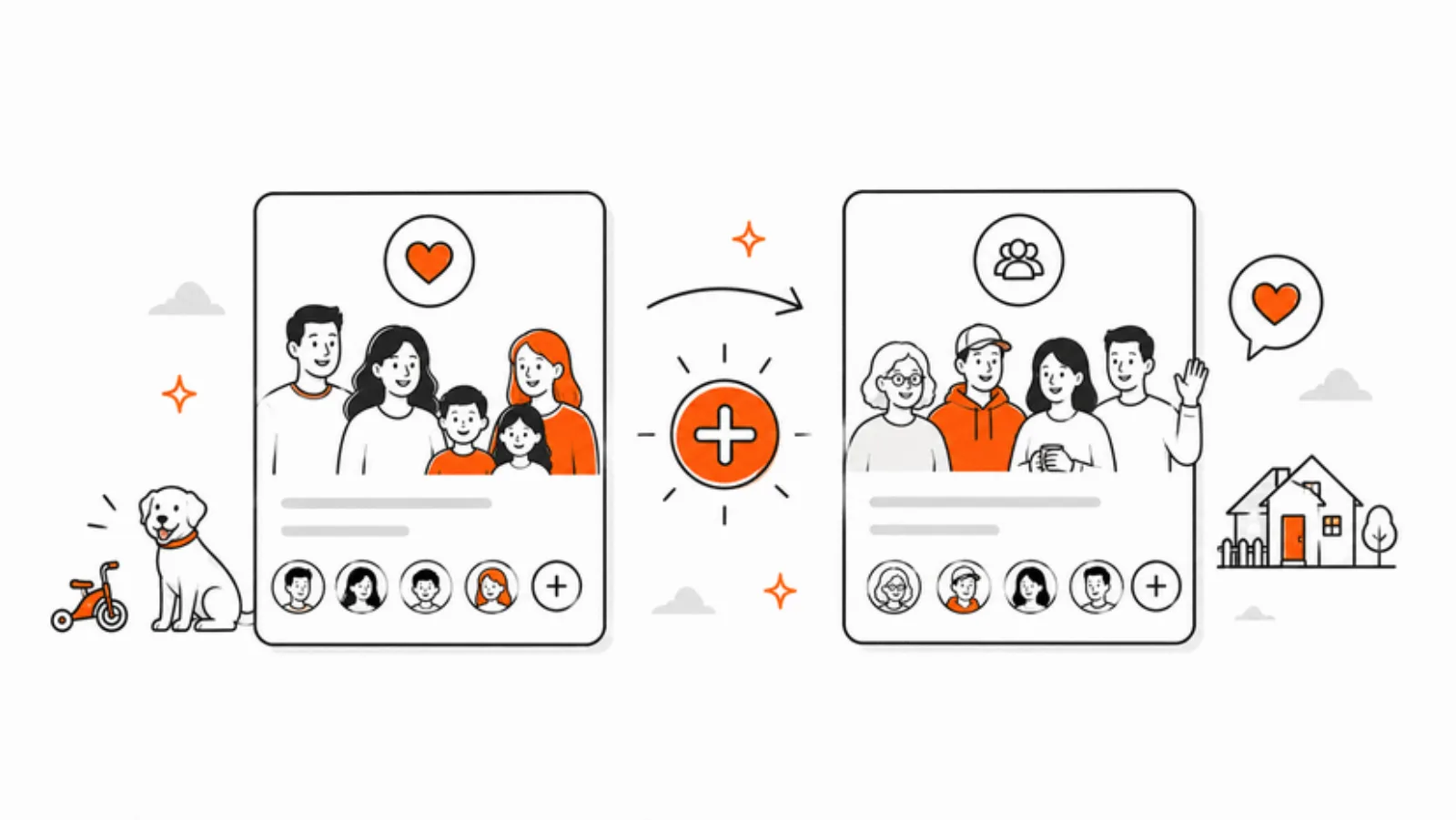
Most family calendar apps look like they were built a decade ago. Famnly is different - each family member gets their own color-coded column with a personal avatar, so the weekly view instantly shows who is doing what. With Famnly Pro you can create up to 3 separate calendar groups - one for family, one for friends, even one for tracking projects - each with its own members and custom logos. It's the kind of design that makes you actually want to open the app.
Famnly vs Cozi
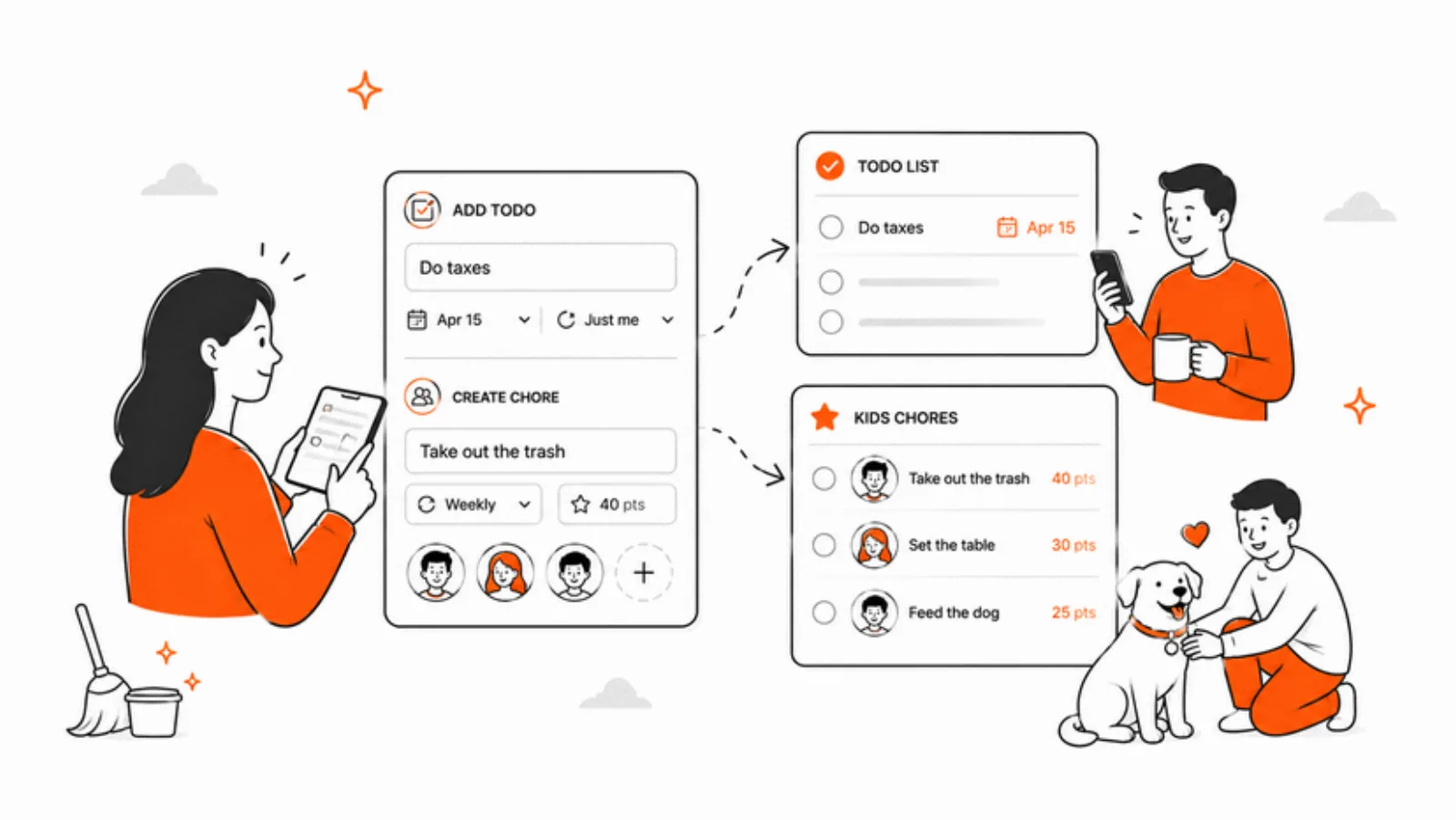
Cozi is one of the most well-known family organizer apps, with color-coded members and shared shopping lists. However, in 2024 Cozi introduced a 30-day calendar limit on the free tier and added ads, making it significantly less generous than before. Cozi also has no Google Calendar or Outlook sync, no per-member column view for the weekly schedule, and no chore tracking or vacation planning features. Critically, Cozi has no voice-to-event capture at all - every event still has to be typed in by hand, and there's no way to invite people outside the family or collect RSVPs from a kid's birthday party. You'd still need a Google Form or WhatsApp group for that. Famnly offers push-to-talk AI event capture, public RSVP pages with email invites and a live tally, AI-powered meal planning, a family chore tracker with gamified streaks, and a visual vacation planner - none of which are available in Cozi. Cozi does have a manual recipe box, but Famnly's AI meal planner generates full weekly plans with automatic grocery lists. If you're looking for a modern alternative to Cozi that gives you unlimited calendar range, no ads, voice event capture, public RSVP pages, and more family-specific features, Famnly is the upgrade.
Famnly vs TimeTree
TimeTree is a solid shared calendar app popular with couples and friend groups. It syncs with Google Calendar and has event comments, themes, and a “Keep” feature for shared notes. However, TimeTree is a general-purpose shared calendar rather than a family-specific tool. It lacks dedicated grocery lists, meal planning, chore tracking, vacation planning, child account management, and any form of voice-to-event capture. TimeTree's event comments work for people inside the calendar, but it has no way to send a public invite to people outside the app - every guest needs a TimeTree account to participate, which makes it a non-starter for the kind of cross-household event (birthday parties, classroom potlucks, block barbecues) where most family-life RSVPs actually happen. TimeTree's free tier also shows ads. Famnly gives every family member - including kids and pets - their own color-coded column in the weekly view, so you can see at a glance who is doing what; Sidekick lets any family member add an event just by holding the mic and talking; and Public Happenings turns any event into a public RSVP page with email invites and a live tally on the host's phone. If your family needs more than just a shared calendar and wants a complete family organizer with push-to-talk AI event capture, public RSVP pages, built-in chore tracking, shopping lists, and Outlook sync, Famnly is the better choice.
Famnly vs Google Calendar
Google Calendar is excellent for individual scheduling and work teams, but it wasn't designed for families. There are no family-specific features like chore tracking, grocery lists, meal planning, or vacation coordination. Kids need a Google account to participate, there are no child-friendly views, and there's no way to see a family-focused weekly column view. Google Calendar also has no voice event capture - Google Assistant can create events for your personal calendar, but not for a shared family calendar with per-member assignment, reminders, and natural-language resolution like “dance lesson for Ella tomorrow at 5”. Google Calendar can email event invites, but the experience expects every recipient to have a Google account or to manage the event in their own calendar; there's no public landing page, no themed cover image, no live RSVP tally for the host, and no way to give guests a one-tap Apple/Google/Outlook calendar attachment. Famnly's Public Happenings give you exactly that: a public RSVP page with a hero image, a customizable cover, and Yes/Maybe/No buttons that work straight from the email - no Google account, no signup. Famnly syncs with Google Calendar so your work events appear alongside family events, giving you the best of both worlds - a dedicated family calendar app with push-to-talk AI event capture, public RSVP pages, and all your schedules in one place.
Ready to try Famnly?
Download Famnly free on the App Store. Start your shared family calendar in minutes, and upgrade to Pro when you're ready for unlimited members, calendar sync, chore tracking, and more.