The family calendar app built for how families plan today.
Famnly is the shared family calendar that puts every family member, pet, and place in their own color-coded column - with push-to-talk AI event capture, shared grocery lists, meal plans, and chore tracking.
App Store · Android coming soon
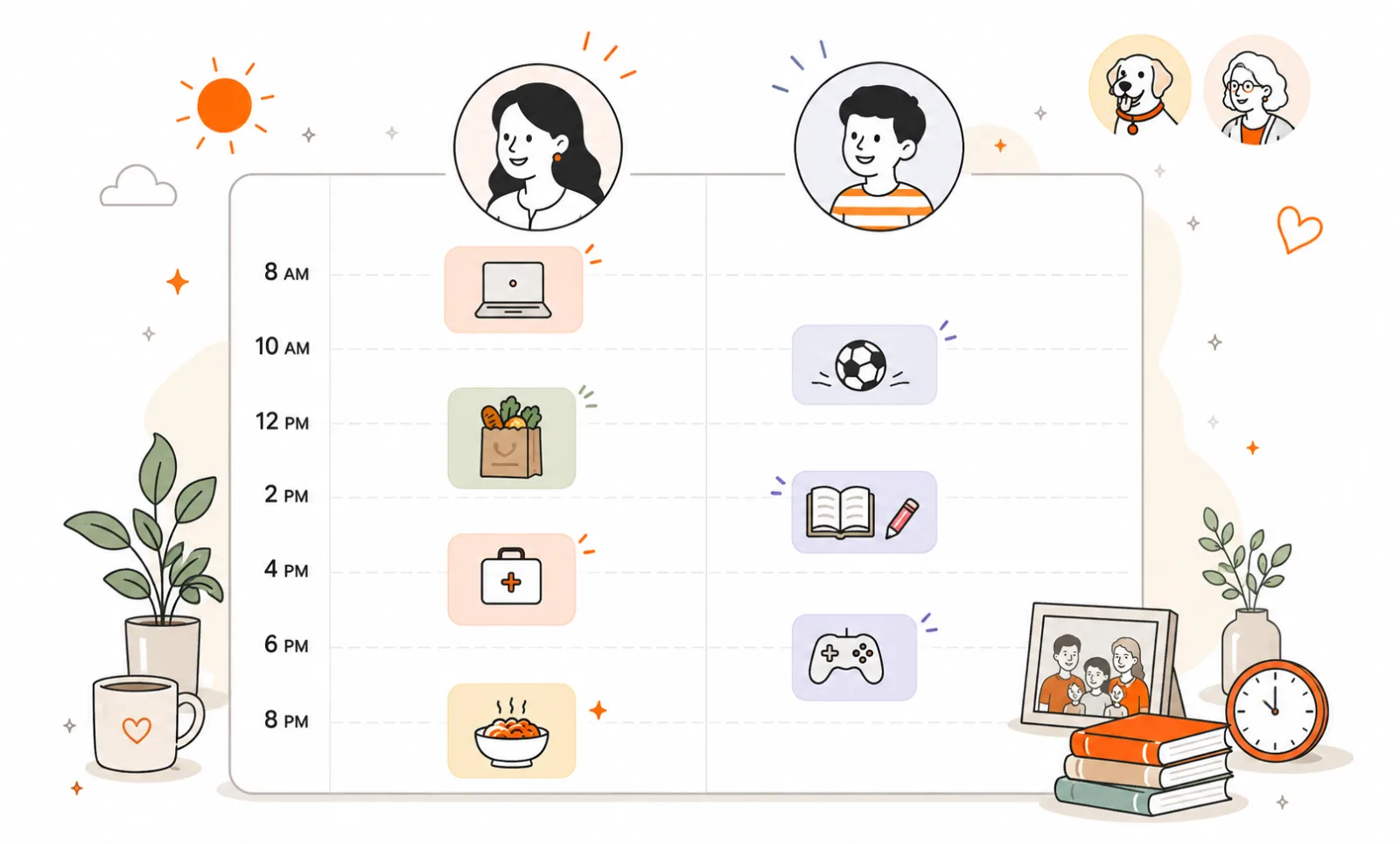
A shared family calendar, built around the family - not the calendar.
Everyone on one screen
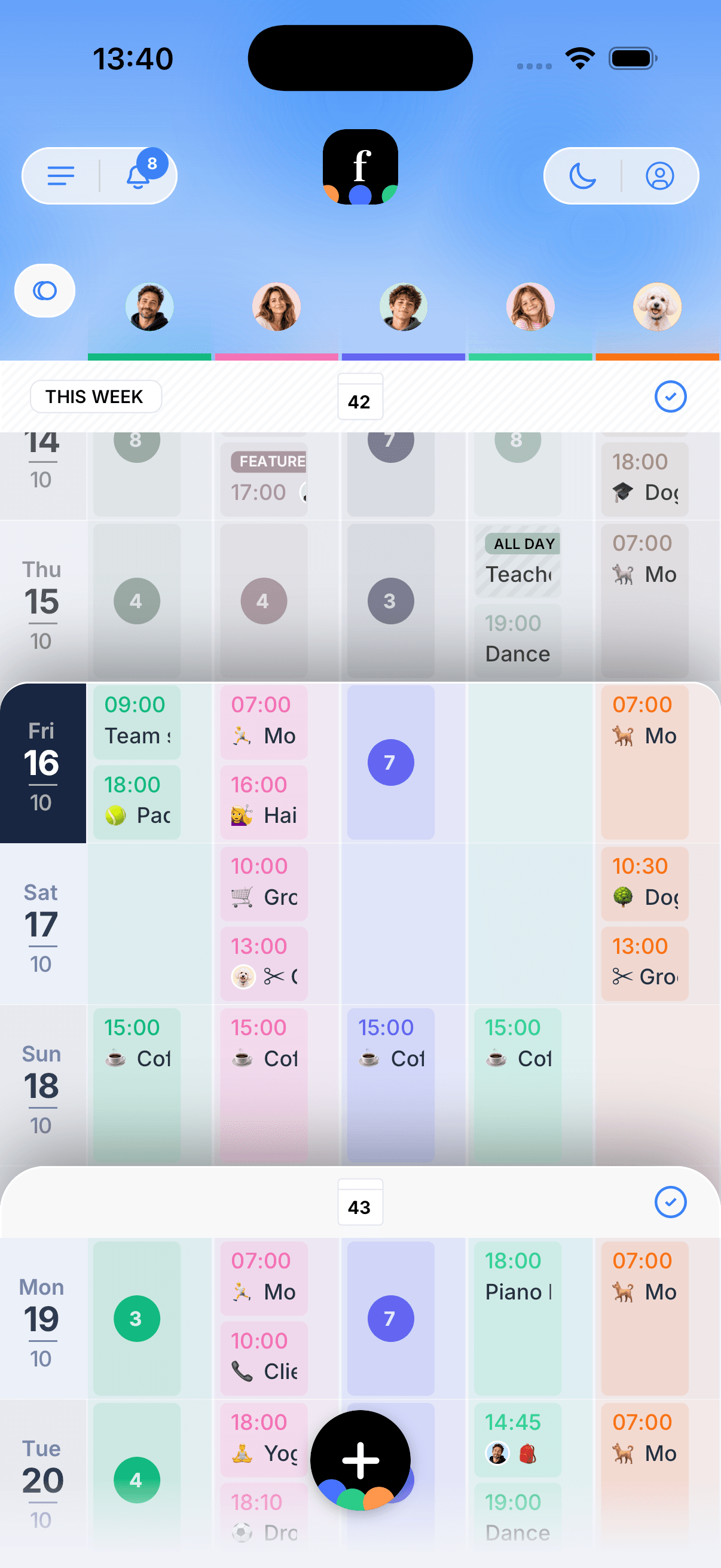
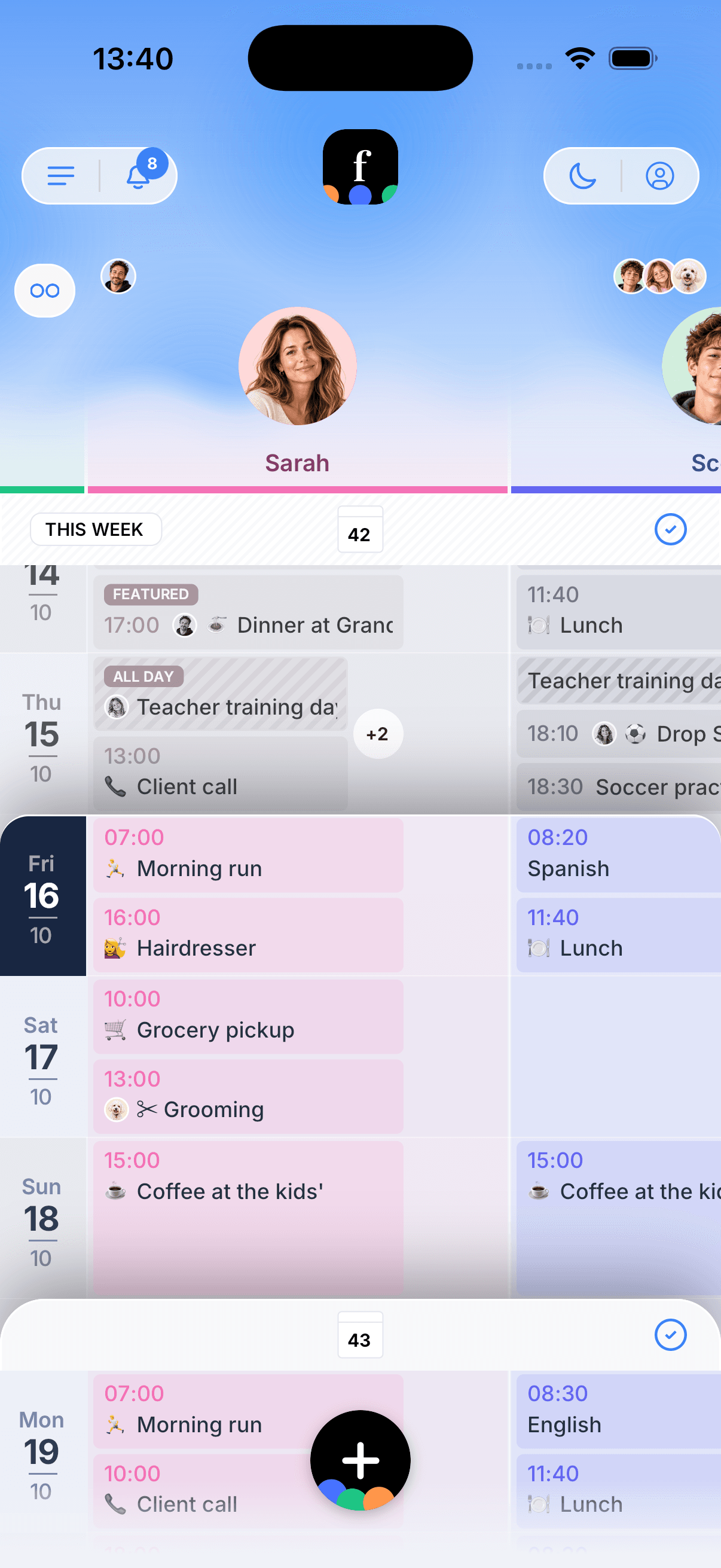
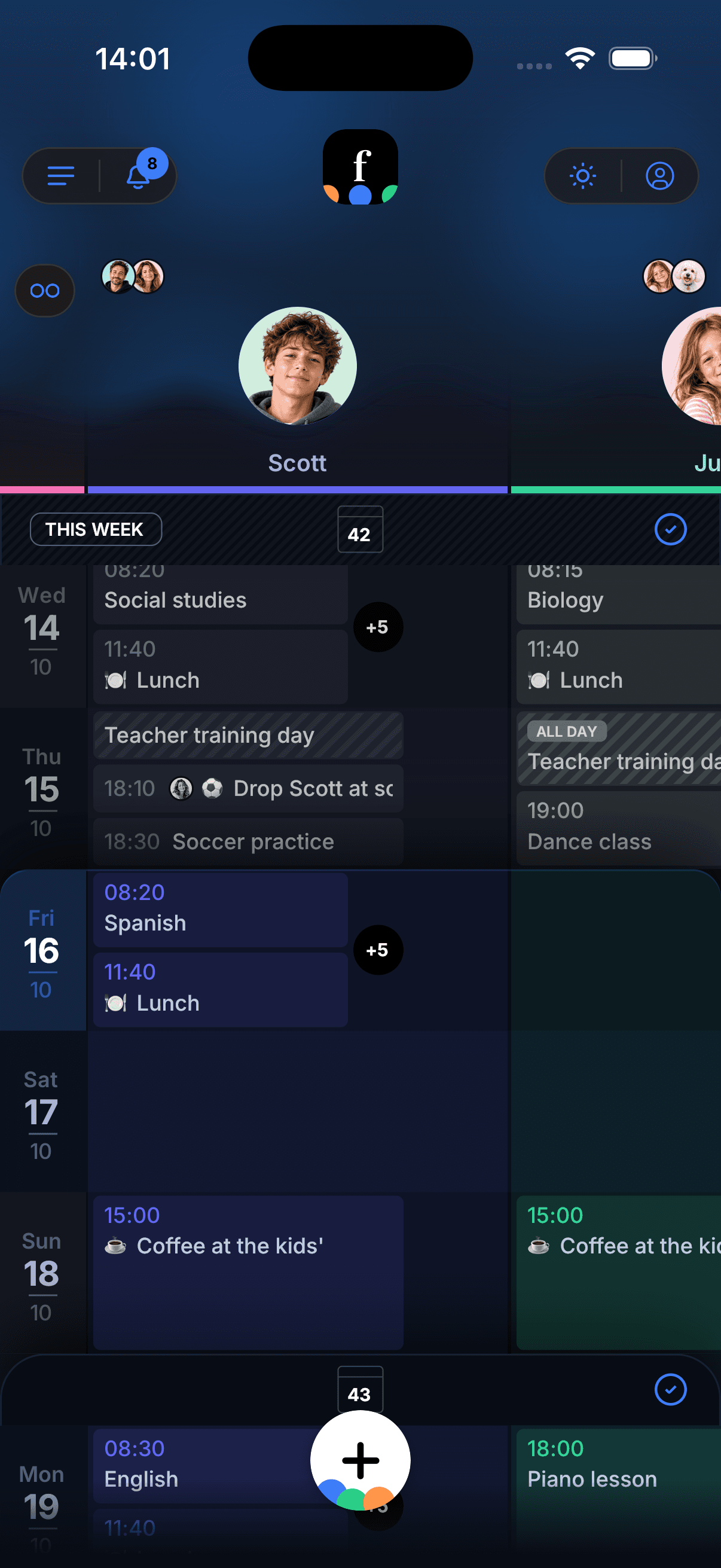
Every family member, pet, and place gets their own color-coded column. One look at the week tells you who's where - no reading required.
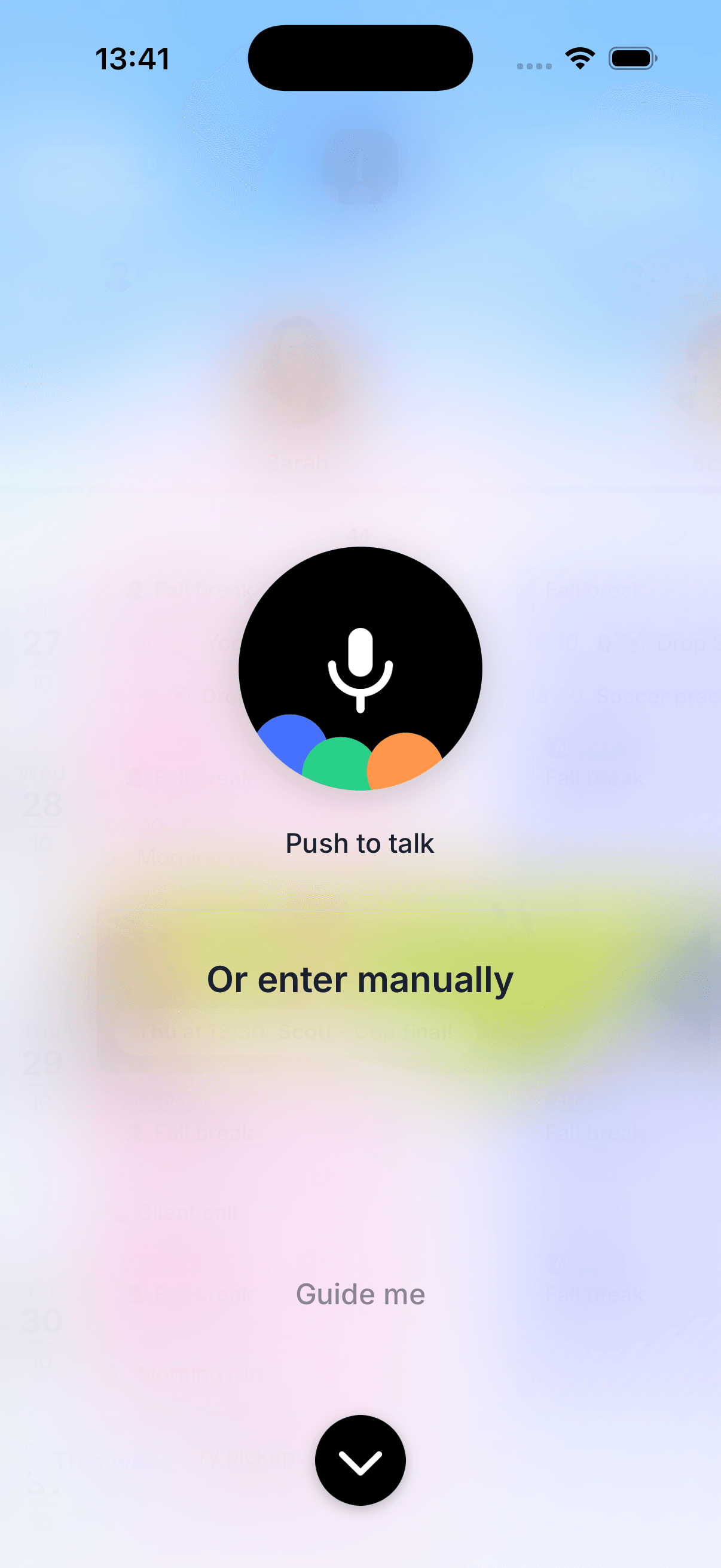
Push-to-talk event capture
Hold the mic, say it, done. No other family calendar app has voice event capture, and Famnly never receives or stores the recording: your phone's own speech recognition turns it into text.
Brings the calendars you already use
Bring in iPhone, Google and Outlook calendars: move them into Famnly, or keep work and school in sync. Your originals stay unchanged.
Color columns everyone can read at a glance.
Flow view lays the week out day by day so you can read the plan. Tap once and it compacts - every family member, pet, and place in their own column, all on one screen. Swipe through day, month, and year when you want to zoom in or out.
More than a shared calendar.
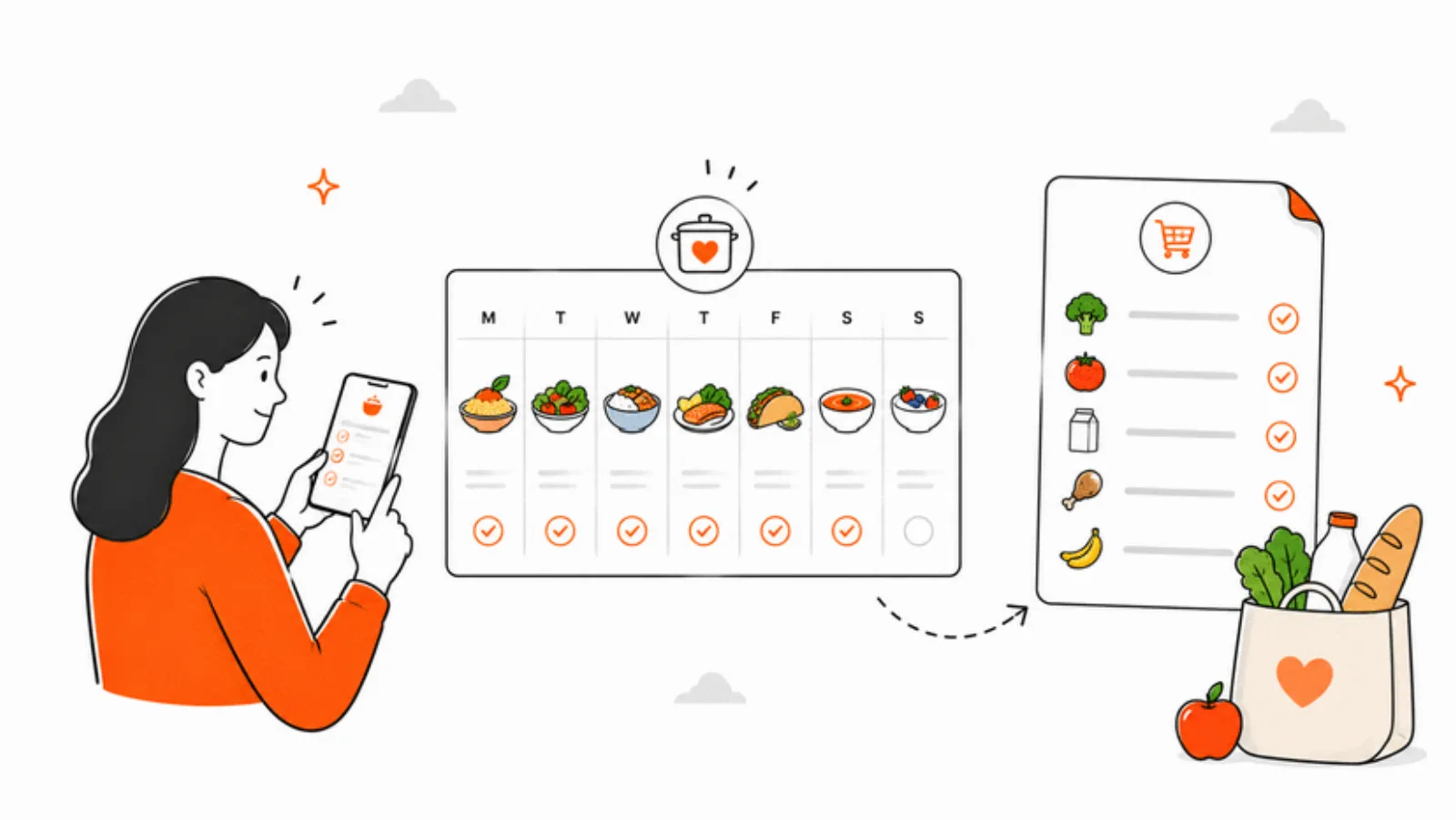
Shared grocery lists & AI meal planner
Build grocery lists the whole family can edit, link them to events, and let Famnly generate a week of meals with an automatic shopping list. Focus mode keeps your screen on and sorts by aisle while you shop.
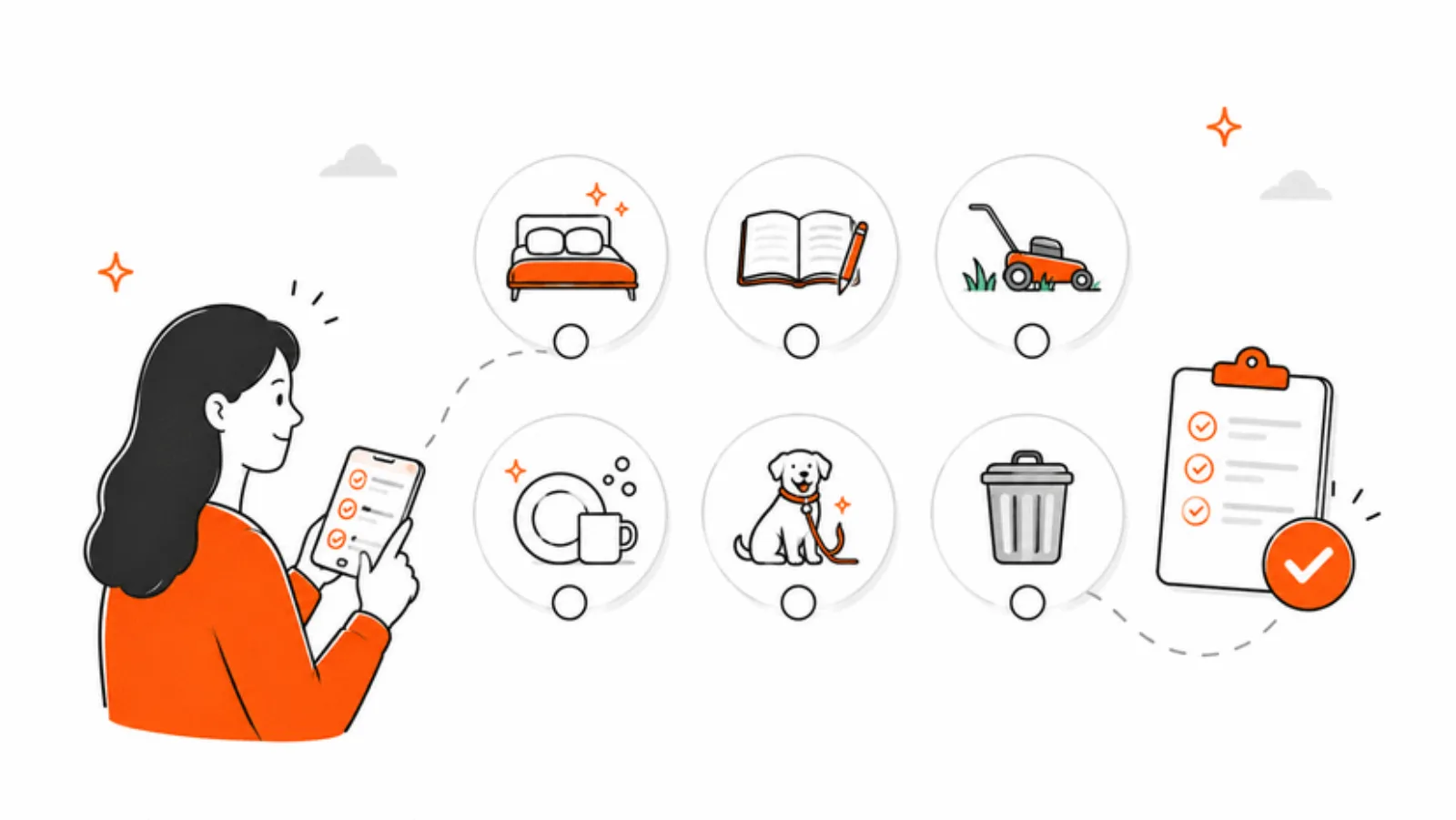
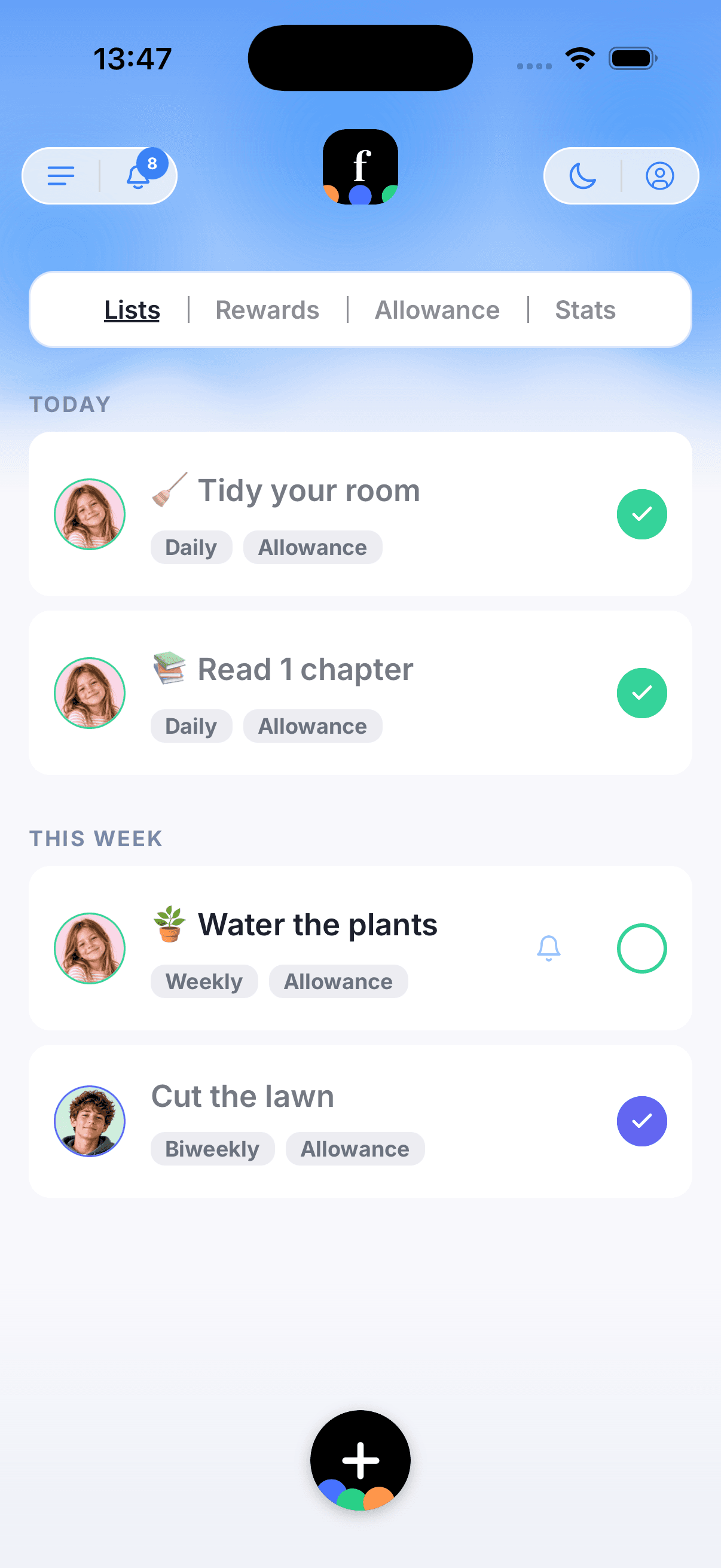
Chore tracker with rewards & allowance
Assign chores with scheduled reminders. Kids earn points for completing tasks and spend them in a rewards marketplace you control. Hit 80% completion, allowance pays out automatically - one fewer negotiation.
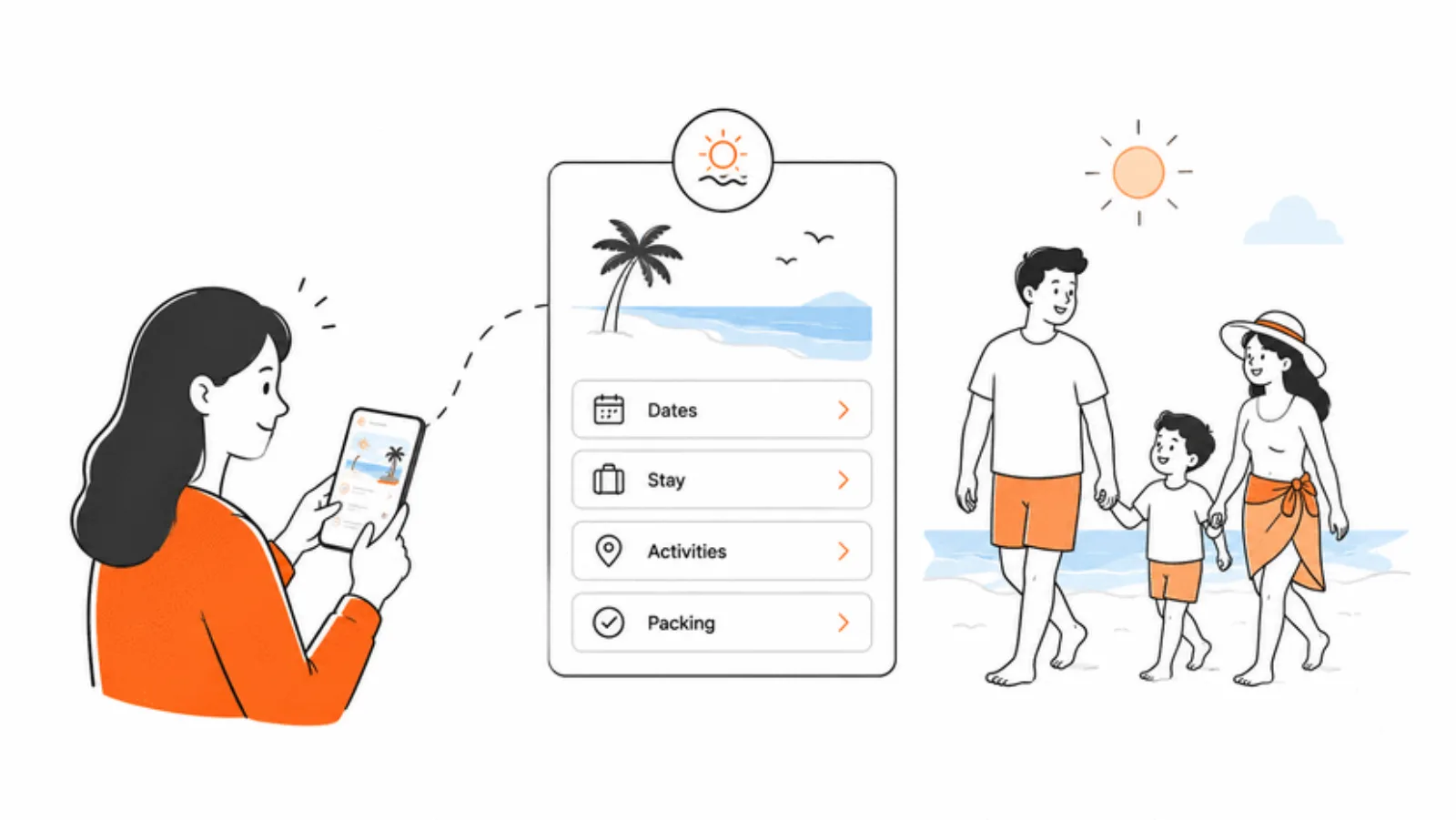
Family vacation planner
Map out school-free periods, vacation blocks, trips, and childcare coverage on a visual timeline. Add pet care, share notes, and finalize when everyone agrees.
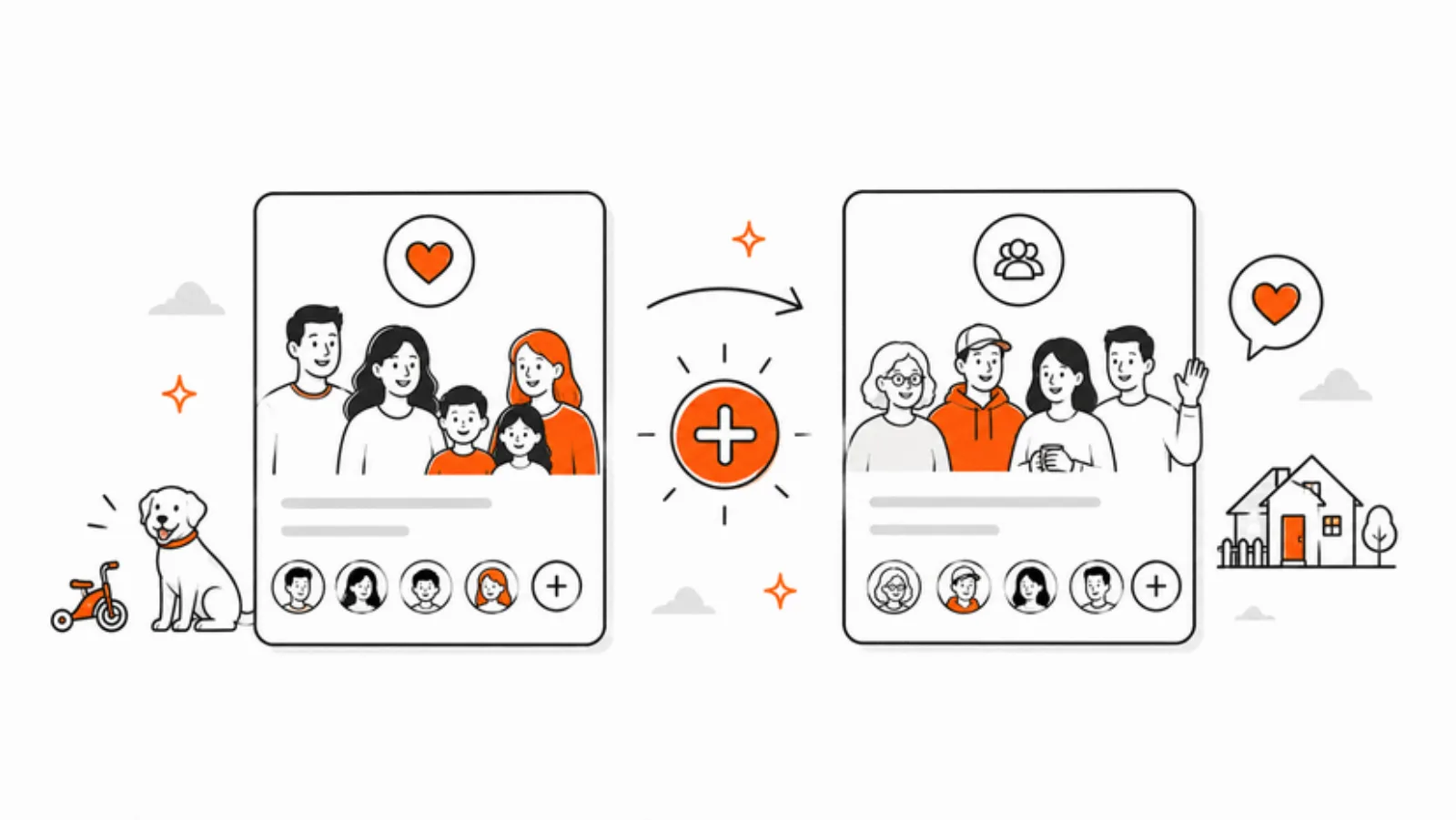
Co-parent friendly
Famnly Pro lets you belong to up to three calendar groups - one private, one shared with a co-parent for the kids' schedule. A neutral base for collaborative co-parenting. Why we built it this way →
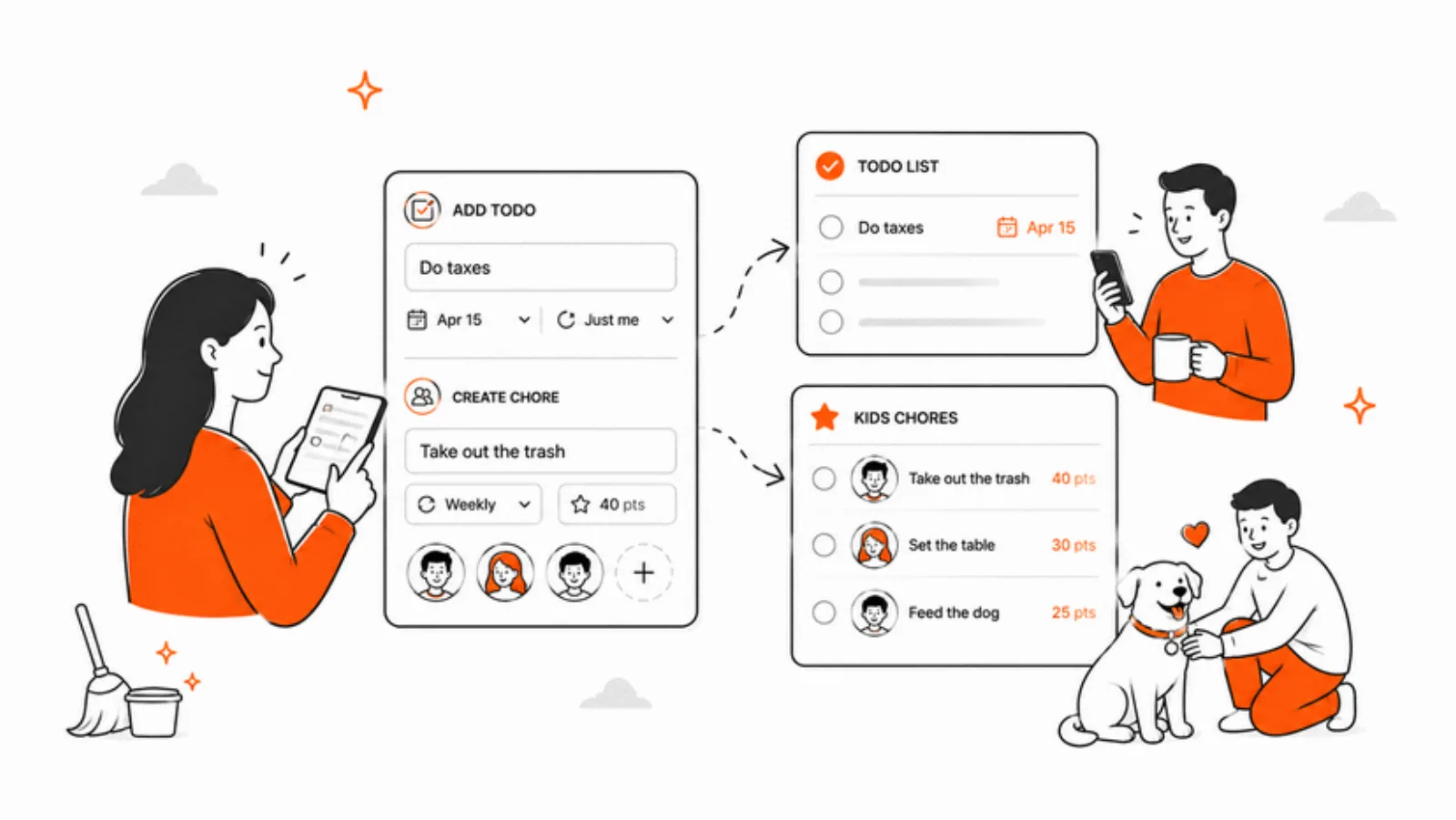
Child accounts, done right
Kids see their own week and know who's picking them up, without seeing the whole household calendar. Fewer “Dad, what are we doing?” texts.
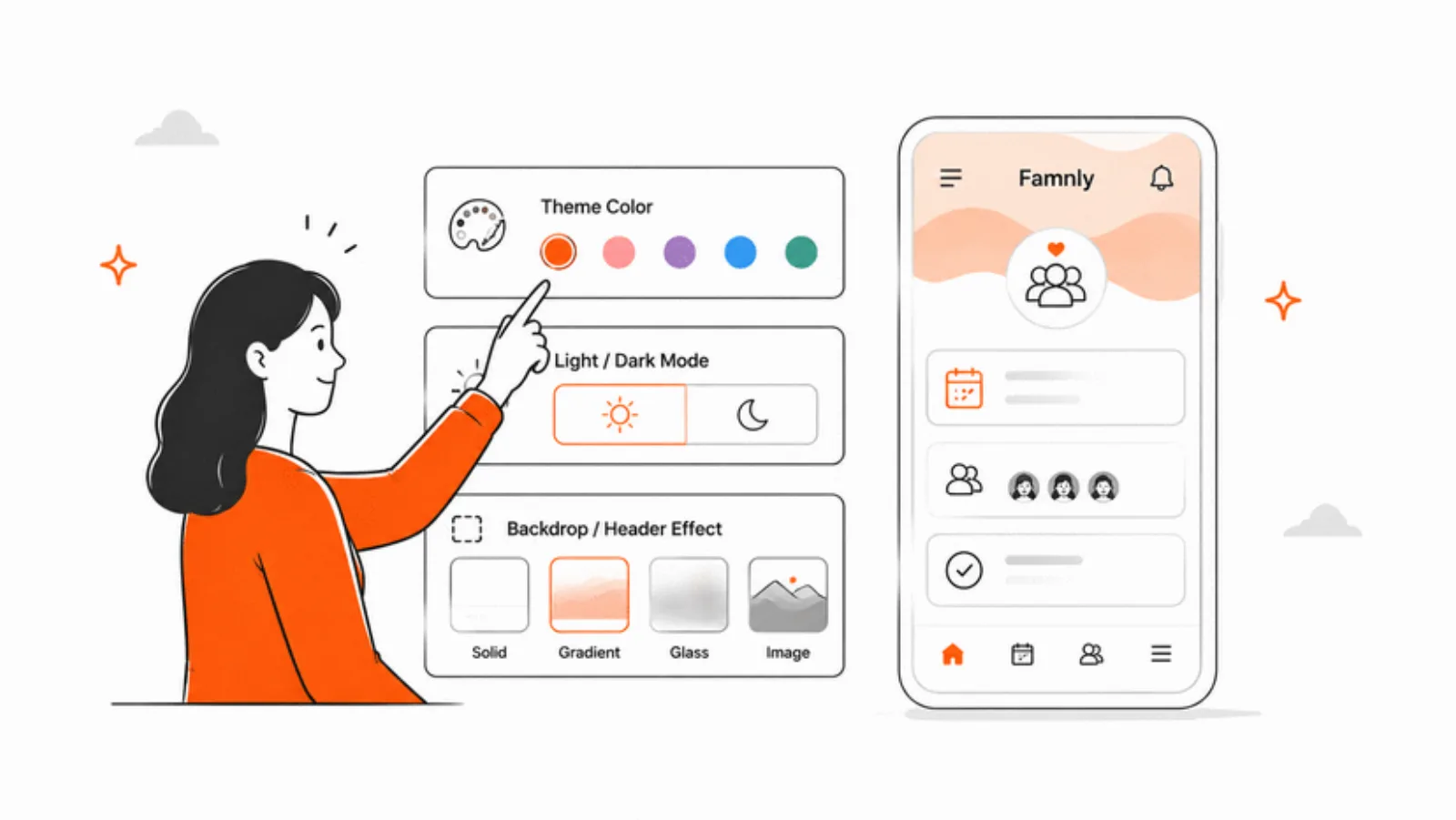
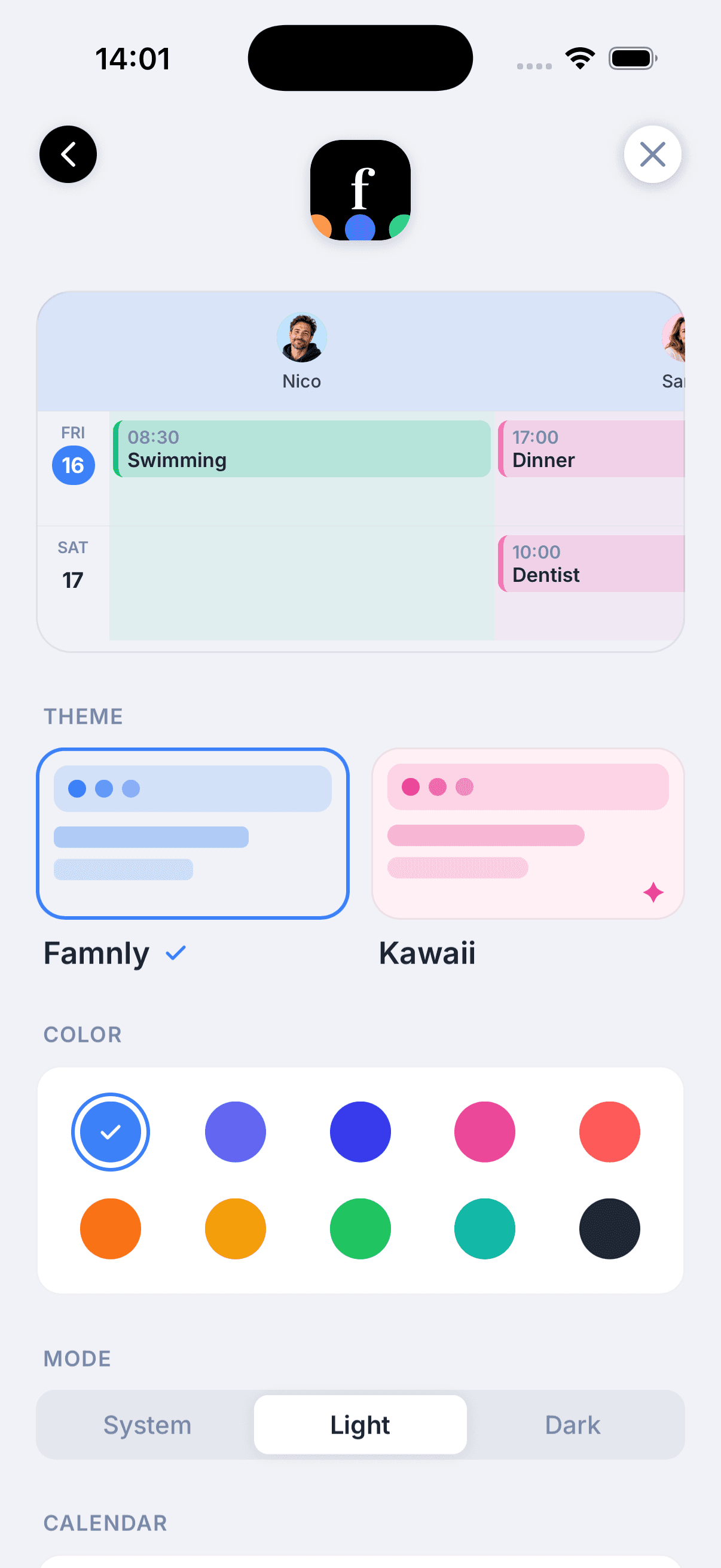
Themes & proper dark mode
Choose from multiple themes and toggle between light and dark mode. Your family calendar, your style.
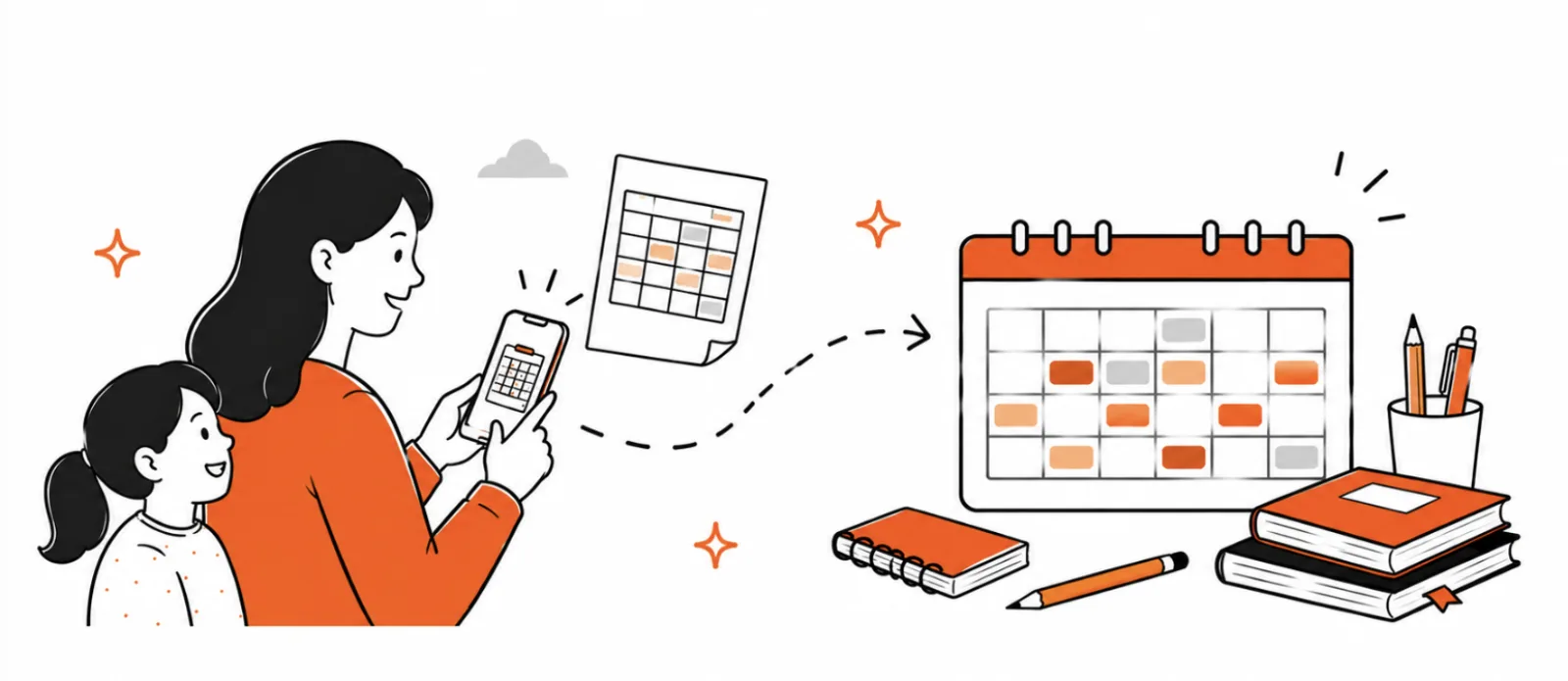
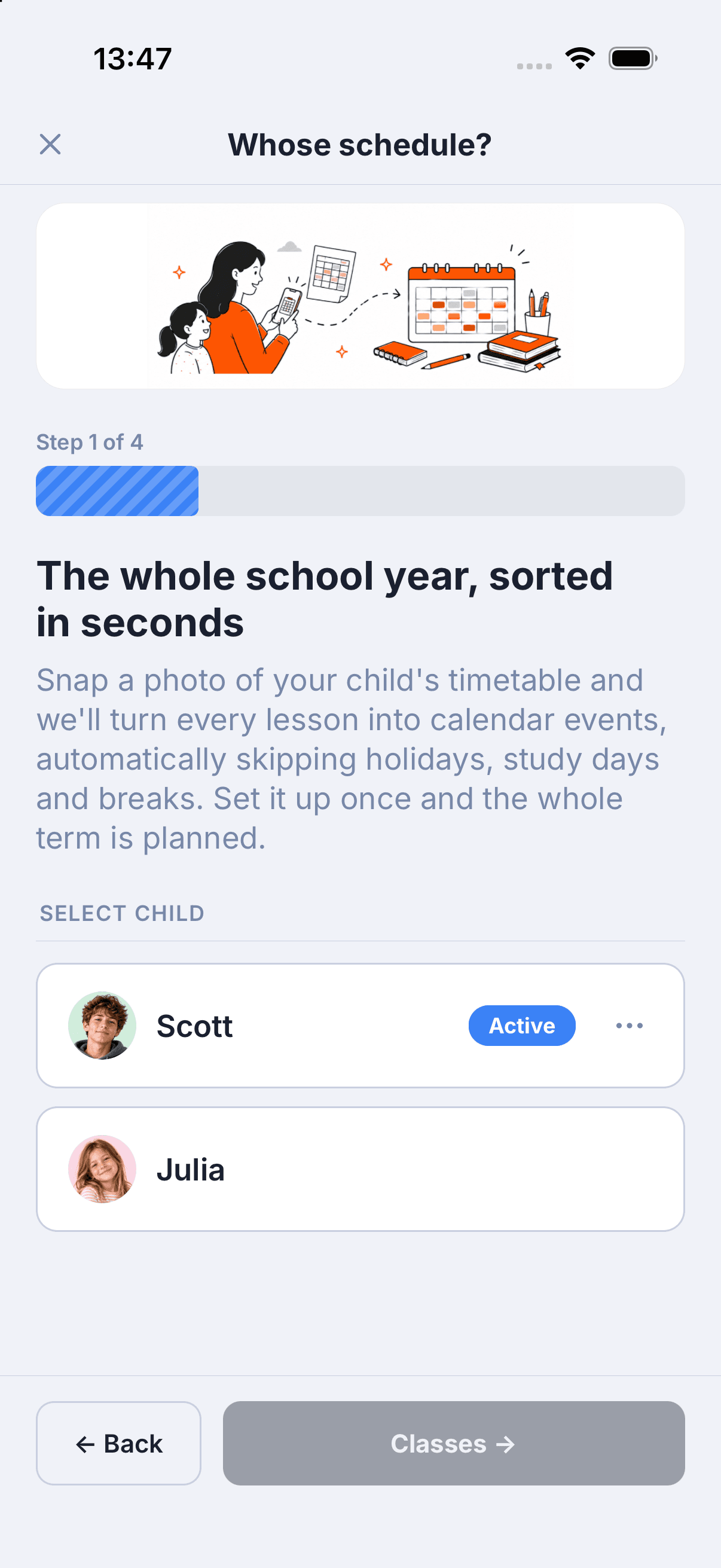
School schedules from a photo
Snap the paper timetable from the first day of school - AI reads every class and puts the whole term on your child's calendar, breaks excluded, with reminders ahead of every day off.
Home-screen widgets
Today's agenda, countdowns to featured events, and the date - right on your home screen, before you even open the app.
How Famnly stacks up against the alternatives.
| Feature | Famnly | Cozi | Google Calendar | Skylight |
|---|---|---|---|---|
| Push-to-talk event capture | Yes | No | No | No |
| Per-person color columns | Yes | Partial | No | Device only |
| Shared grocery lists & meal planner | Yes | Gold only | No | Yes |
| Chore tracker with allowance | Yes | No | No | Yes |
| Works on your phone (no hardware) | Yes | Yes | Yes | Hardware required ($300+) |
| Whole family on one subscription | Yes ($5.99/mo) | Gold $39/yr | Free | Device price + sub |
Set up your family calendar in 3 steps.

Download & create your family
Install Famnly on your iPhone and set up your family group. Invite your partner, kids, or a co-parent by link.
Add members, pets, and places
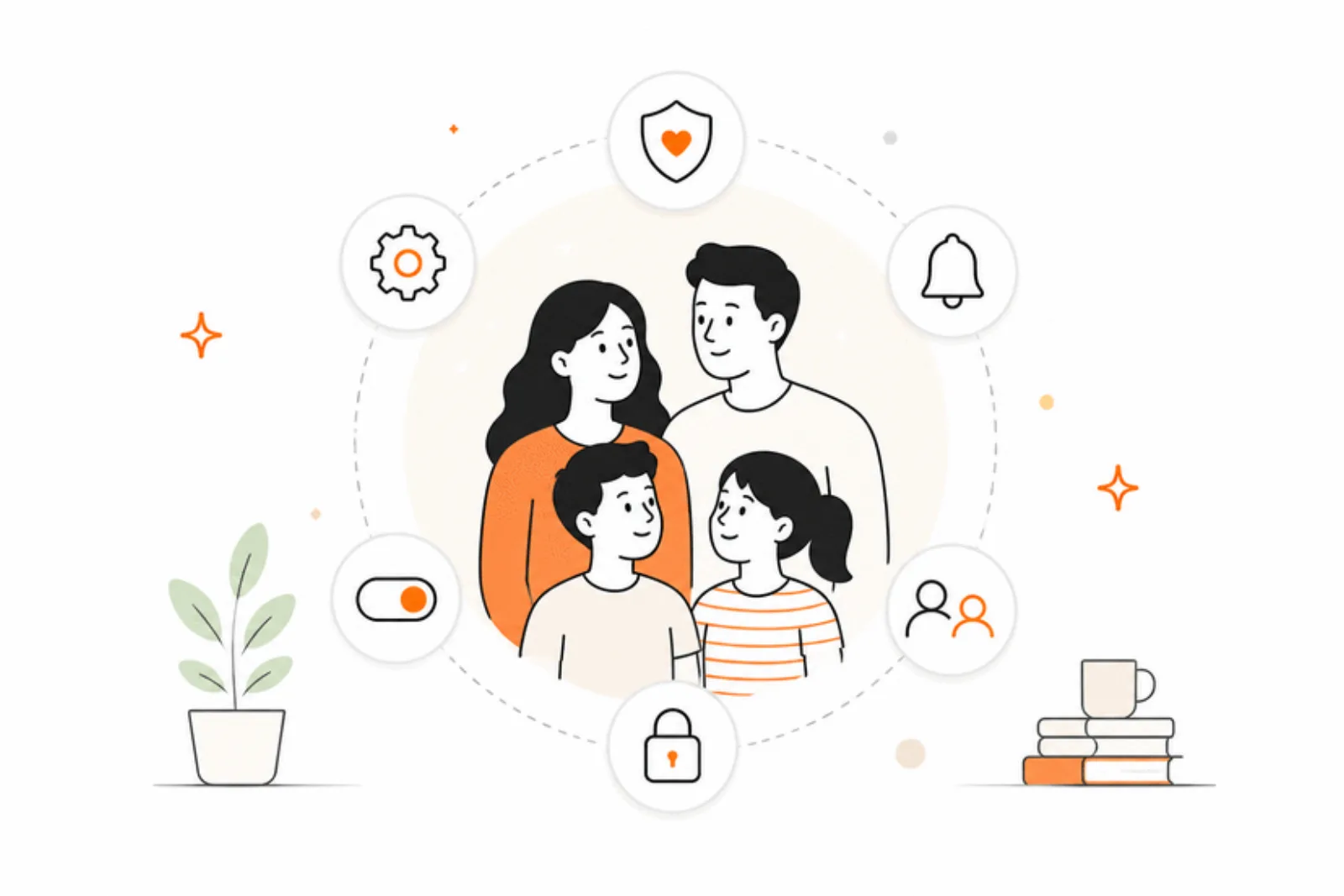
Each family member, pet, and place gets their own color-coded column so the week reads at a glance.
Bring in your calendars & start planning
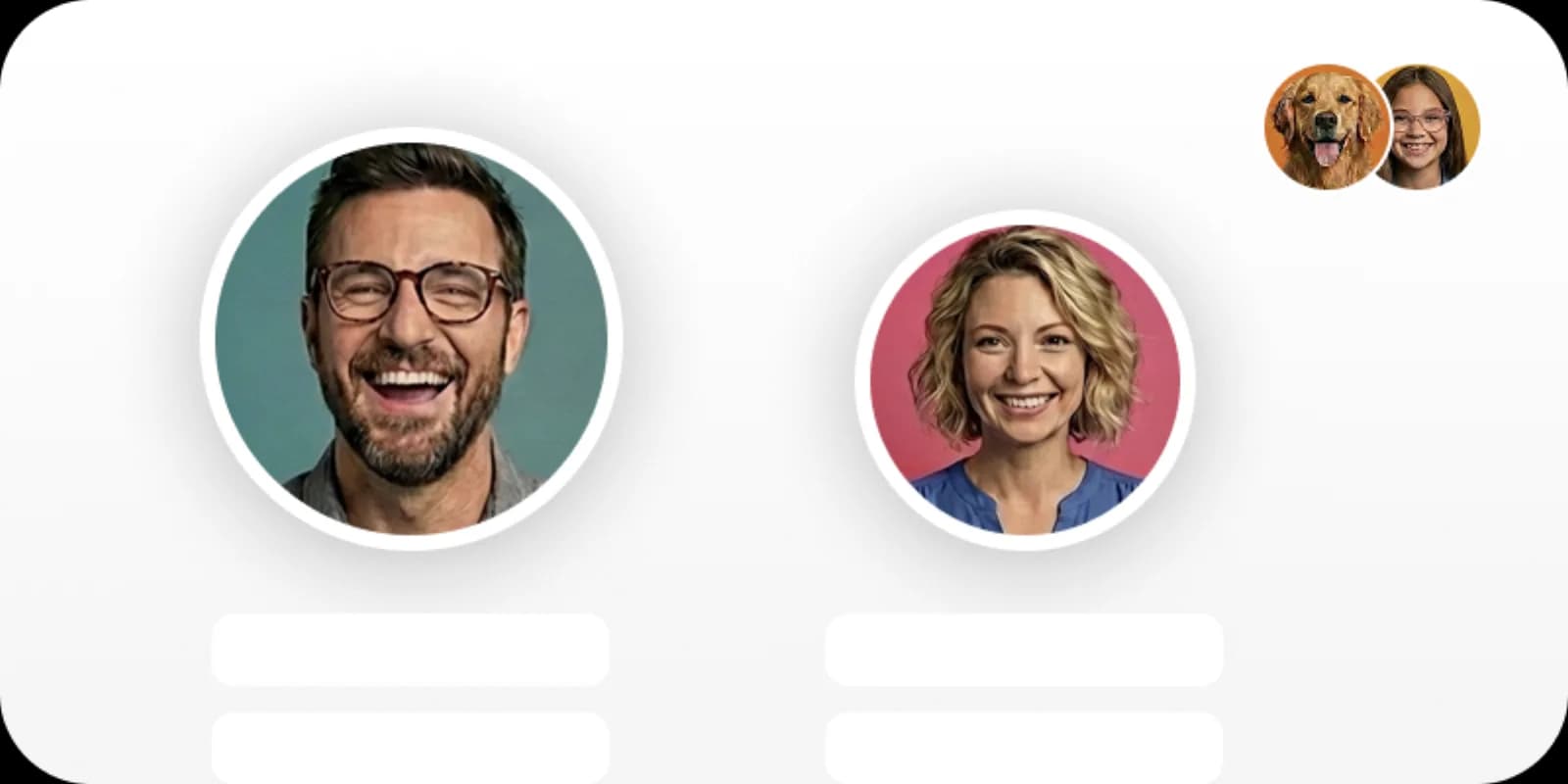
A short guide brings in your iPhone, Google and Outlook calendars, each in the right column. Then add events by typing, or just hold the mic and speak.
Questions families ask about Famnly.
What is a family calendar app?
A family calendar app is a shared scheduling tool that keeps every member of a household in sync. Parents, kids, and co-parents see the same events, activities, and reminders - usually with color-coding per person, sync to work calendars, and extras like chore tracking or shared grocery lists. Famnly is built around that shared view, with a column per family member, pet, and place.
How does Famnly compare to Cozi?
Cozi has been around since 2005 and covers the basics - shared calendar, grocery lists, recipes. Famnly is a newer take built for 2026: push-to-talk AI event capture, animated per-person color columns, dark mode with multiple themes, a chore tracker with a rewards marketplace and monthly allowance rules, and pet and place columns. And Famnly Pro includes the whole family on one subscription.
Does Famnly work with Google Calendar, Outlook, and Apple Calendar?
Yes. Famnly's calendar guide brings in calendars from your iPhone (iCloud and On My iPhone), Google Calendar and Outlook, and school or club calendar links. Each one either moves into Famnly or stays in sync, read-only, and keeps updating from where it lives. Bringing in your own calendars is free; everyone's columns and calendar links come with Famnly Pro.
Is Famnly free?
Famnly is free to start. Famnly Pro unlocks unlimited family members, calendar sync, chore tracking with allowance, AI meal planning, vacation planner, pet and place columns, and more for $5.99 per month or $39.99 per year - one subscription covers your whole family.
Can my whole family use one subscription?
Yes. One Famnly Pro subscription covers your partner, kids, and anyone else you invite to your family group. No per-seat fees, no upsells to see next month.
How is Famnly different from a shared Google Calendar?
Google Calendar is a generic calendar you can share. Famnly is built around the shape of family life: a column per person, pet, and place; push-to-talk event capture; shared grocery lists linked to events; chore tracking with points and allowance; a vacation planner; and kid-friendly child accounts. Google Calendar still works great as an input - Famnly syncs with it - but the planning happens in Famnly.
Does the family calendar work on iPhone, iPad, and Android?
Famnly is on iPhone and iPad today (App Store), and Android is coming soon to Google Play. When it lands, sign in with the same account and the whole family shares one calendar, whatever phone each of you has.
Can kids have their own accounts?
Yes. Child accounts let kids see their own week, check what's coming up, and know who's picking them up without seeing the whole household calendar. They can also earn points for chores and redeem them in a rewards marketplace you control.
Can co-parents share a family calendar in Famnly?
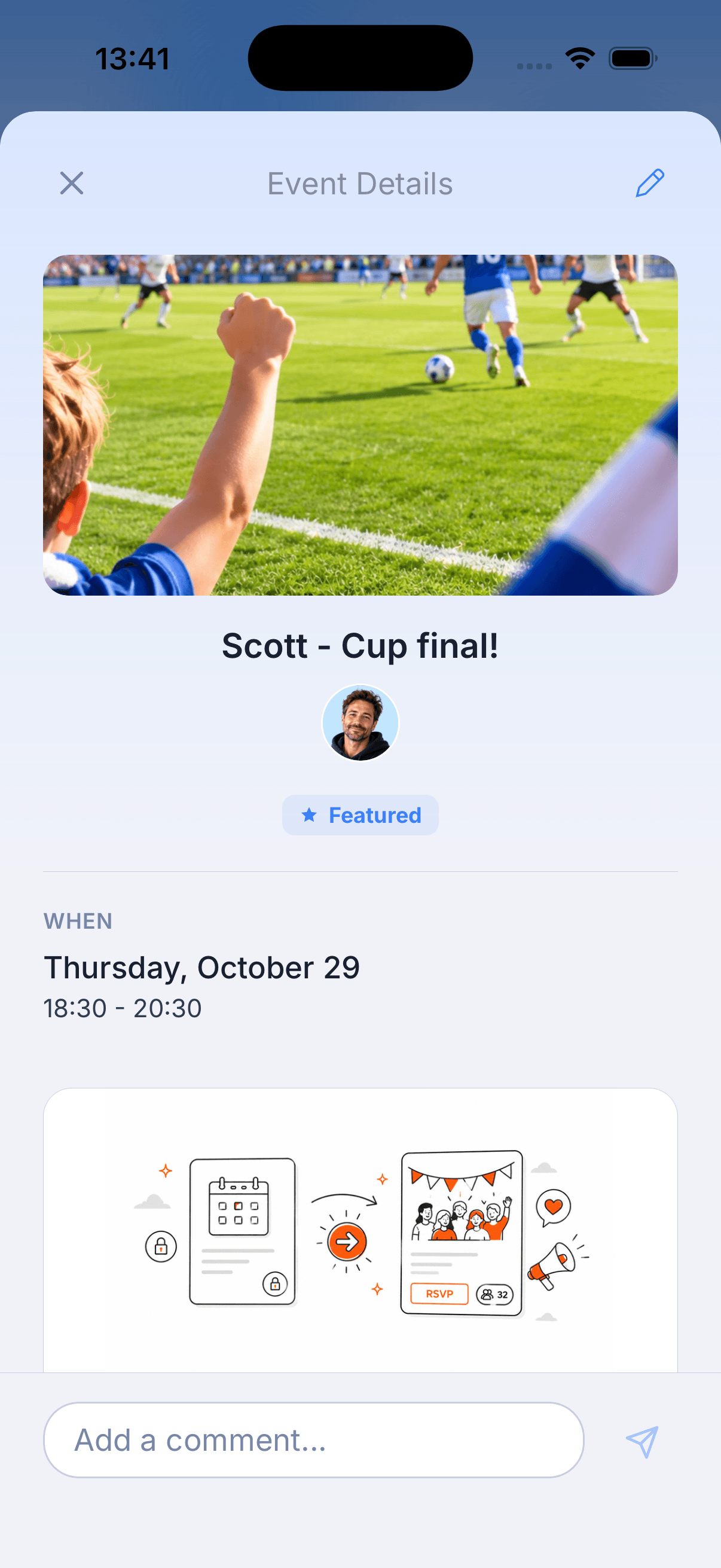
Yes. Famnly Pro lets you belong to up to three calendar groups, so you can keep your household calendar private and run a neutral shared one for the kids' schedule with a co-parent. Every event has its own comment thread for confirming pickups, drop-offs, and who's bringing the cleats.
Is my family's data private?
Your calendar data is yours. For push-to-talk, your phone's own speech recognition turns your voice into text, and Famnly never receives or stores the recording. Read the full privacy policy for the specifics on what's stored and how.
Can I bring my existing calendars into Famnly?
Yes. A short guide finds your family's calendars on iPhone, Google and Outlook, matches each one to the right person, and lets you choose: move it in, and its events become Famnly events with comments, helpers and tasks, or keep it in sync, so a calendar someone else runs, like work or school, keeps updating. Moving in copies a year back and a year ahead. Your original calendars are never changed.
How do I add events with my voice?
Famnly Sidekick is the push-to-talk AI event capture built into the app. Press and hold the mic, say what's coming up ("dance lesson for Ella tomorrow at 5"), and Famnly creates the event - dated, assigned to the right person, reminder set. It's the first family calendar app with push-to-talk event capture.
Can Famnly turn a paper school schedule into calendar events?
Yes. Snap a photo of the paper timetable your child brings home and Famnly's AI reads every class, lets you review and edit it, and creates the full term of events on your child's calendar - with school breaks and study days excluded. Famnly can even read the days off from a photo of the school-year calendar, and it reminds you a couple of days before a school-free day. The schedule is saved as an editable template, so when a period changes you reopen it and everything regenerates.
Your family calendar, finally in sync.
Free to start. See pricing - on iPhone, Android coming soon.
Download FamnlyApp Store · Android coming soon
Need help? Visit our support page · Compare to other apps