You remember the dentist appointment at 9:14 in the evening, standing in the kitchen with a dish towel, half-listening to a podcast. By the time you've unlocked your phone, opened the calendar app, tapped new event, scrolled to the right day, set the time, set a reminder, and picked which kid — three things have already gone wrong. You've forgotten the time. The kid put their shoes on. The dog wants out.
Every family calendar app on the App Store right now — Cozi, TimeTree, Google Calendar — makes you type it in. That's fine when you're sitting at a desk. It's wrong when you're in a kitchen. So we built Sidekick.
How it actually works
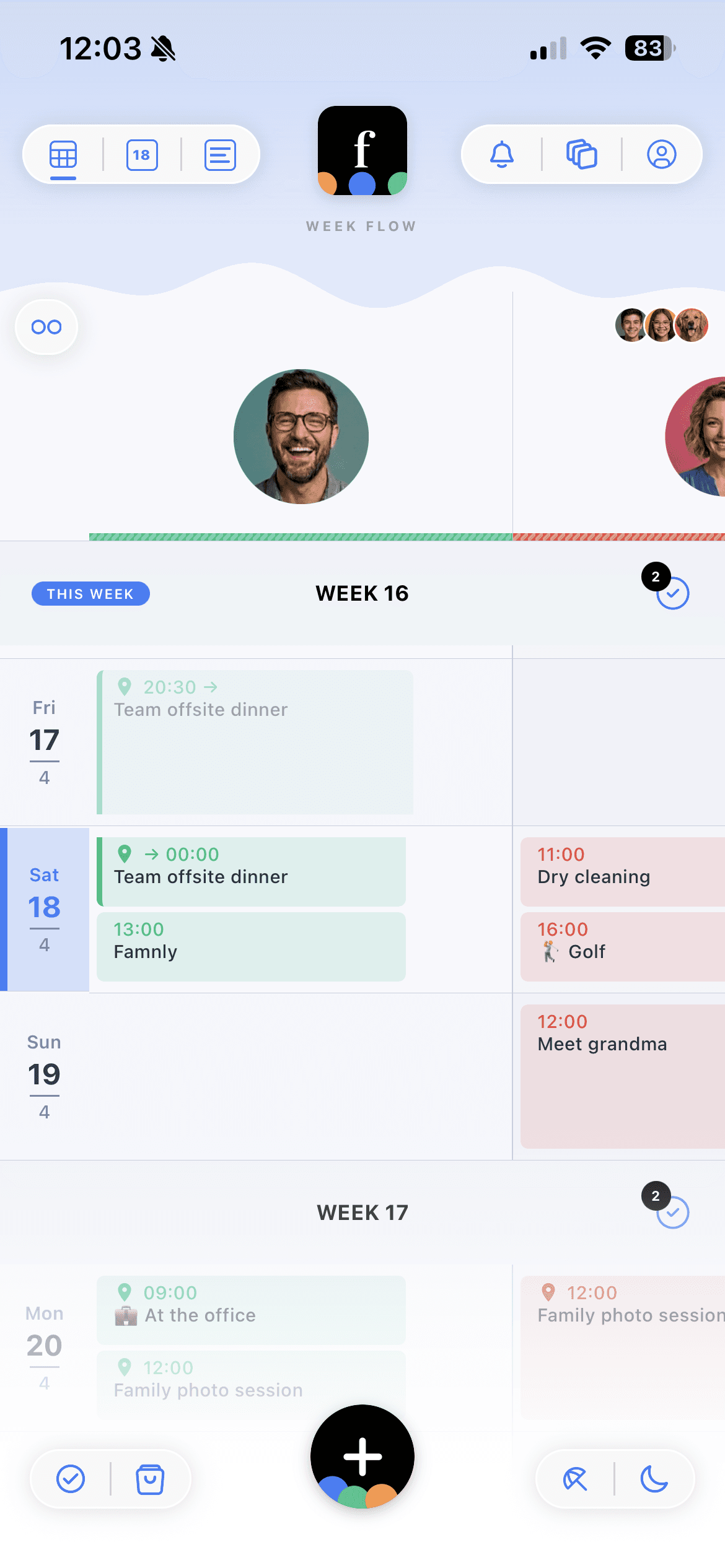
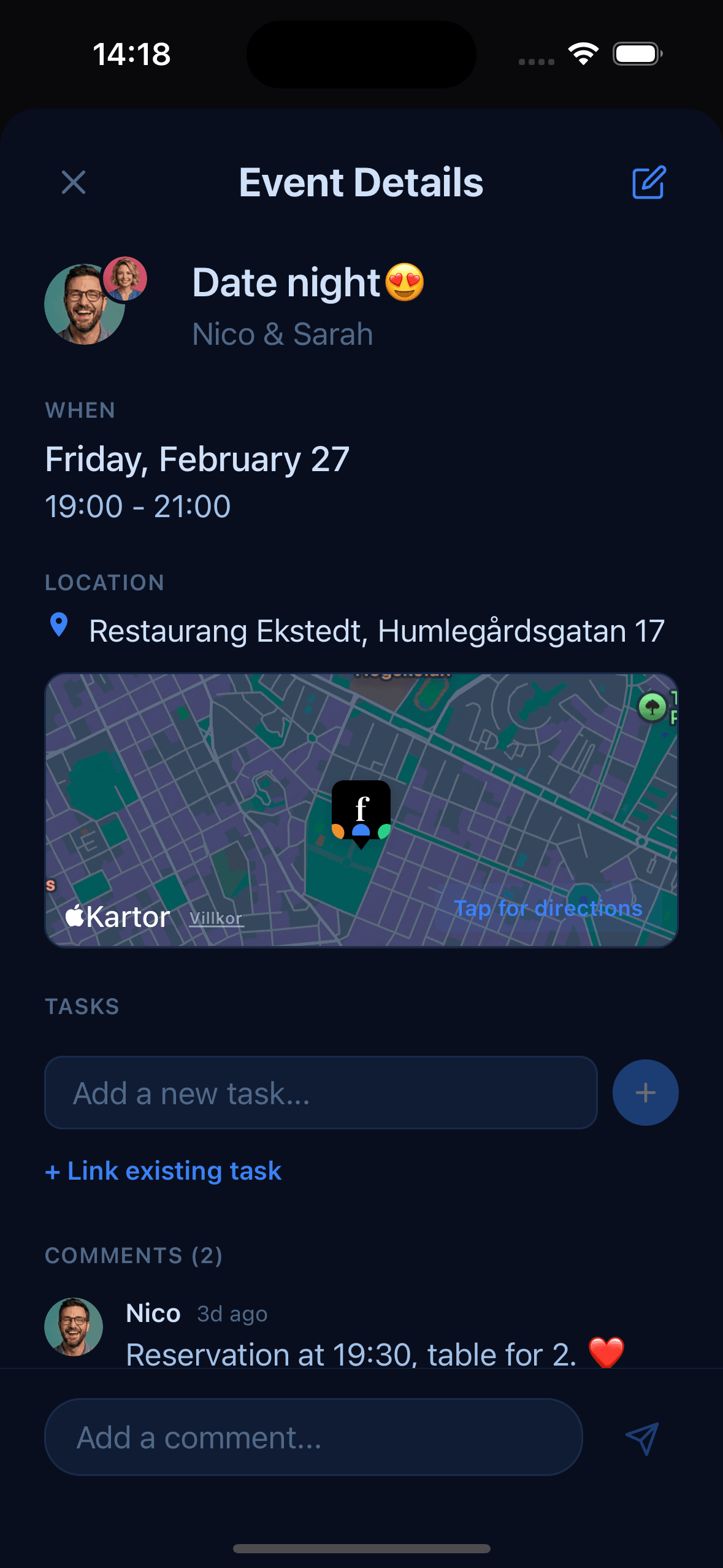
You hold the microphone button in Famnly and say what's coming up. That's it. Famnly extracts the event, puts it on the right day, assigns it to the right person, and sets a reminder. A draft appears on screen — you can tweak it, or just tap save.
Things you can just say
- “Dance lesson for Ella tomorrow at 5”
- “Dentist Tuesday 9am, remind me 30 minutes before”
- “Soccer practice every Wednesday 6 to 7pm”
- “Dad's birthday next Saturday”
Recurring events, specific reminders, dates in any natural form — "next Tuesday", "in a week", "every other Friday". Famnly handles it. In Swedish too — we built this for bilingual households from day one.
The mental load isn't that the calendar is hard. It's that adding to it is hard.
The privacy question, answered up front
When we started testing Sidekick with families, the first question was always the same: where does the voice go? The answer is: nowhere. Your phone transcribes what you said on-device, using Apple's speech recognition. Famnly only ever sees the text.
This mattered to us for two reasons. One: a calendar for kids should not be a device that records kids. Two: on-device transcription is faster anyway — Sidekick gives you partial text in real time while you're still talking. No round-trip to a cloud model.
Why nobody else does this
Push-to-talk event capture isn't in any of the major family calendar apps. Not Cozi. Not TimeTree. Not Google Calendar. Not Apple's. We think the reason is that it's genuinely hard — getting a family member out of a sentence like "soccer practice for Mia every other Wednesday through May" requires a model that understands family context. We ship the family roster with the transcribed text so the language model can do relational resolution ("my daughter", "Dad", "Ella") correctly. It turns out that's more valuable than any fancy fuzzy-matching.
What we learned building it
- 1Review-before-save beats auto-save. Families trust the calendar more when they see what was captured and can fix it in one tap.
- 2Partial transcripts during the hold are more reassuring than a spinner. You can see it hearing you.
- 3Bilingual extraction is not an afterthought. We include Swedish examples in the prompt so "vårdcentralen" resolves to a doctor's appointment correctly.
- 4Voice is a companion to typing, not a replacement. The same event sheet opens whether you tapped + or held the mic.
Sidekick is live in Famnly today, on iOS. It's the first push-to-talk event capture in a family calendar, and — for now — the only one.