It's mid-August. Sunday evening. You open the family calendar because the summer finally feels like it's ending, and the first thing you notice is that you've been holding “first day of school” in your head as a single event. It isn't. It's seven, and at least four of them land inside your working hours.
Orientation is Wednesday morning. The first actual day is Monday after that. Pickup moves to a new time, and you don't remember what the new time is. Fritids starts one day later than school does, for reasons. Soccer practice restarts the week after. Parent-teacher night is a Thursday at 6pm. And the first homework deadline, the one you always forget, is ten days in.
Why the week ambushes you every year
Not because you're disorganized. Because the school sends six emails across June and August, the afterschool program sends two more, the soccer coach texts the parents group once, and the only person holding the union of all of it is you. You reconstruct the first week from inboxes and screenshots, badly, every August.
And because it's seasonal, it doesn't live anywhere durable. You figure it out in August, you survive the week, you forget the structure by October. Next August the emails start arriving and you're doing the same reconstruction from scratch, this time with a kid one grade older and a new classroom to find.
The first day of school isn't one event. It's seven, and the ambush is that four of them overlap with your job.
Enter it once. Let it ship every August.
The move is to treat the back-to-school week as a template rather than a surprise. Seven events, set once, each on YEARLY recurrence. The dates nudge by a day or two from one year to the next, but the structure is the same — and series edit mode lets you move a single year without rewriting the whole thing.
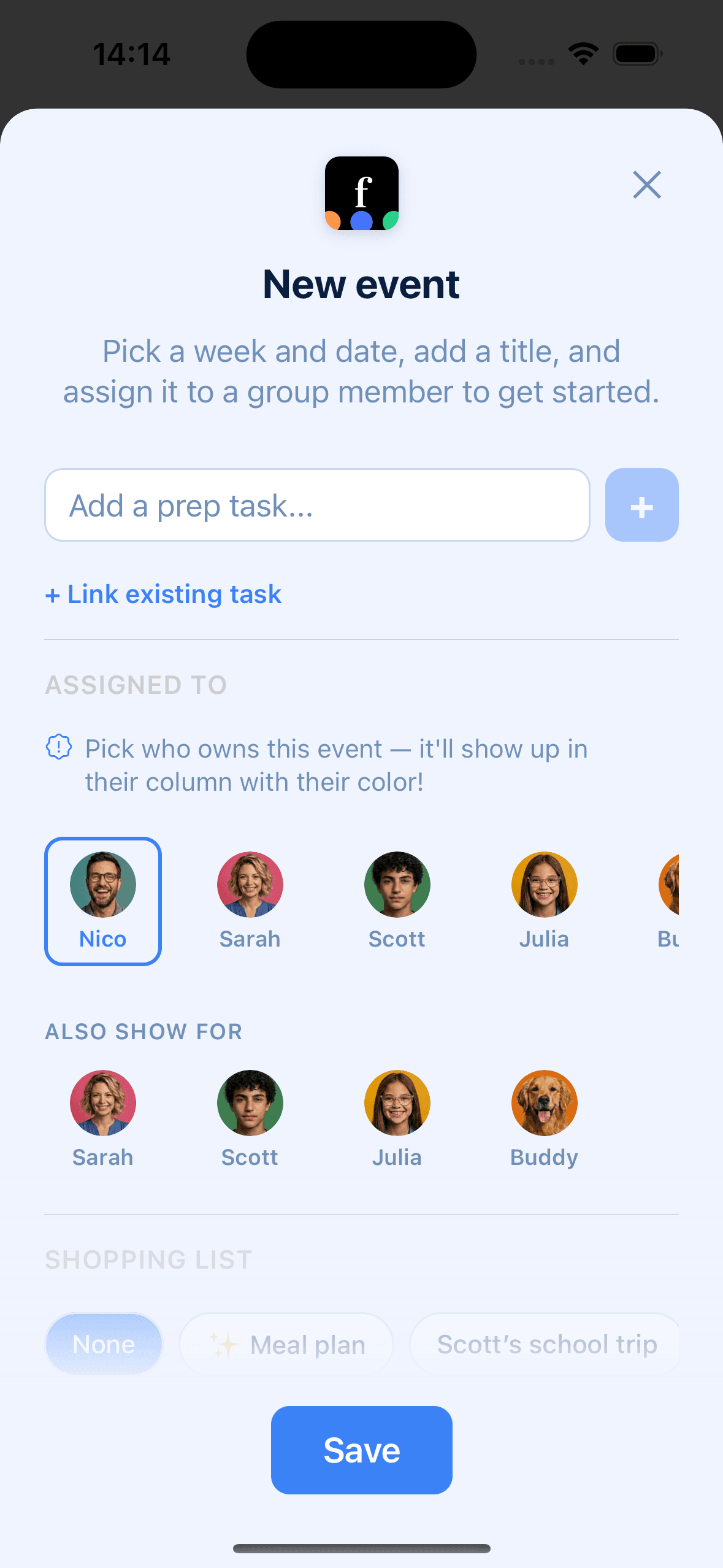
The Swedish public holiday overlay knows when the school term starts in most municipalities, which is useful background when you're setting the anchor date. Birthdays you've already added keep showing up in their own layer, so a classmate's August birthday lands in the same view as orientation.
The seven events, in the order you should add them
- 1Orientation or open day. Usually a weekday morning the week before classes start. Link the kid and at least one parent. Set the location to the school's main entrance with Google Places so anyone arriving separately can tap for directions.
- 2First day of school. Mark it as a featured event with a 7-day countdown. The kids will see “in 7 days”, “tomorrow”, “today” above the calendar. Link both parents so whoever handles the first drop-off has the reminder on their phone.
- 3Daily pickup, recurring. Weekdays only, at whatever time pickup actually is this grade. Assign it to the parent who does pickup by default. If pickup alternates, use linked members and let the event comment carry the week's who-does-what.
- 4Afterschool or fritids. It almost never starts on the same day as school itself. Add it as its own event, on its own start date, with the fritids number in the event comment so whoever's picking up has it in one tap.
- 5Weekly activity restart. Soccer, swimming, piano, ballet — whatever resumed-in-September thing you have. Weekly recurrence, linked to the kid and to the parent who drives. Store the venue address so the first week doesn't turn into a parking-lot scramble.
- 6Parent-teacher night (föräldramöte). Usually one evening in the first two weeks. Link both parents, set a one-day reminder, and put the teacher's room number in the event comment when the email arrives.
- 7First homework due date. The one nobody notices because it's ten days after school starts. Assign it to the kid (on their own Famnly account if they have one), set a reminder two days before, and let the kid own the reminder rather than you being the fallback.
Once these seven are in, the template exists. Next August, Famnly ships them to you on the right days automatically. You edit what changed — a new teacher, a new pickup time, a new coach — and the rest of the scaffolding is already there.
Or skip the typing: photograph the schedule
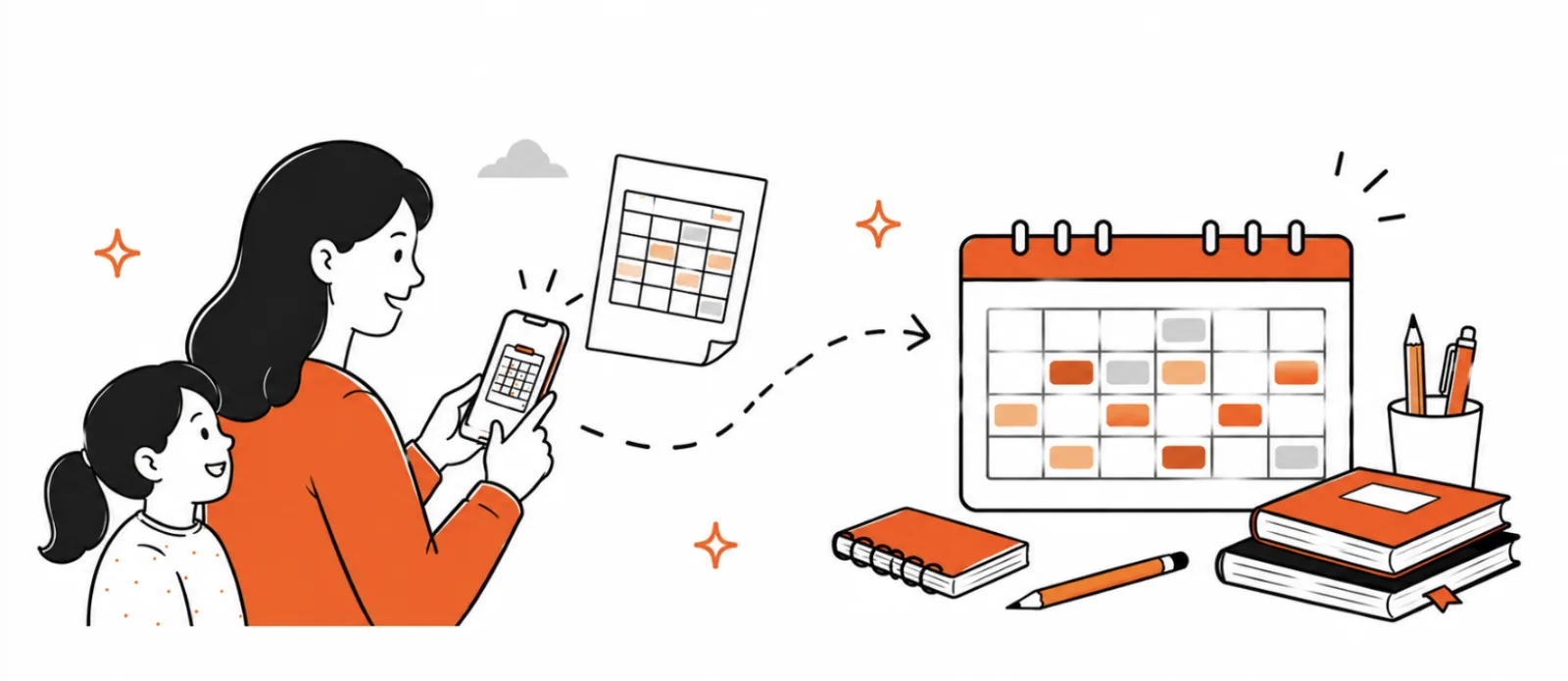
One more thing before you start typing lesson times: don't. When the paper timetable comes home in the backpack, point the camera at it instead. Famnly reads every class, you review and fix anything before a single event is created, and the whole term lands on your child's calendar, school breaks excluded. Snap the school-year calendar too and the days off go in as well, with a nudge a couple of days ahead of each one, so a school-free Monday never surprises you at breakfast.
The scanner covers the grid: lessons, days off, the shape of the term. The seven anchors above are still yours to add, because no timetable mentions orientation morning, the fritids start date, or the first homework deadline. Photograph the schedule, add the seven events around it, and the week is genuinely done in one evening.
What a template can and can't do
It doesn't stop the emotional whiplash of the first week. The kids will still miss summer. You'll still forget a lunchbox. Someone will cry about a shoelace on Wednesday morning. A template is not a cure for the feeling of the season turning over.
What it does is narrower. It takes the logistical ambush out of the week — the part that's pure who, when, where — and moves it out of your inbox and onto a calendar everyone in the family can read. That's often the part you can actually improve. The rest is just August doing what August does.