It's Wednesday and you're trying to nail down the guest list for Saturday. There's a WhatsApp group with the six parents who answer fast. There's a Google Form because two of them never read WhatsApp. There's a reply-all email thread for the grandparents and the neighbour who insists on email. There's a sticky note on the fridge where you've started writing names. And every twenty minutes you look at all four and try to total it up, which never quite works because Anna's mum said yes in two places and no in one.
The cake is the easy part. The list of who's actually coming is the part that eats your week. Most of that work is invisible — it's the host's mental load, spread across four apps that don't talk to each other, and the only person who can reconcile them is you. The invitees, meanwhile, are doing fine. They tap a button. They send a message. They forget. The asymmetry is the whole problem.
The events that matter most are the ones that spill outside the family
A family calendar that stops at the family is a calendar that stops where the work begins. Birthdays, classroom parties, sports playoffs, dinners with the neighbours, the cousins coming through town — those are the high-friction events, and they're high-friction precisely because the family isn't the guest list. The moment the guest list crosses the household boundary, every shared calendar app punts to a different tool: Eventbrite for ten dollars a head, Partiful if your guests are under thirty, a Google Form if you're patient, a paper invitation if you're not.
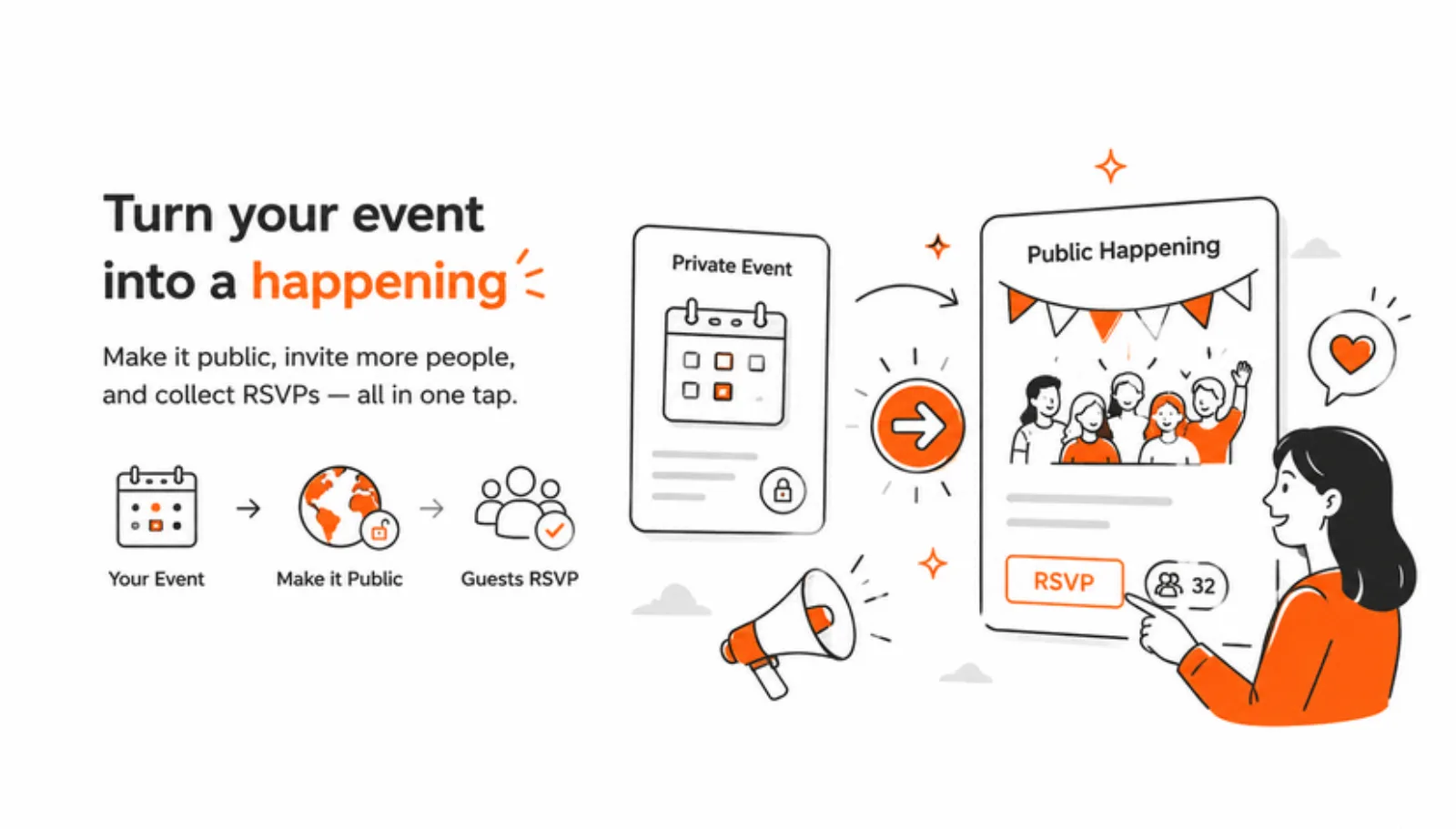
Public Happenings is the answer to that. You take any event you've already created in Famnly — the kid's birthday on Saturday at three — and turn it into something public, in two taps. A link, an email list, six bundled cover themes if you want one, and a deadline. That's it. The host's calendar is still the calendar. The guest list lives next to the event. The replies come back into the same app.
Two taps to make an event public
Open the event sheet. There's a card at the top — image hero, white footer, one button: Make this a happening. Tap it and a four-step wizard opens. Step one: a short description. Step two: a cover image — six themes bundled (birthday-pink, birthday-blue, drinks, dinner, picnic, cozy) or upload your own. Step three: a deadline for replies. Step four: paste the emails. Live previews of the public page appear from step two onward, so you can see what the guests will see while you're filling it in.
The yeses come in live, on the same screen
When a guest replies, the count moves on your phone within a second. Supabase realtime broadcasts an invalidation; the section refetches; the new tally animates in. You also get a push notification — "Anna said yes to Birthday Bash" — so you don't have to keep checking. By the morning of the party, you don't open a spreadsheet to count. You glance at the event card. The number is the number.
They don't even need to install Famnly.
What the guest sees
An email lands. Your name in the subject. A hero image on top — the cover you picked. The event title, time, place, a short description, and three big buttons: Yes / Maybe / No. Tap one. They land on a softly tinted page that confirms the reply, with the option to add the event to their calendar — Apple, Google, or Outlook, one button each. No app install. No account. No password. No "Sign up to RSVP". The whole thing takes ten seconds and fits inside the email client they were already in.
When plans change
Sometimes you have to cancel. The kid catches a fever on Friday night, the venue cancels, the weather rules out the picnic. Open the happening, tap Cancel, write an optional reason. Famnly emails every invitee a short cancellation note and attaches an ics file with METHOD:CANCEL — which means every guest who'd already added the event to their Apple, Google, or Outlook calendar sees it auto-remove on their side. No follow-up explanation, no inbox archaeology, no awkward Saturday morning text from the one person who didn't see the cancel.
What it doesn't ask anyone to do
Almost every other tool that does some piece of this asks for something. An account. An app install. A monthly fee per ticket. A new password. A new place to check. The pitch is convenience, but the cost is friction — and the friction lands on the people you're inviting, who are doing you a favour by replying at all.
- No app install on the guest's side — the RSVP page is a regular web page, the buttons are buttons
- No account, no password, no signup wall before they can reply
- No WhatsApp group of strangers, no Google Form, no reply-all email thread
- Yes / Maybe / No in two taps, straight from the invite email
- Add to Apple, Google, or Outlook with one button each — the event lands in the calendar they already use
- Every reply pushes to the host's phone live, with the guest's name
Public Happenings is the smallest possible answer to a problem that families have been gluing together with four apps and a sticky note for fifteen years. The host stays in Famnly. The calendar stays the calendar. And the guest list — the part that used to live in your head — is the part the app finally takes off your hands.