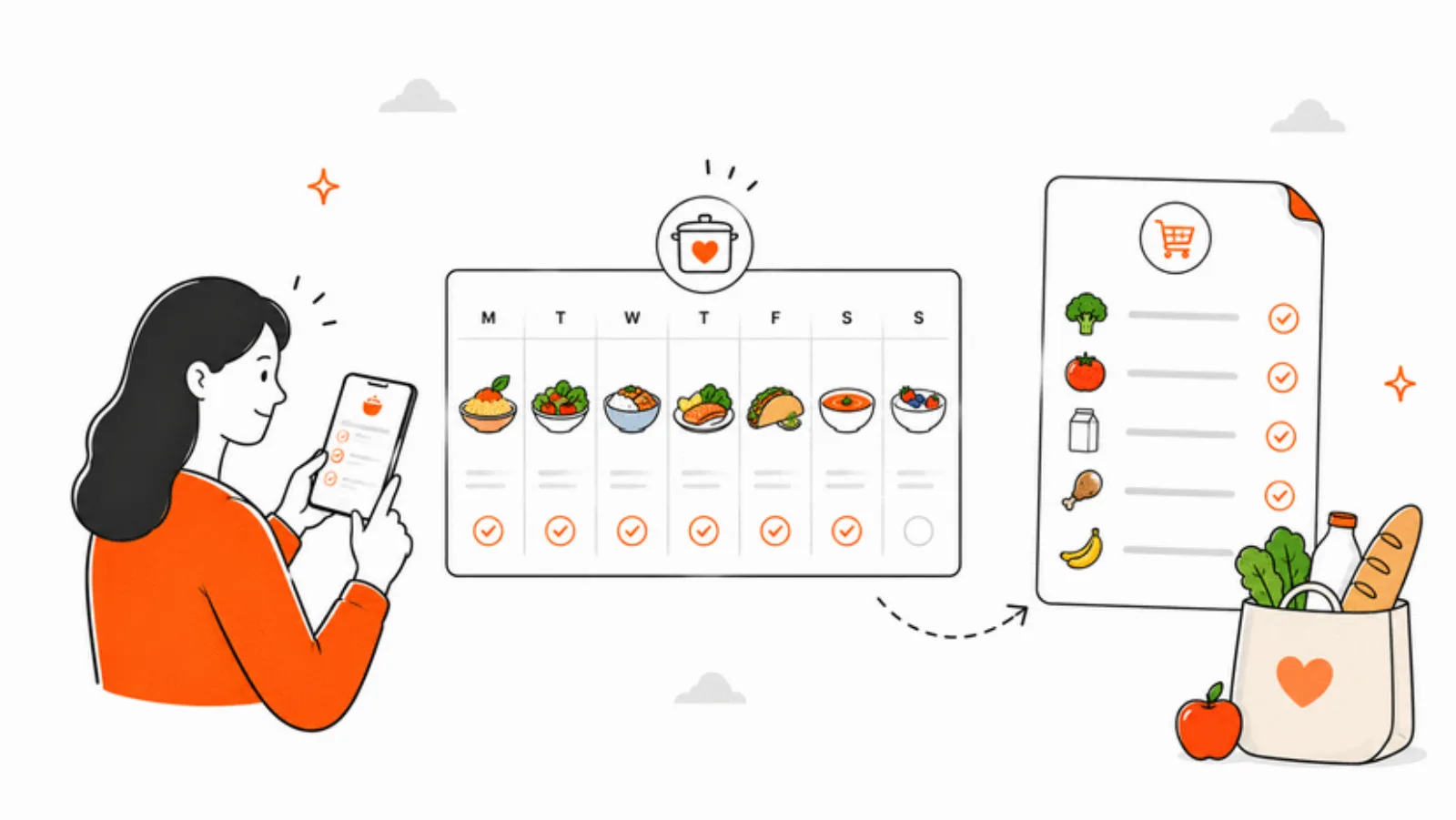
Aisle 4. You're holding a basket with one hand, a toddler's hood with the other, and your phone is pinned between your ear and your shoulder because you're also on speaker with your partner who wants to know if you remembered the yogurt. You glance at the screen. It's dark. It went dark thirty seconds ago, the second you stopped tapping. You fumble the passcode. Someone tries to push past with a cart.
Every grocery list app on the App Store right now does this. Any Apple Notes list, any Reminders list, any of the dedicated grocery apps — they all follow your iPhone's auto-lock setting, which is set to thirty seconds for a reason: your phone is a phone, not a clipboard. The problem is that for twenty minutes a week, you need it to be a clipboard.
What a grocery list actually has to survive
A grocery run is a weird little interface problem. You're one-handed at best, often no-handed — cart, kid, coat pocket. You're walking. You're reading shelves, not a screen. You need the list to be glanceable, the tap target to be huge, and the thing to stay lit until you're done.
You also need the list to shrink as you go. A vertical scroll of thirty-two items is a pile. What you want is the items you still have to find, right at the top, in the order you're walking the store. The stuff you've already picked up can go away. It doesn't need your attention any more.
Tap to check, haptic to confirm
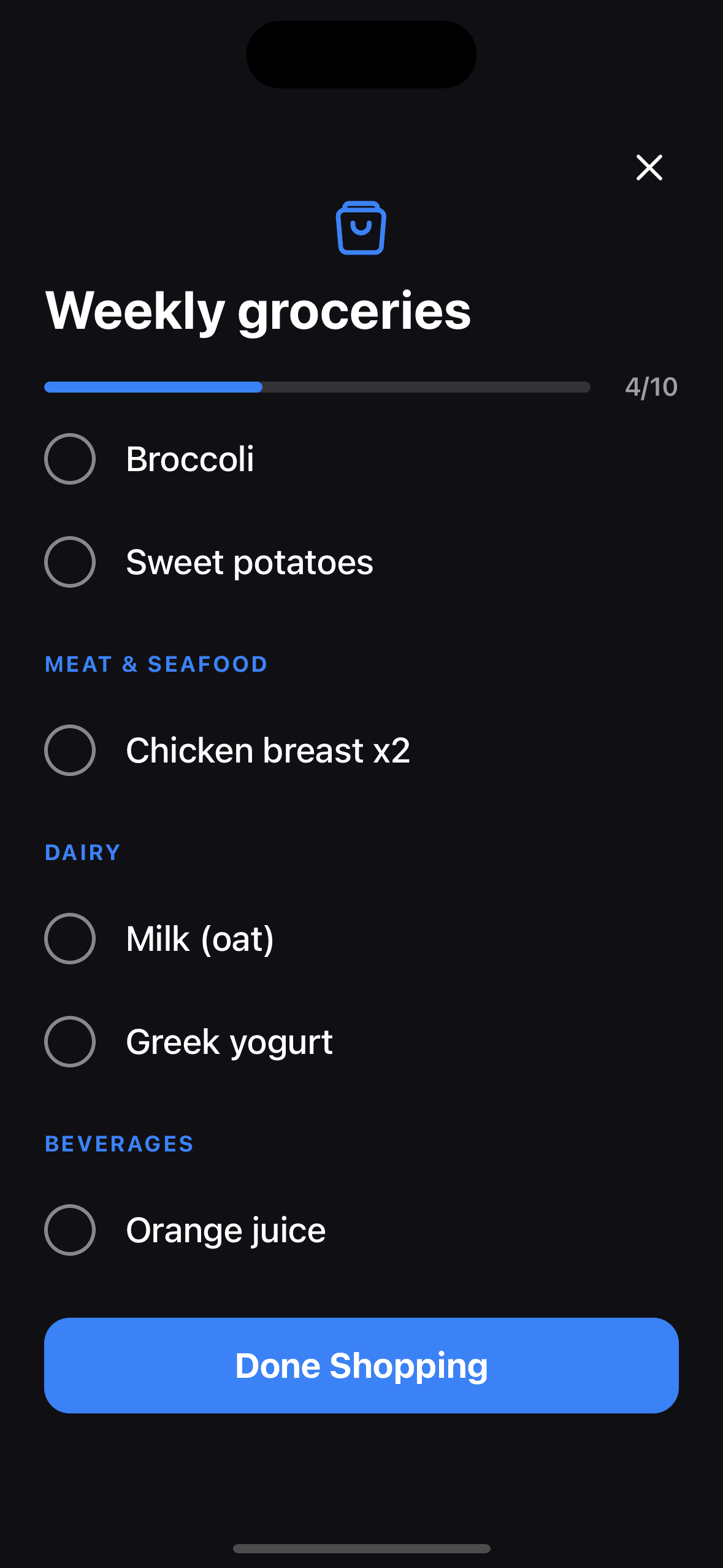
Items in Shop Now are tap targets the size of the row. You don't aim for a checkbox — the whole line is the button. A single tap checks it, the phone taps you back with a haptic, and the item glides down to the Done section at the bottom of the screen with a strikethrough. Untap by accident, the haptic reverses and the item slides back up. The whole rhythm is built for a person who isn't looking at the screen closely.
Progress bar, not a remaining count
At the top sits a progress bar with a done/total counter — 14 of 27, 22 of 27, 27 of 27. You don't have to mentally subtract. You glance at the bar as you round into the last aisle and you know. The status bar is hidden during the run; the progress bar replaces it.
Keeping the screen on doesn't make you a better shopper. It stops the app from being the thing in the way.
Shop Now, in one tap from anywhere
You don't have to dig for the list. If you started the run on Sunday night and walked into the store on Tuesday, the grocery tab remembers and the button on the list reads Continue Shopping instead of Shop Now. Same run, same progress, same Done section. You can pause a shopping run and resume it across stores — useful when you hit two shops for the week.
The list the whole family keeps adding to
The grocery list isn't something one person writes on Saturday morning. It's something the household drops into all week — one parent at breakfast noticing they're out of oat milk, the other on Wednesday remembering the birthday cake flour, the teenager who has opinions about snacks. Every family has multiple lists: a weekly shop, a Costco run, the hardware store, the cabin list for Friday.
- Multiple lists per family, each with its own title (auto-saves when you tap away)
- Add items from the keyboard in one line, drag to reorder, swipe to delete
- Every adult in the family can edit; the list is a shared state, not one person's note
- Tie a grocery list to a calendar event — the birthday party's shopping, the camping trip's run — and the event sheet shows a Shop Now button
That last one is the piece that stops the Tuesday-at-5:47 problem: you open the event for Saturday's birthday party, you see the cake, candles, paper plates list attached to it, and you tap Shop Now from inside the event. No hunting.
What happens after Done Shopping
Hit Done Shopping at the register and Famnly logs the run — the date, the items you checked, the items you didn't — into a shopping history. A few weeks in, that history is quietly useful: you realise the same three things fall off the list every other run, so you stash them in a saved template. You see that the cabin list you built in September is still sitting there, ready for the next trip. You see that last Thursday's shop missed the eggs.
None of that is ambitious. It's what any grocery app should have been doing all along. The only reason it stands out is that the other apps don't keep the screen on.